CSV to PDF
Convert CSV documents to PDF easily with our free online CSV to PDF converter. No downloads or sign-ups required.
CSV to PDF estará disponible pronto
Esta función está en desarrollo y estará disponible próximamente. Mientras tanto, explora nuestras otras herramientas PDF listas para usar.How It Works
CSV to PDF in 3 simple steps
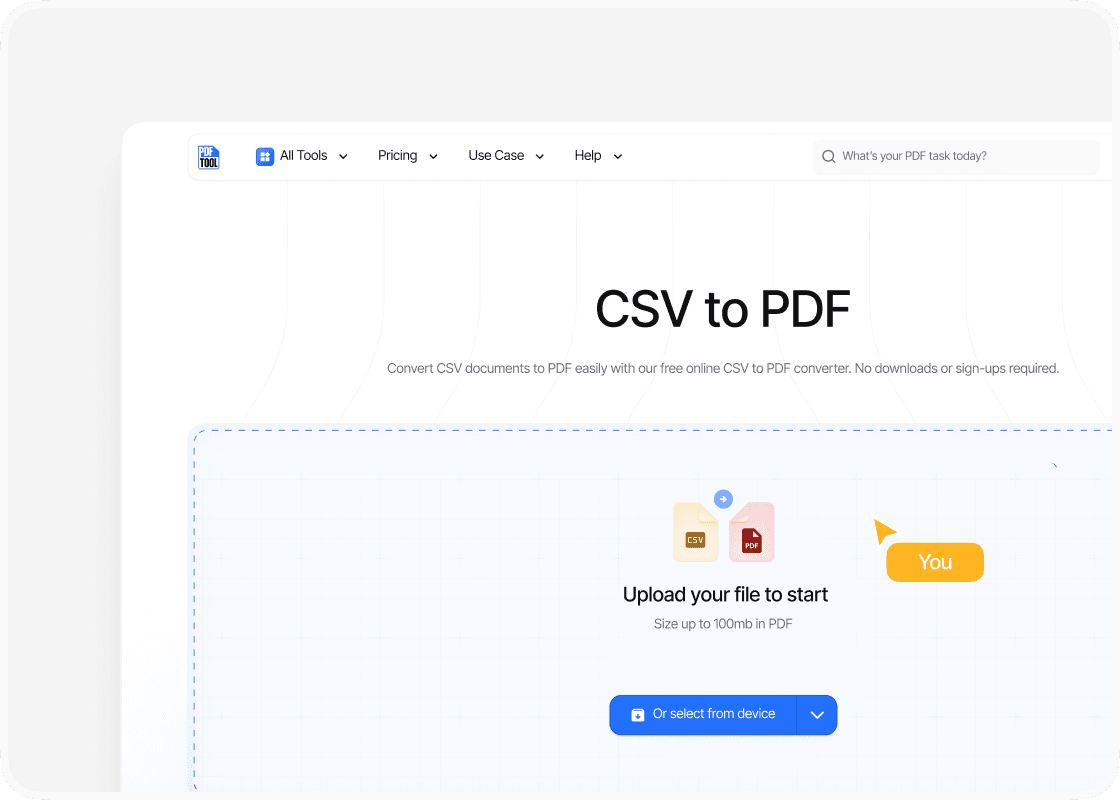
Upload your CSV file
Drag and drop your CSV file into PDFTool’s upload section. Alternatively, select the “Choose Files” option to locate your CSV file on your device.
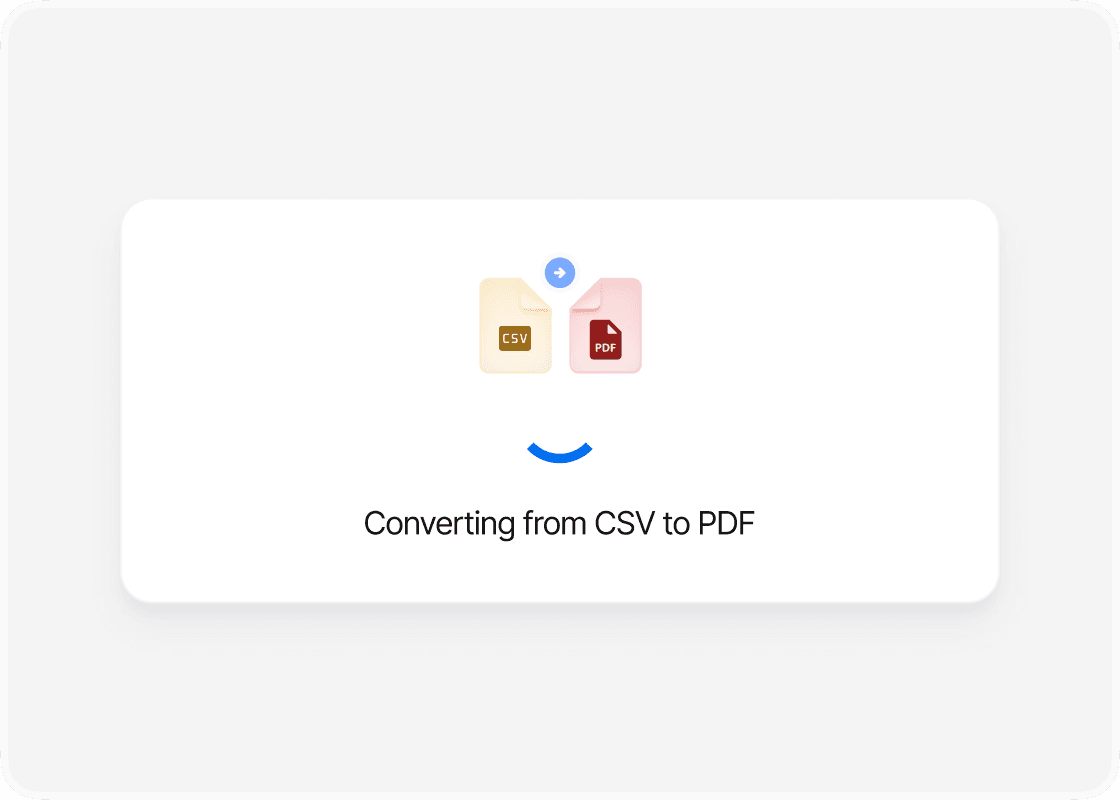
Click Convert
Once the file is uploaded, click the “Convert” button on PDFTool. This automatic process changes the file format from CSV to PDF. Ensure the conversion is complete before moving to the next step.
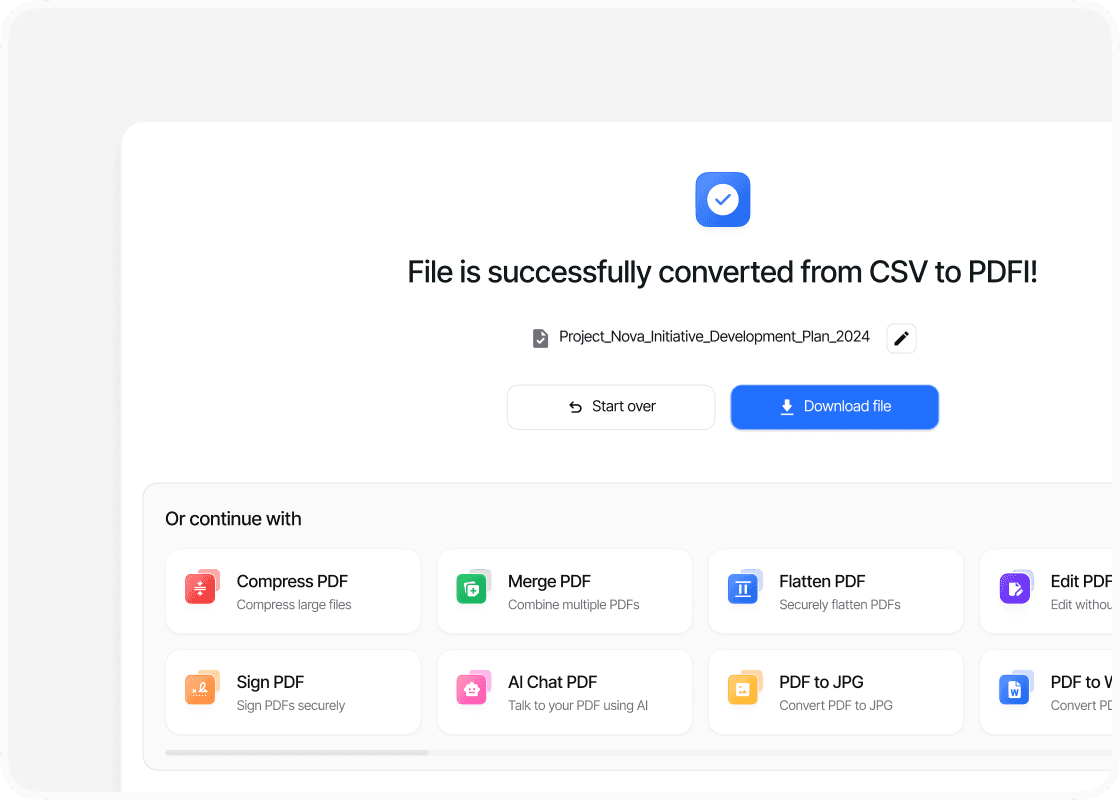
Download the PDF
After the conversion process, a download link for the PDF will appear. Click the link to save the newly converted PDF file to your computer. This PDF can now be shared, printed, or stored as needed. Using PDFTool allows for secure conversions, often safeguarded by encryption, ensuring privacy during the process.
Why use this tool to convert CSV to PDF?

Ease of use

Speed and efficiency

Maintaining format

Accessibility
FAQs
Explore Avaliable Features
When handling and sharing tabular data, converting CSV to PDF can be essential.
Comma-separated values (CSV) files are a popular format for storing such data due to their simplicity and compatibility across various applications.
However, when it comes to presenting this data in a more polished or universally accessible manner, converting CSV files into Portable Document Format (PDF) becomes a necessity.
Converting CSV to PDF allows for a more professional presentation and secure sharing of data.
By converting CSV files into PDFs, you can benefit from the platform-independent nature of PDFs while ensuring your data remains intact and visually appealing.
PDFTool streamlines the conversion process, providing a straightforward online solution to convert, customize, and download CSV data as PDFs effortlessly.
This CSV to PDF converter simplifies the sharing of complex data sets without losing the structured tabular format that CSV inherently provides.
Whether for business reports, data analysis, or collaborative projects, being able to convert CSV to PDF quickly is an invaluable skill.
This capability enhances data accessibility and contributes to clearer communication between team members and stakeholders.