HEIC to PDF
Convert your HEIC files to PDF easily with our free online HEIC to PDF converter. No downloads or sign-ups required.
HEIC to PDF estará disponible pronto
Esta función está en desarrollo y estará disponible próximamente. Mientras tanto, explora nuestras otras herramientas PDF listas para usar.How It Works
HEIC to PDF in 3 simple steps
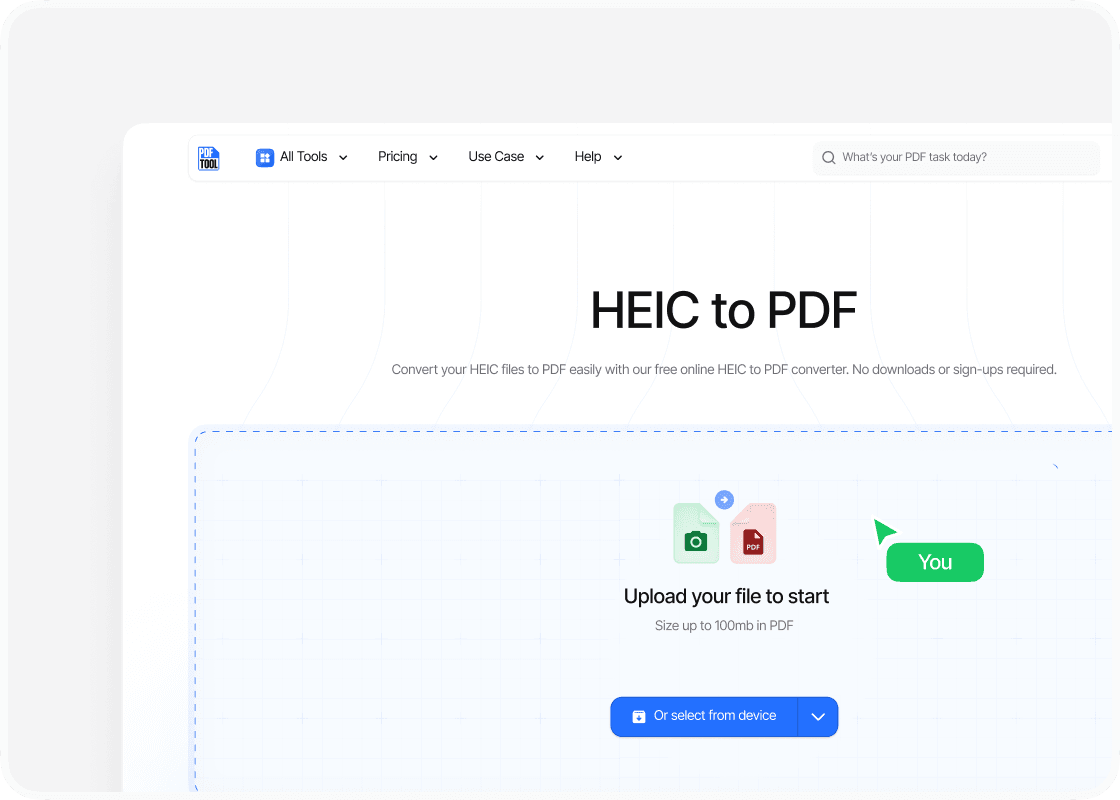
Upload your file
You can start by dragging and dropping your HEIC file into PDFTool’s upload section. This will begin the file conversion process and get your PDF ready.
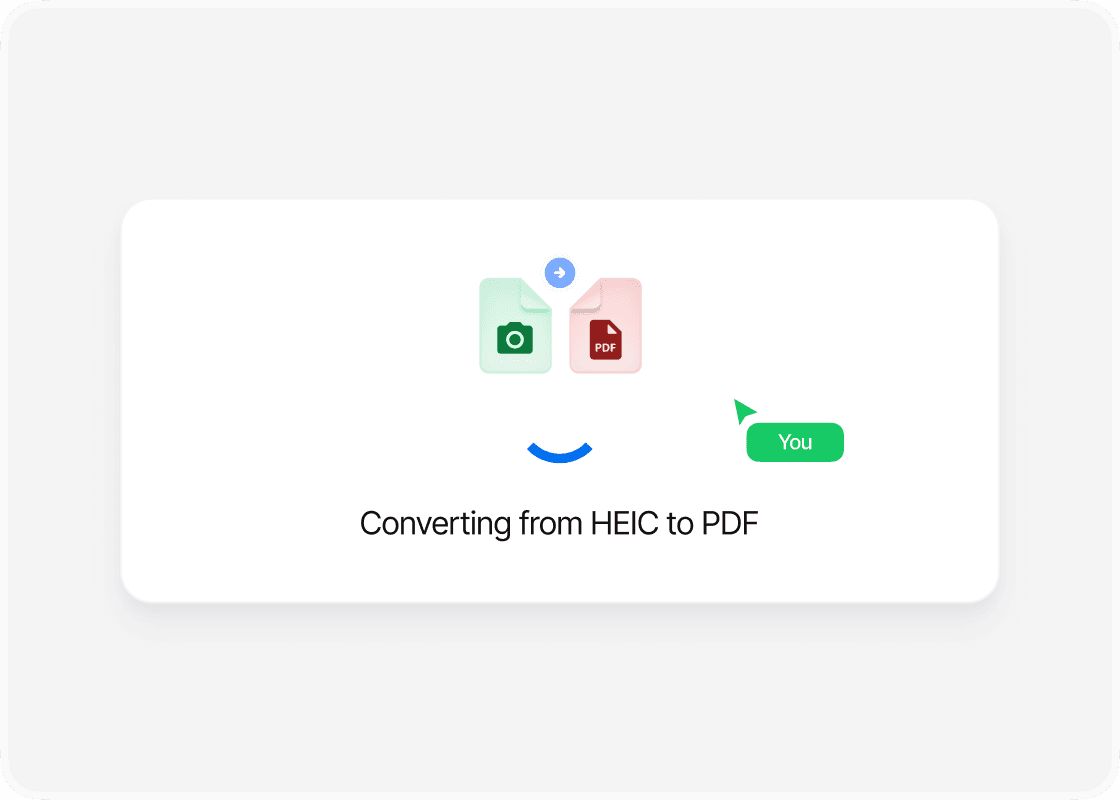
Click Convert
Once the file is uploaded, all it takes is a single click on the "Convert" button. PDFTool efficiently processes the HEIC file, transforming it into a PDF format without compromising quality. This fast conversion method ensures that users experience little wait time.
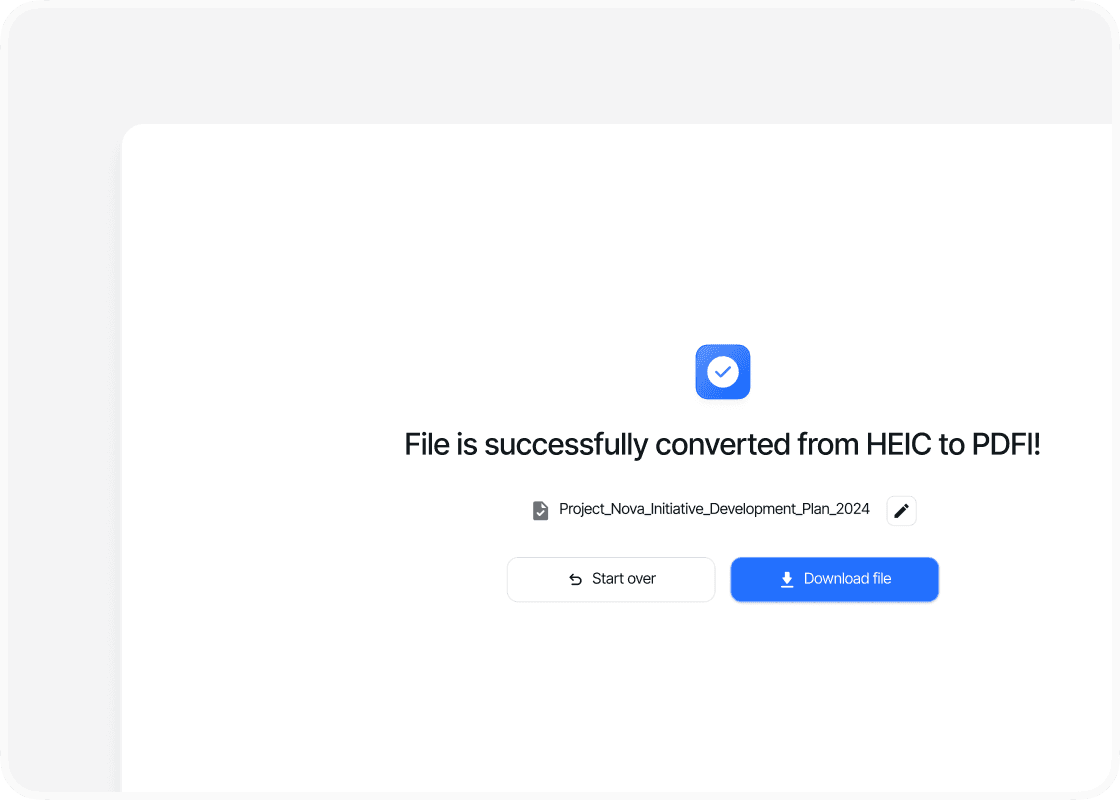
Download your file
The conversion finishes with a ready-to-download PDF. You just need to click the “Download” button to save your newly converted file.
Why use this HEIC converter to PDF?

Ease of use

Speed and efficiency

Maintaining quality

Accessibility
FAQs
Explore Avaliable Features
Managing and sharing images often means you need to convert them into more accessible formats.
HEIC, a format introduced by Apple, is known for its high compression efficiency while keeping image quality high. However, you might run into compatibility issues when sharing HEIC images with users on non-Apple devices.
Converting your HEIC files to PDFs offers a reliable solution, ensuring your images are accessible across different platforms and devices.
Whether you’re using them for personal or professional purposes, converting HEIC to PDF is a simple process.
This conversion not only solves compatibility problems but also lets you compile multiple images into a single document.
That can be especially helpful for presentations or sharing visual content efficiently without losing clarity.
By understanding this conversion process, you’ll find a smoother way to manage your digital images.
PDFTool lets you transform your HEIC files into PDFs while preserving the quality and integrity of your images.
Keeping high standards for your digital content is important when you’re sharing files in diverse environments.