
EML to PDF
Convert EML files to PDF documents easily with our free online EML to PDF converter. No downloads or sign-ups required.
EML to PDF is coming soon
This feature is under development and will be available soon. In the meantime, explore our other PDF tools that are ready to use right now.How It Works
EML to PDF in 3 simple steps
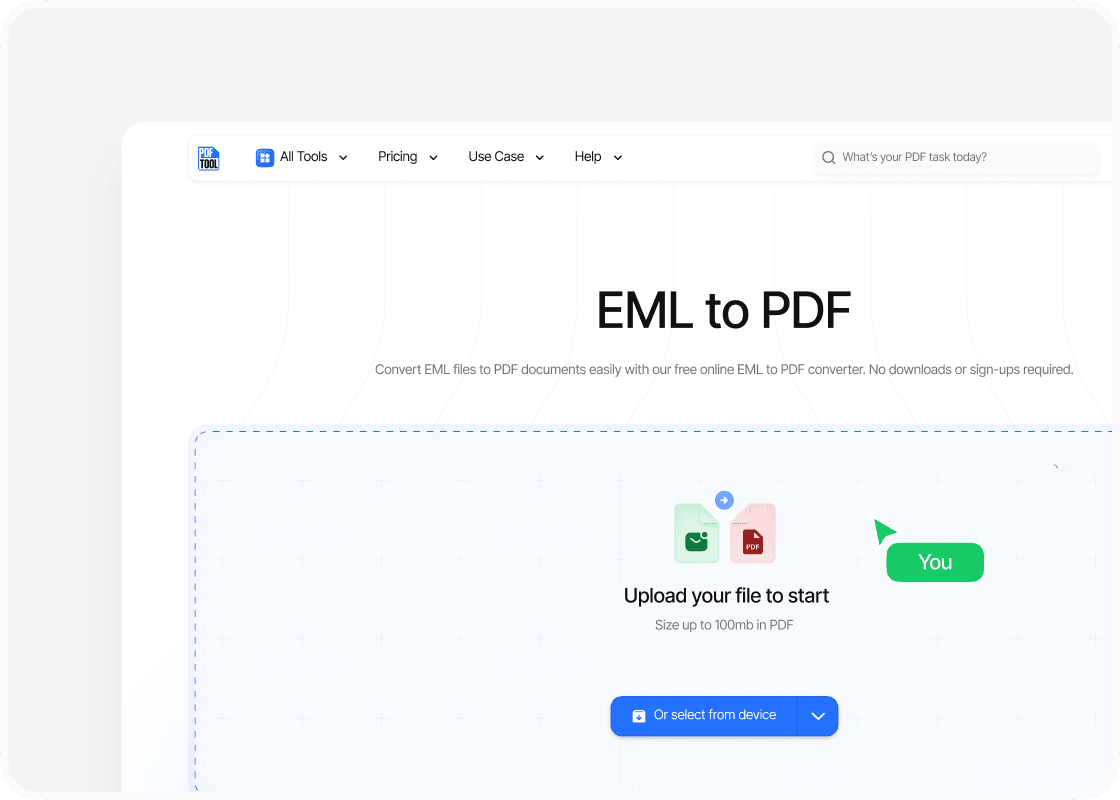
Upload your file
Locate the EML file you wish to convert. Drag and drop your file into PDFTool’s upload section. Alternatively, select the “Choose Files” option to locate your EML file on your device. Ensure that the file is uploaded successfully before proceeding to the next step.
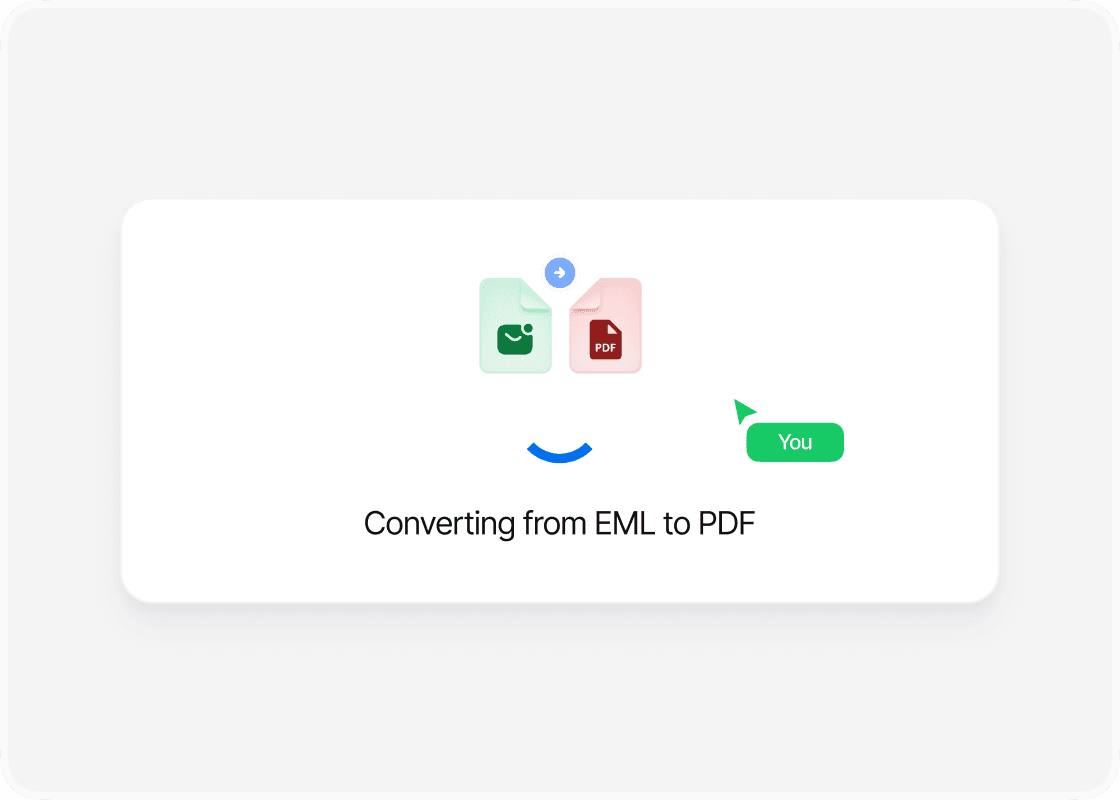
Convert in a click
Once the EML file is uploaded, click the "Convert" button on PDFTool. PDFTool is designed to handle EML to PDF conversions swiftly, allowing you to transform your files with just a single click. The conversion typically retains all email content and formatting.
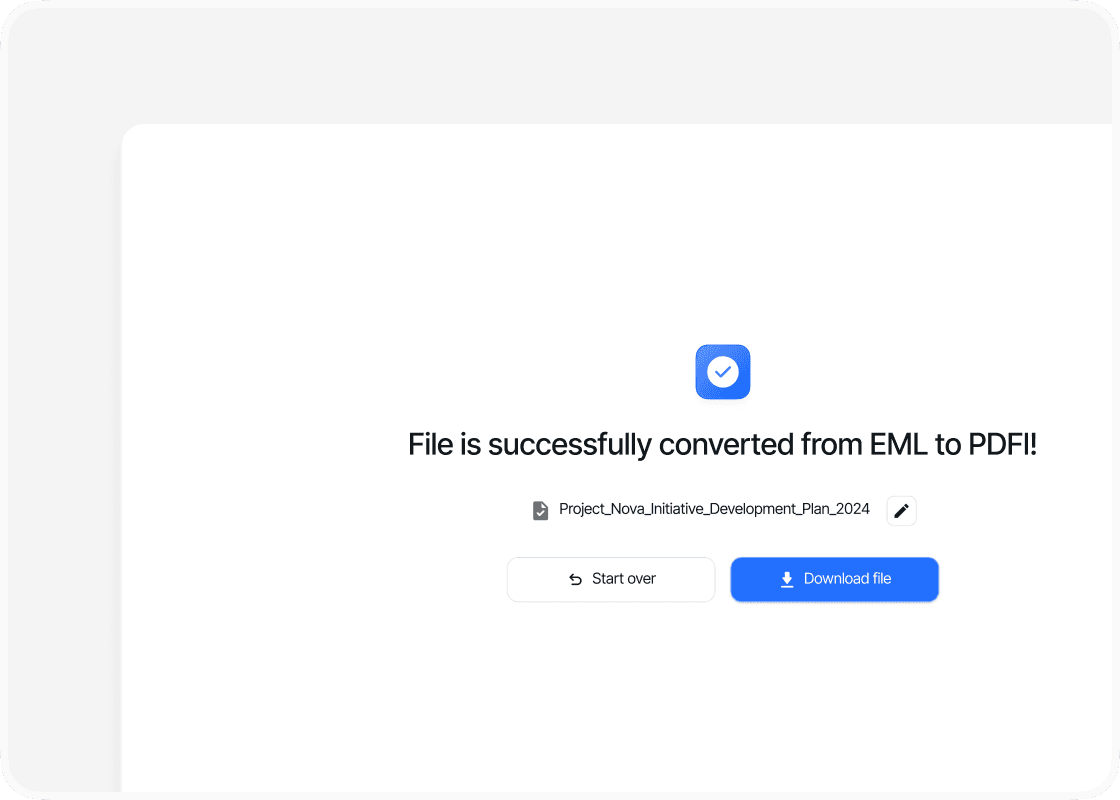
Download and save your PDF file
After conversion, click the “Download” button to save the newly created PDF document to your device. Ensure the PDF is saved in a secure location for easy access and sharing. Using this method, you can convert multiple EML files into the versatile PDF format, which is ideal for viewing with applications like Adobe Acrobat.
Why use this EML to PDF converter?

Ease of use

Rapid conversion

Quality retention

Broad compatibility
FAQs
Explore Avaliable Features

Converting EML files to PDF can significantly streamline how email messages are stored and shared.
PDFTool is an EML to PDF converter that allows you to preserve the structure and content of emails, including attachments and hyperlinks, in a universally accessible format.
This process offers a convenient solution for archiving emails or creating electronic records that can be opened across diverse platforms like Adobe Reader or Foxit Reader, enhancing accessibility and security.
EML files, typically generated by email clients like Microsoft Outlook and others, contain essential email components such as headers and body content in ASCII text format.
Transforming these into PDF format ensures compatibility with various software packages, including Adobe's suite, such as Adobe Illustrator and Adobe Photoshop, for easier document management.
This conversion is particularly beneficial for professionals using integrated environments like Microsoft Office or Google Docs, where maintaining document integrity is crucial.
PDFTool is a free EML to PDF converter if you’re wondering how to change EML to PDF. It doesn’t require complex installations and allows you to effortlessly manage large volumes of emails for organizational or personal use.
With such versatility, individuals and businesses can rely on streamlined access and enhanced document handling by integrating PDFs into their workflow with the help of PDFTool as a conversion tool.