



Word to PDF
Turn your Word documents into PDFs with the text, images and page layout preserved. Ready to share, print or save.

How it works
Word to PDF in 3 simple steps
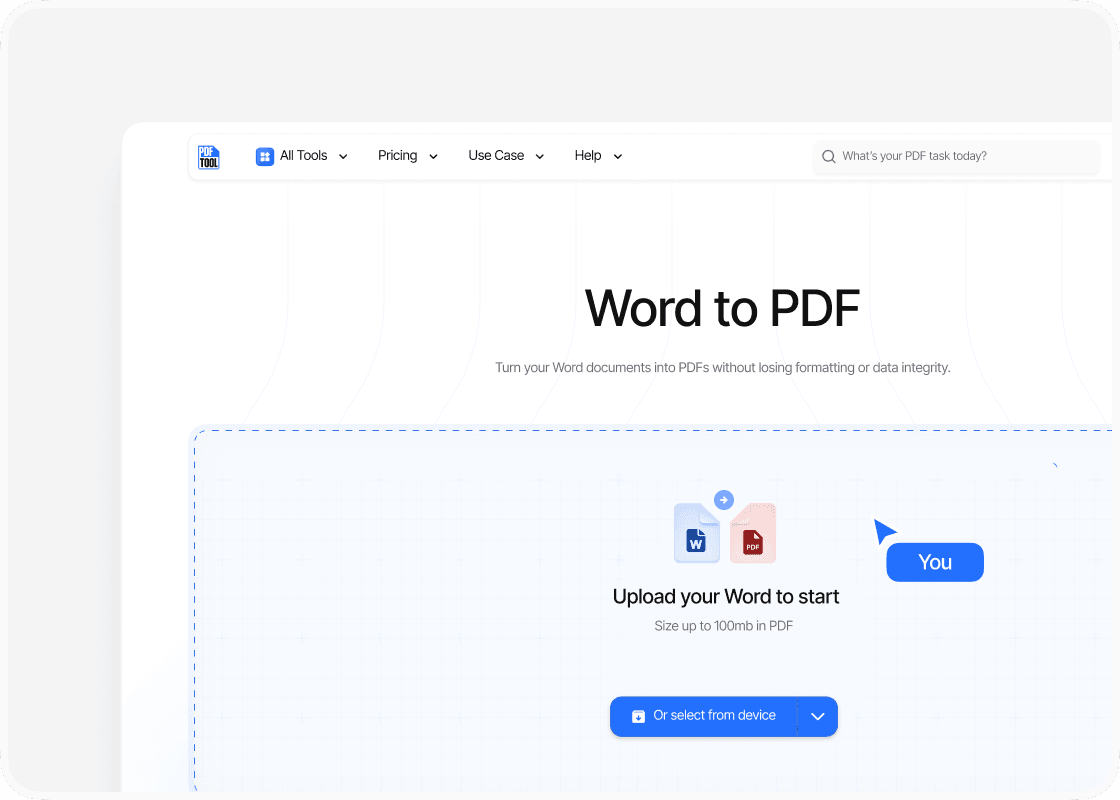
Upload your Word document
Drag your Word document into the upload area or select “Choose file” to find it on your device. PDFTool accepts files up to 100 MB.
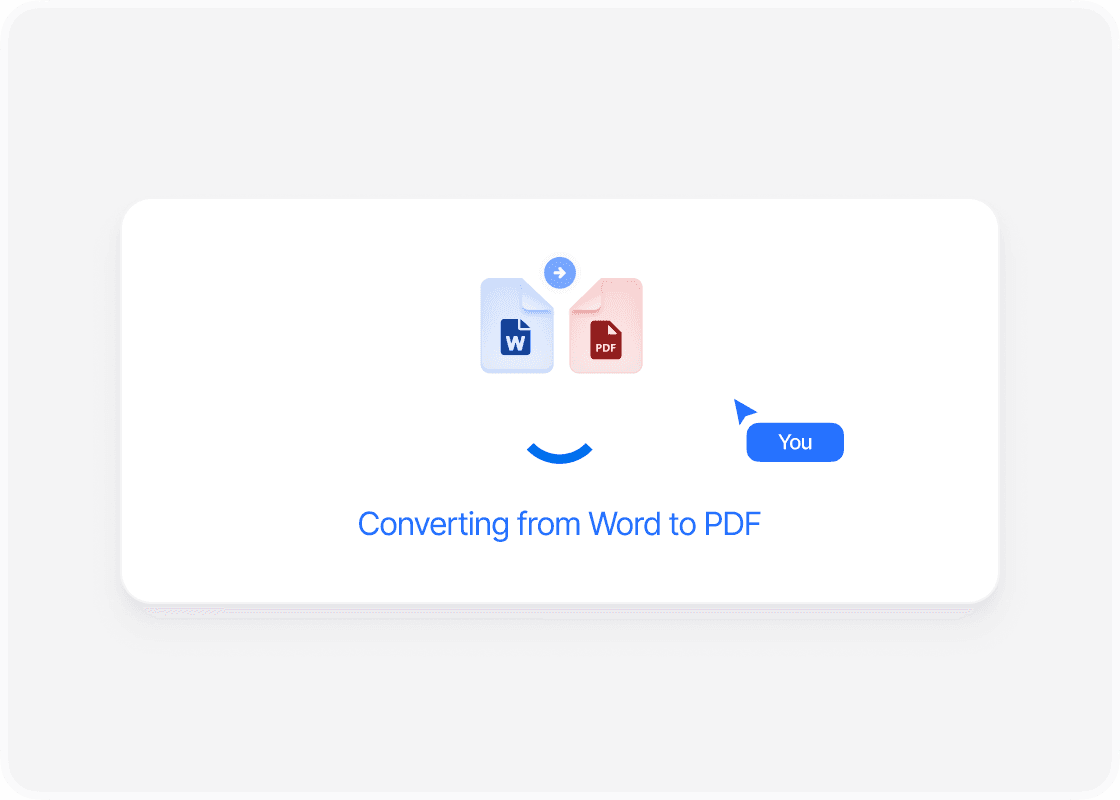
Convert Word to PDF
PDFTool converts your Word document into a PDF, preserving its text, images and page layout. The conversion runs online, so you don’t need to install software.
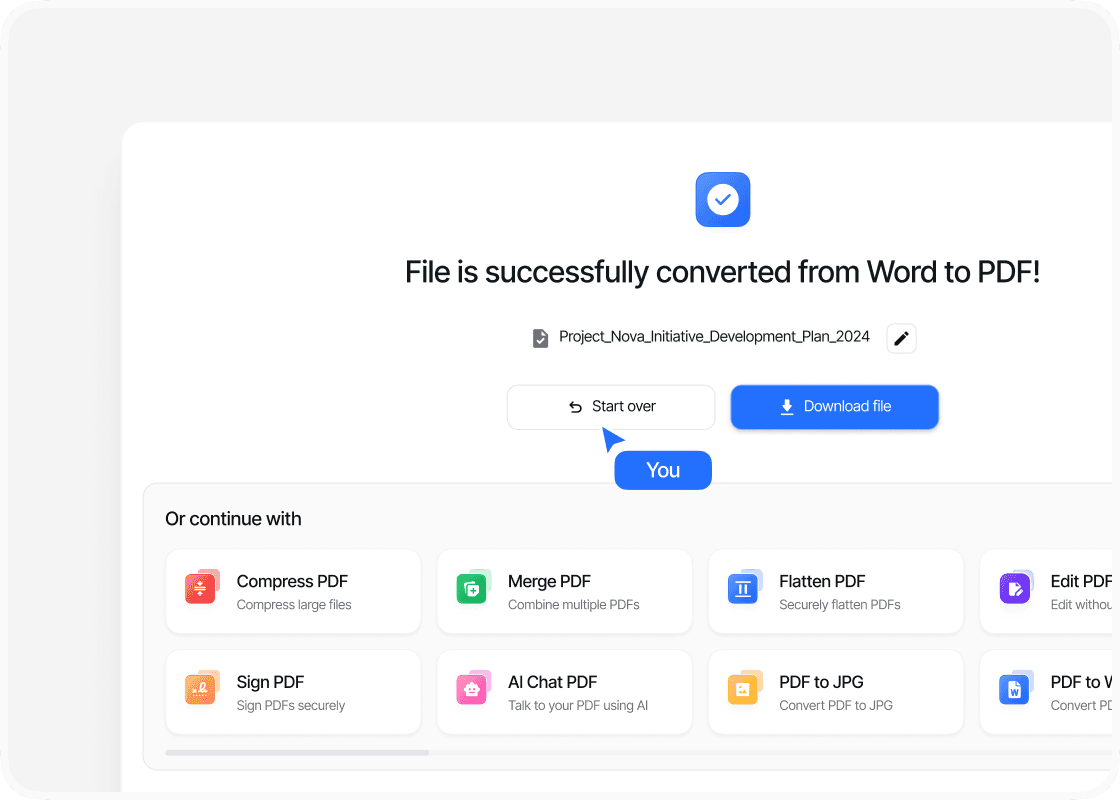
Download your PDF
Once the conversion is complete, sign in to download your PDF file. Your document is ready to email, print or save for later.
Why choose our Word-to-PDF converter?

Keep your formatting

Secure file transfer

Convert in your browser

Quick, simple conversion
Convert Word to PDF without losing formatting
Convert Word to PDFNeed to send a Word document that keeps its layout? PDFTool converts your DOC or DOCX file into a PDF online, so your recipient can read it without opening Microsoft Word.
From a single page to a longer document, presentation matters. PDFTool preserves the text, images, tables and page layout of your Word document, keeping the content together in a PDF that is easy to share.
The PDF format is useful for sending reports, printing documents and keeping a finished copy of your work. Your recipient can open the file in a browser or PDF viewer, even if they use a different device.
Upload your Word document and let PDFTool handle the conversion. There’s no need to copy content into another program or rebuild your pages. You can upload Word files up to 100 MB.
PDFTool works in your browser on a computer, tablet or phone. Once the conversion is complete, sign in to download your PDF file and use it for your next email, printout or project.


