
PDF to XML

Convert your PDF to XML easily with our free online converter. No downloads or sign-ups required.

icon
Size up to 100mb in PDF

How It Works

PDF to XML in 3 simple steps

step image
Step 1

Upload the PDF

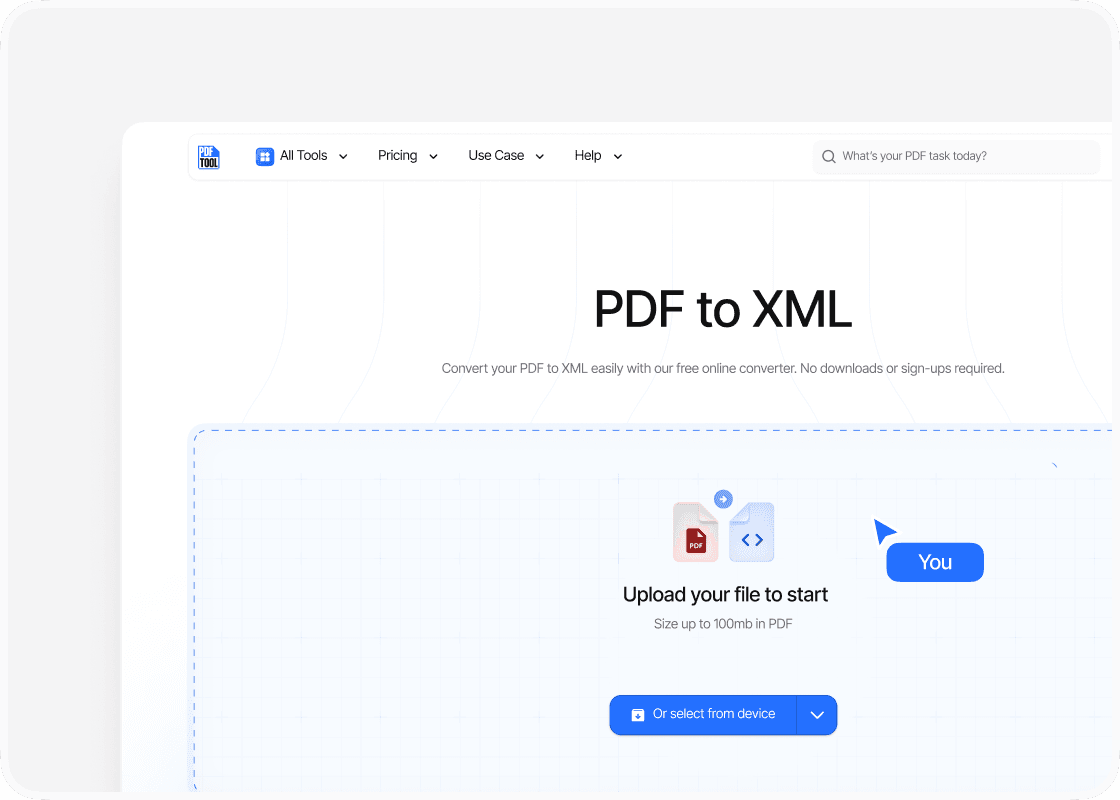
Begin by visiting PDFTool. Once on the site, select the option to choose files from your device. You can also drag and drop the PDF directly onto the page, making the process seamless and user-friendly.

step image
Step 2

Click to Convert

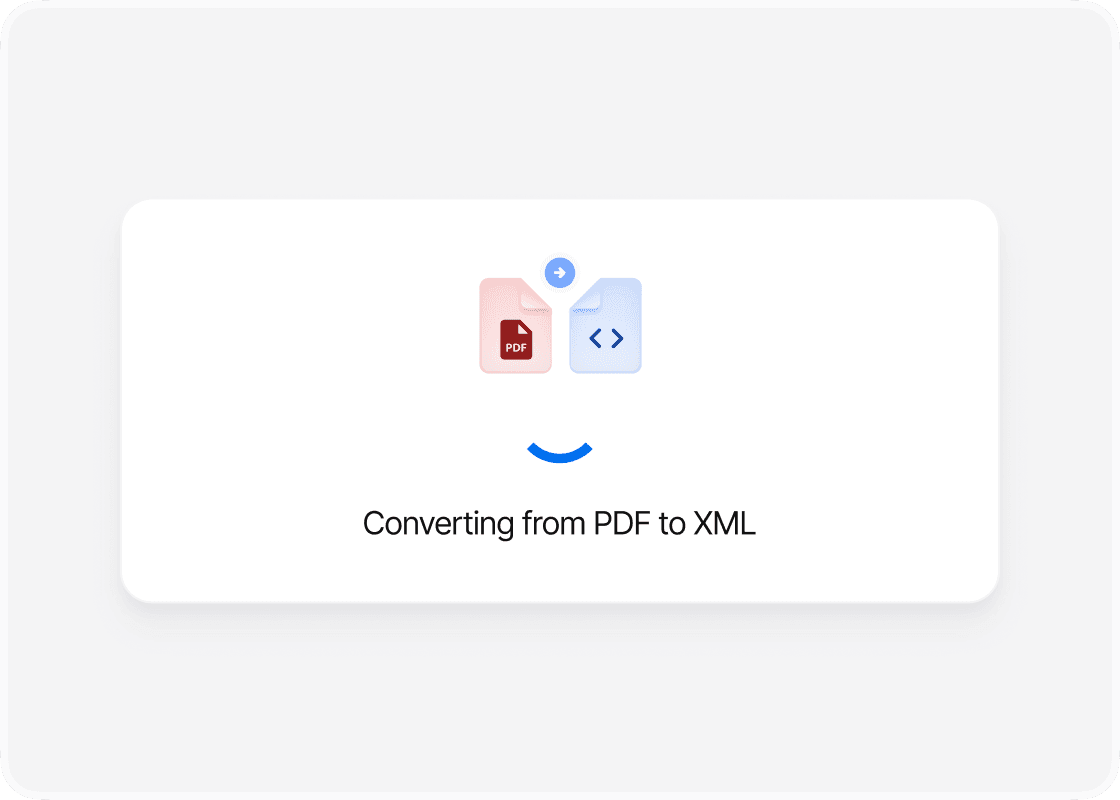
Once you upload your PDF, PDFTool processes the file. You just need to click the "Convert" button to start the process. PDFTool then automatically handles the conversion, producing an XML file within moments.

step image
Step 3

Download the converted file

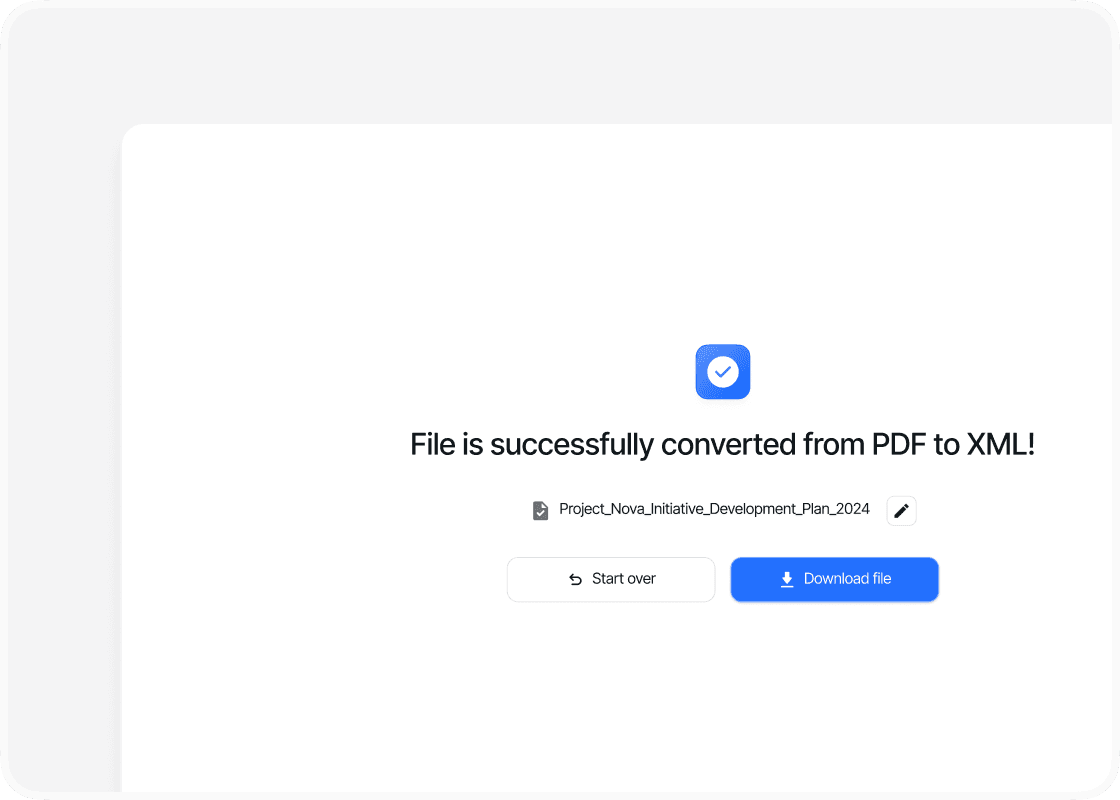
Once the conversion is complete, PDFTool provides you with a download link for your new XML file. You can easily download the file by clicking the link. The converted file keeps the original data structure intact, making it easy to use in various applications. PDFTool removes any complexity from the conversion process, so it’s accessible no matter your skill level. And since it’s free, it’s an ideal solution if you need to efficiently convert PDFs to XML.

Benefits

Why choose our PDF to XML converter?

  • icon

    Speed and efficiency

    The conversion process with PDFTool is swift, allowing you to quickly transform your PDF documents into XML files—saving you valuable time and boosting your workflow productivity.
  • icon

    Ease of use

    PDFTool is designed with a user-friendly interface that makes the conversion process simple, so even if you have minimal technical expertise, you can navigate the tool with ease.
  • icon

    Maintaining format

    With PDFTool, you can expect precise conversion results. The tool excels at preserving the original layout and formatting of your PDF files, ensuring that the XML output is accurate and reliable.
  • icon

    Accessibility

    PDFTool ensures that your converted documents are accessible across different platforms and devices, allowing you to access and work with XML data seamlessly no matter what software you use.
  • FAQs

    icon

    An easy way to transform PDFs into XML

    Convert PDF to XML

    Converting your documents from PDF to XML can significantly improve data accessibility and usability, especially in business and professional settings.

    While the Portable Document Format (PDF), developed by Adobe Systems, is widely used to preserve original formatting across platforms, XML offers a more dynamic option when you need to manipulate or analyze data.

    By transforming PDFs into XML files, you structure your data in a machine-readable format that’s compatible with many software applications.

    Incorporating XML into your workflow benefits you if you need to extract data for analysis, reporting, or integration with other systems.

    XML provides a flexible framework to represent structured data, allowing you to extend and adapt it for various uses.

    PDFTool offers an online solution that lets you convert PDF documents into XML easily—no software installation required. This makes it highly convenient for you to perform quick and secure conversions.

    If you want to integrate XML capabilities into your existing systems, understanding the key differences between PDF and XML, and the advantages XML offers, is essential.

    XML allows you to represent data clearly and concisely, meeting modern data processing needs. By using PDFTool to convert PDF to XML, you unlock powerful ways to manage and utilize your document-based information more effectively.