



PDF to JPG
Turn PDF pages into JPG images for presentations, websites and easy sharing.

How it works
Convert PDF to JPG in three simple steps
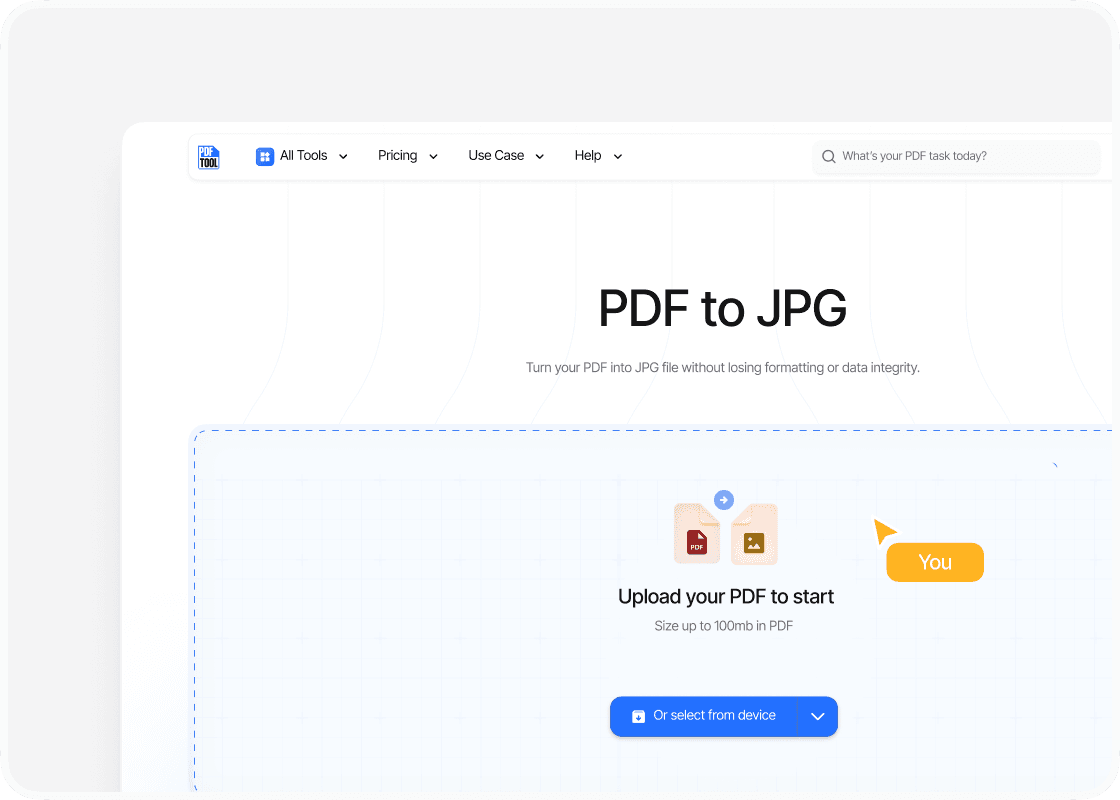
Upload your PDF file
Drag and drop your PDF file into the upload area, or select “Choose file” to find it on your device. You can upload files up to 100 MB.
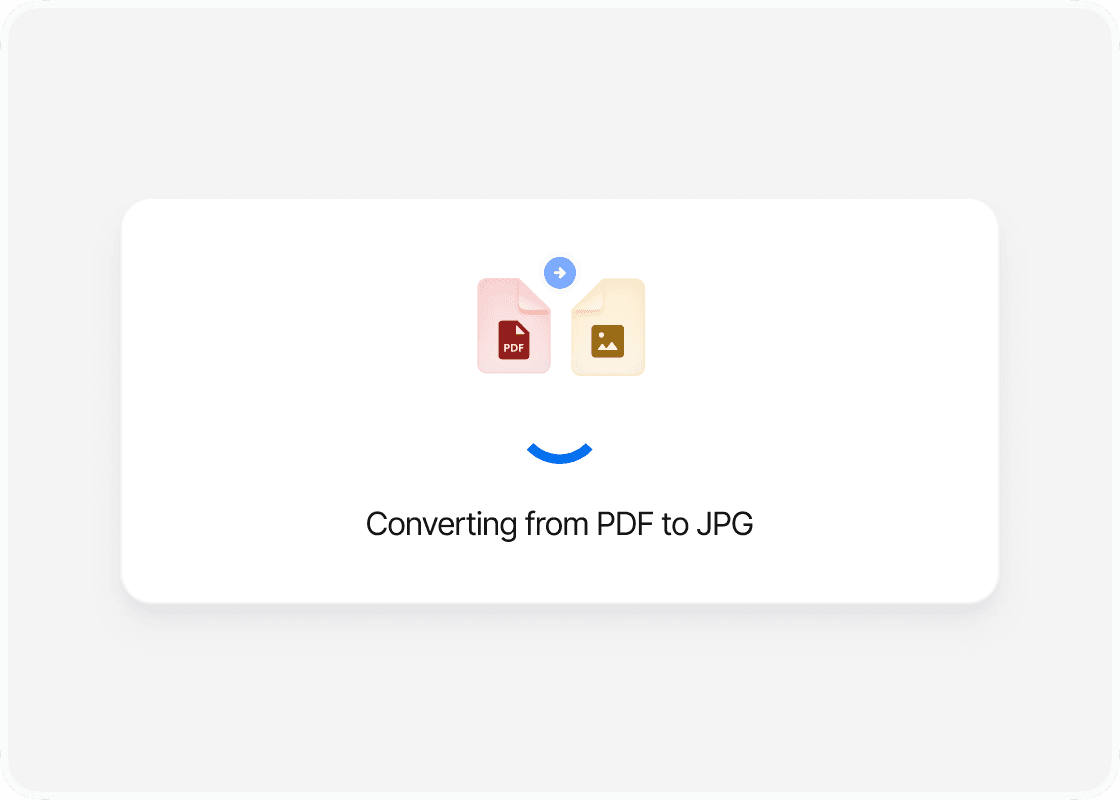
Convert to JPG
Select “Convert” to begin. PDFTool processes your PDF file and creates your JPG files. Keep this page open until the conversion is complete.
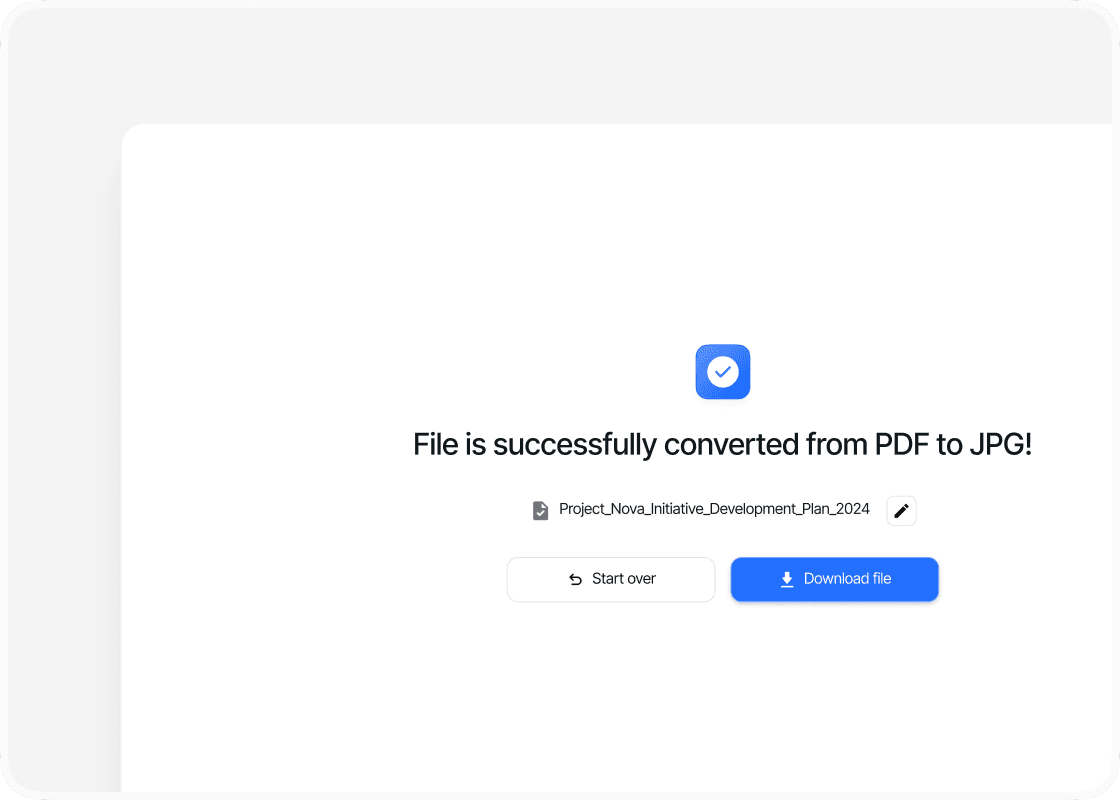
Download your JPG files
When the conversion is complete, sign in to download your new JPG files. Your converted files are ready to open, share or use straight away.
Why convert PDF to JPG with PDFTool?

Fast, straightforward processing

Works in your browser

Each PDF page as an image

Easy to use
Use your PDF pages as JPG images with PDFTool. It is useful for presentations, social media posts and online portfolios, giving you a way to share document content wherever an image is needed.
PDFTool converts the visible content of your PDF pages to JPG. Text, graphics and page layout stay together in the image. Reuse existing document material in your document without manually taking a screenshot of every page.
Convert directly in your browser on desktop, tablet or mobile, without installing software. When the conversion is ready, sign in and download your JPG images.


