



PDF to EPUB
Make your PDF content easier to read in an EPUB app with a flexible ebook layout.

How it works
Convert PDF to EPUB in three simple steps
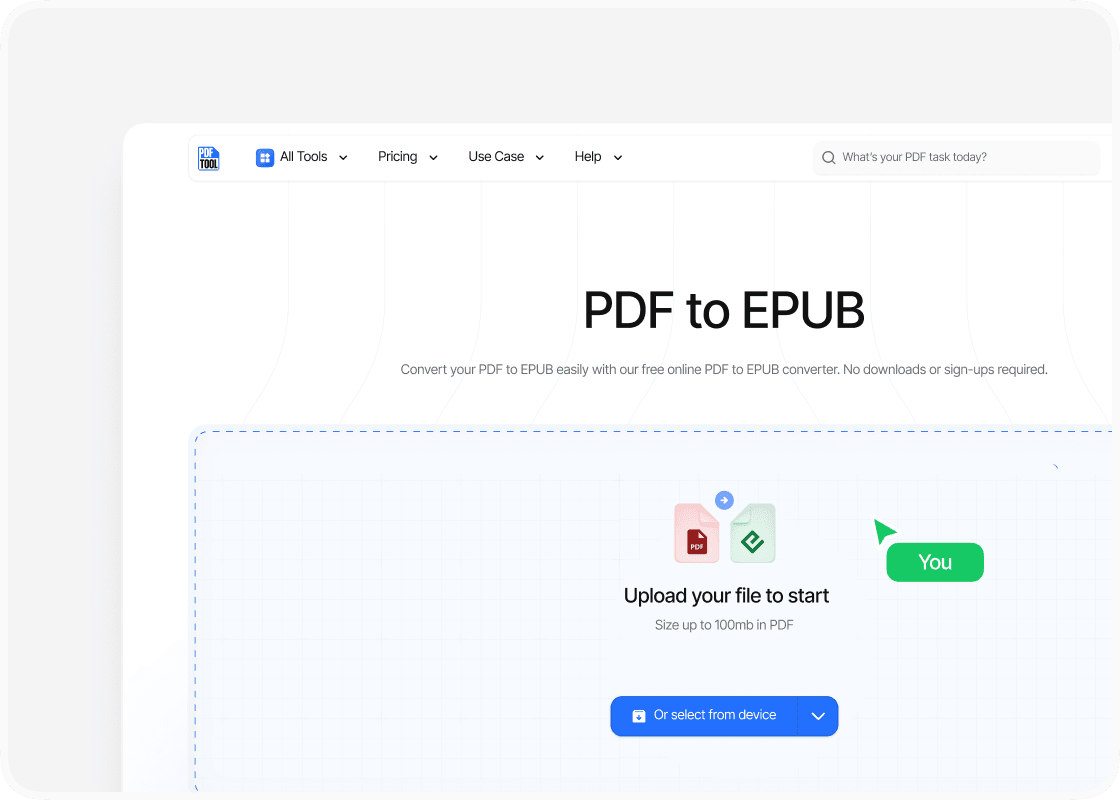
Upload your PDF file
Drag and drop your PDF file into the upload area, or select “Choose file” to find it on your device. You can upload files up to 100 MB.
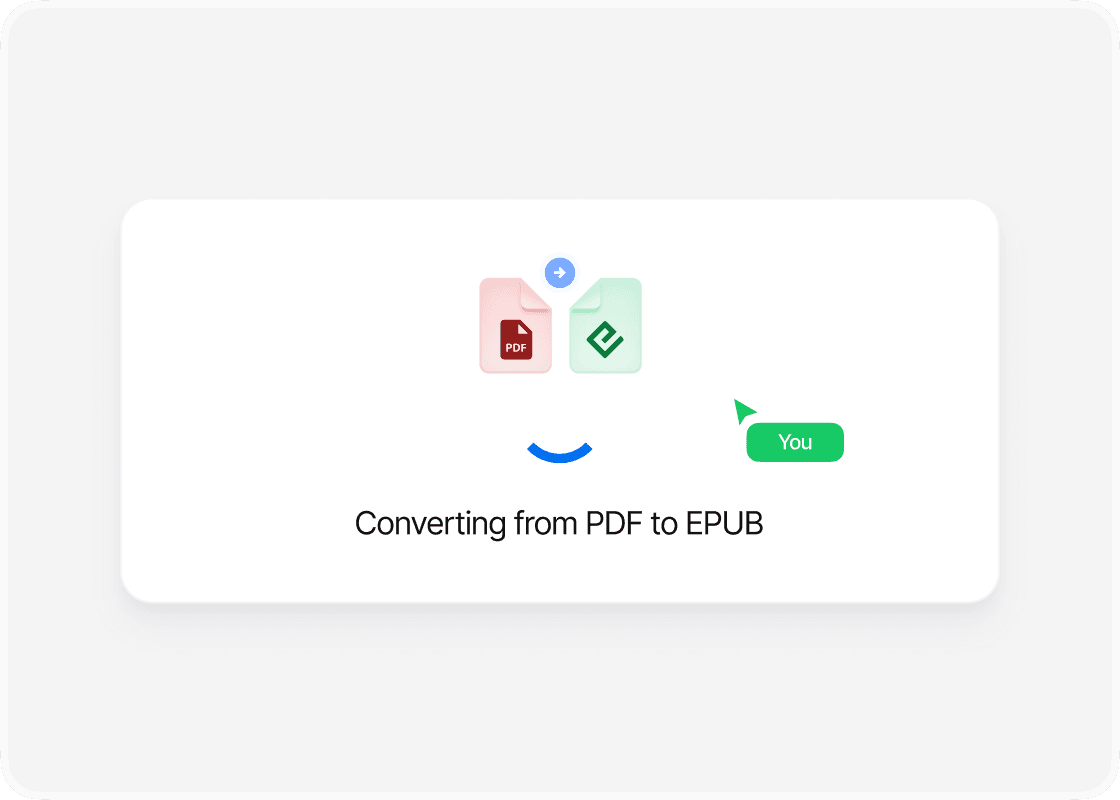
Convert to EPUB
Select “Convert” to begin. PDFTool processes your PDF file and creates your EPUB file. Keep this page open until the conversion is complete.
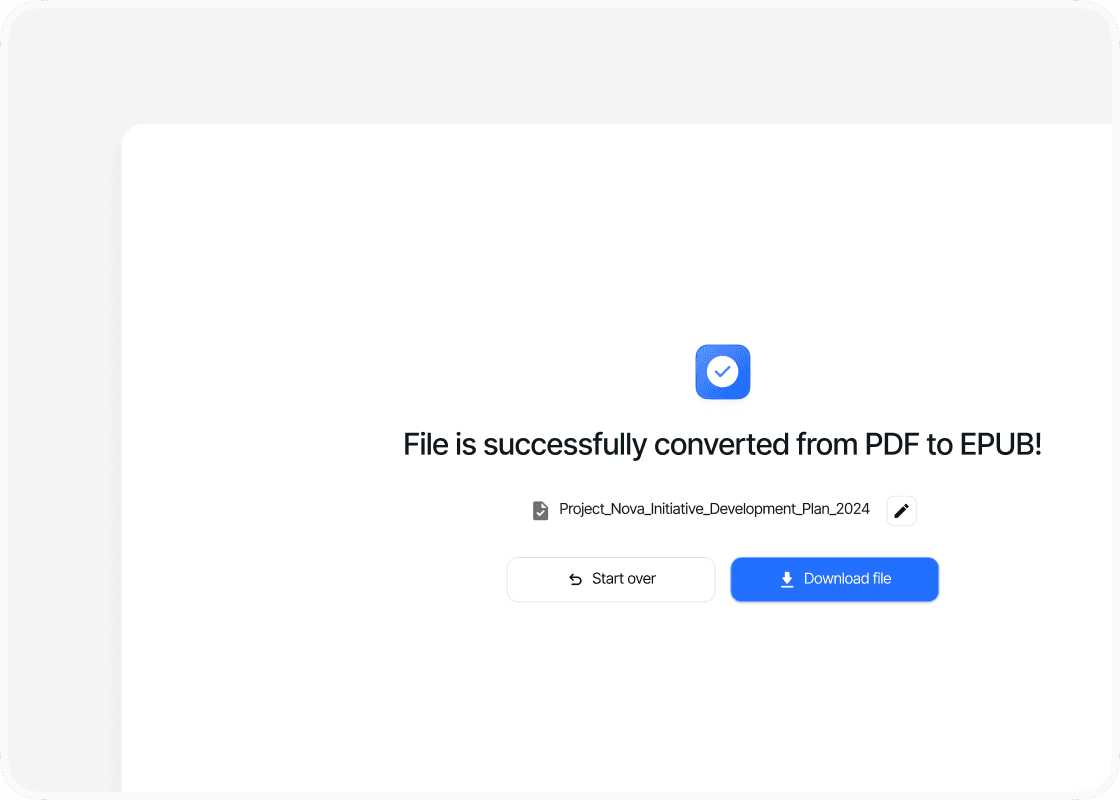
Download your EPUB file
When the conversion is complete, sign in to download your new EPUB file. Your converted file is ready to open, share or use straight away.
Why convert PDF to EPUB with PDFTool?

Fast, straightforward processing

Easy to use

An ebook that fits your screen

No added watermarks
Convert your PDF to EPUB with PDFTool to read your document as an ebook. EPUB is widely used for digital books and is supported by many ebook readers and reading apps. It is useful for longer texts you want to take with you on a reader or tablet.
PDF fixes the page layout. EPUB is designed for reading across different screens, with text that can adapt to reading settings. PDFTool converts your document into this ebook format for use in an EPUB-compatible reading app or device.
Convert directly in your browser on desktop, tablet or mobile, without installing software. When the conversion is ready, sign in and download your EPUB file.


