



PDF to TIFF
Create TIFF page images from your PDF for publishing, printing and document archives.

How it works
Convert PDF to TIFF in three simple steps
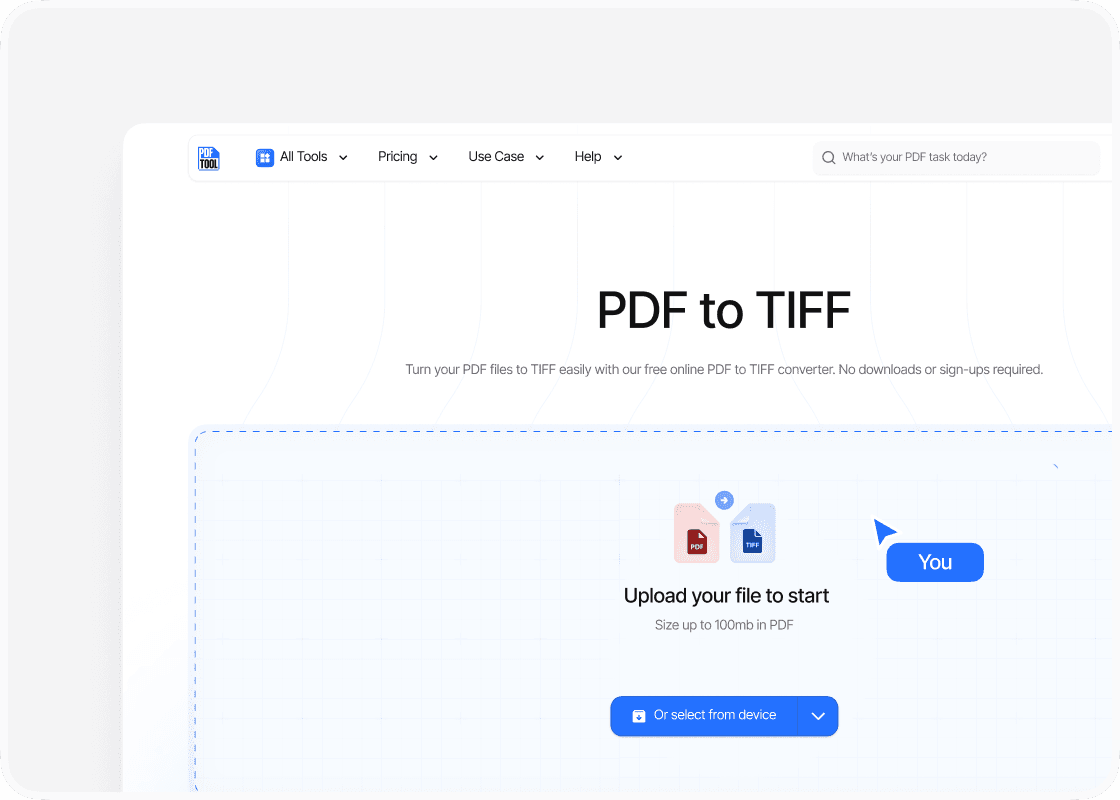
Upload your PDF file
Drag and drop your PDF file into the upload area, or select “Choose file” to find it on your device. You can upload files up to 100 MB.
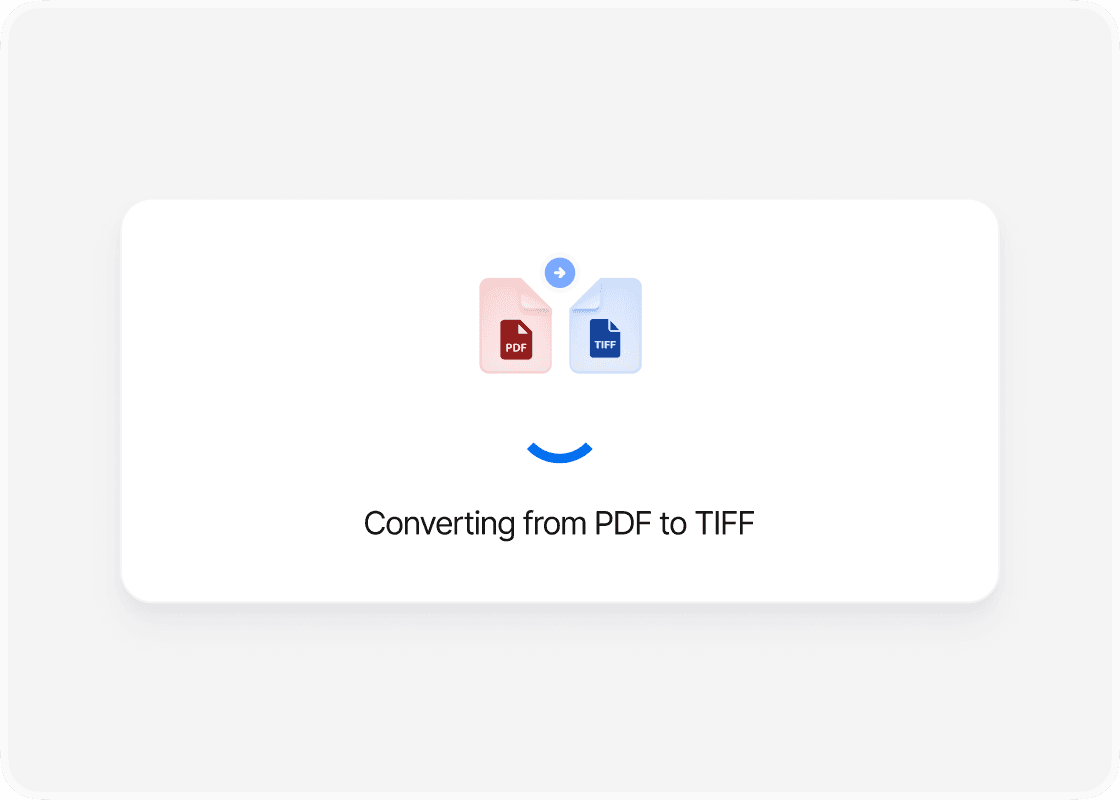
Convert to TIFF
Select “Convert” to begin. PDFTool processes your PDF file and creates your TIFF files. Keep this page open until the conversion is complete.
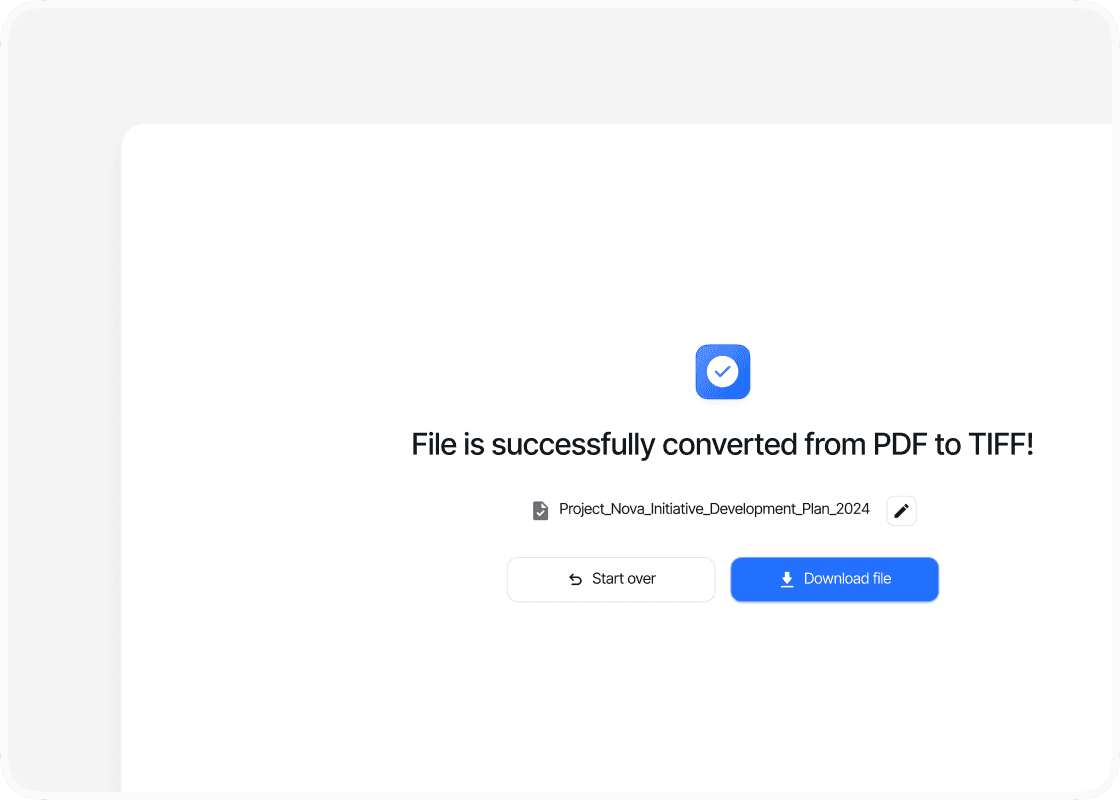
Download your TIFF files
When the conversion is complete, sign in to download your new TIFF files. Your converted files are ready to open, share or use straight away.
Why convert PDF to TIFF with PDFTool?

Fast, straightforward processing

Easy to use

Detailed page images

Works in your browser
Frequently asked questions
Turn your PDF pages into TIFF images with PDFTool. TIFF is widely used for detailed image material in document processing, archiving and print preparation. Use the pages from your PDF in a workflow that requires image files.
PDFTool carries the visible content of your pages into the TIFF images. Text, graphics and page layout stay together, making it easier to supply documents in the required format and bring existing material into the next stage of your work.
Convert directly in your browser on desktop, tablet or mobile, without installing software. When the conversion is ready, sign in and download your TIFF images.
Explore all our PDF tools


Compress


Document Organization


