



Text to PDF
Turn plain-text notes, drafts and instructions into a PDF that is ready to share.

How it works
Convert text to PDF in three simple steps
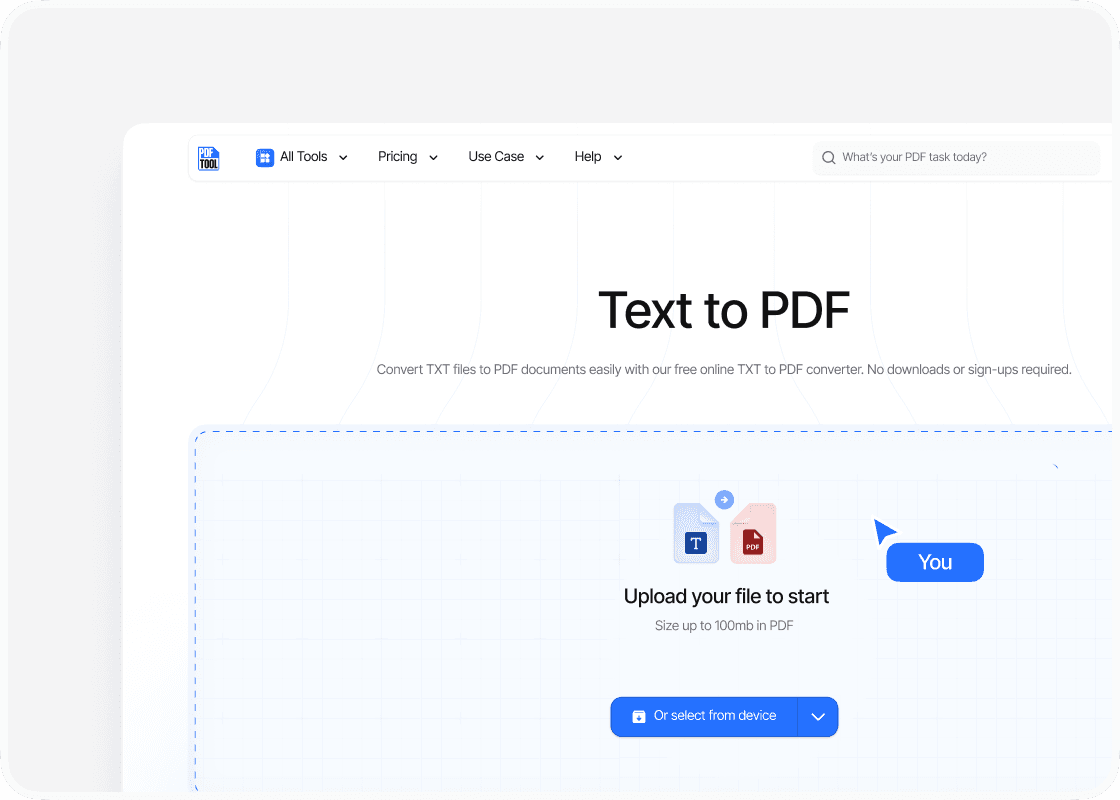
Upload your text file
Drag and drop your text file into the upload area, or select “Choose file” to find it on your device. You can upload files up to 100 MB.
Convert to PDF
Select “Convert” to begin. PDFTool processes your text file and creates your PDF file. Keep this page open until the conversion is complete.
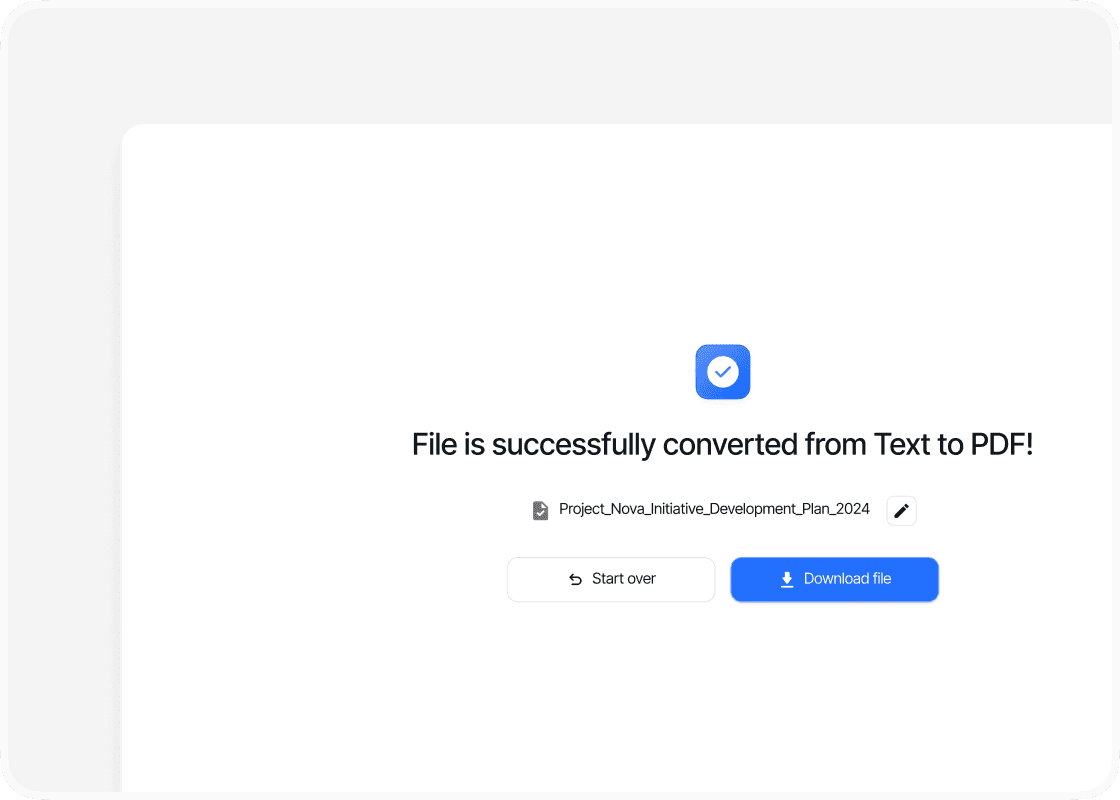
Download your PDF file
When the conversion is complete, sign in to download your new PDF file. Your converted file is ready to open, share or use straight away.
Why convert text to PDF with PDFTool?

Fast, straightforward processing

Works in your browser

Easy to use

Plain text, ready to share
Create a PDF from your TXT file with PDFTool. Give notes, instructions and other written material a document format that is easy to share and print. Recipients can view your text without using a text editor.
A TXT file contains text without extensive formatting. Converting it to PDF turns it into a document with fixed pages. PDFTool transfers the text so you can present the content clearly and keep it with your other documents.
Convert directly in your browser on desktop, tablet or mobile, without installing software. When the conversion is ready, sign in and download your PDF file.


