



PDF to SVG
Convert PDF artwork into SVG for use as scalable vector graphics.


How it works
Convert PDF to SVG in three simple steps
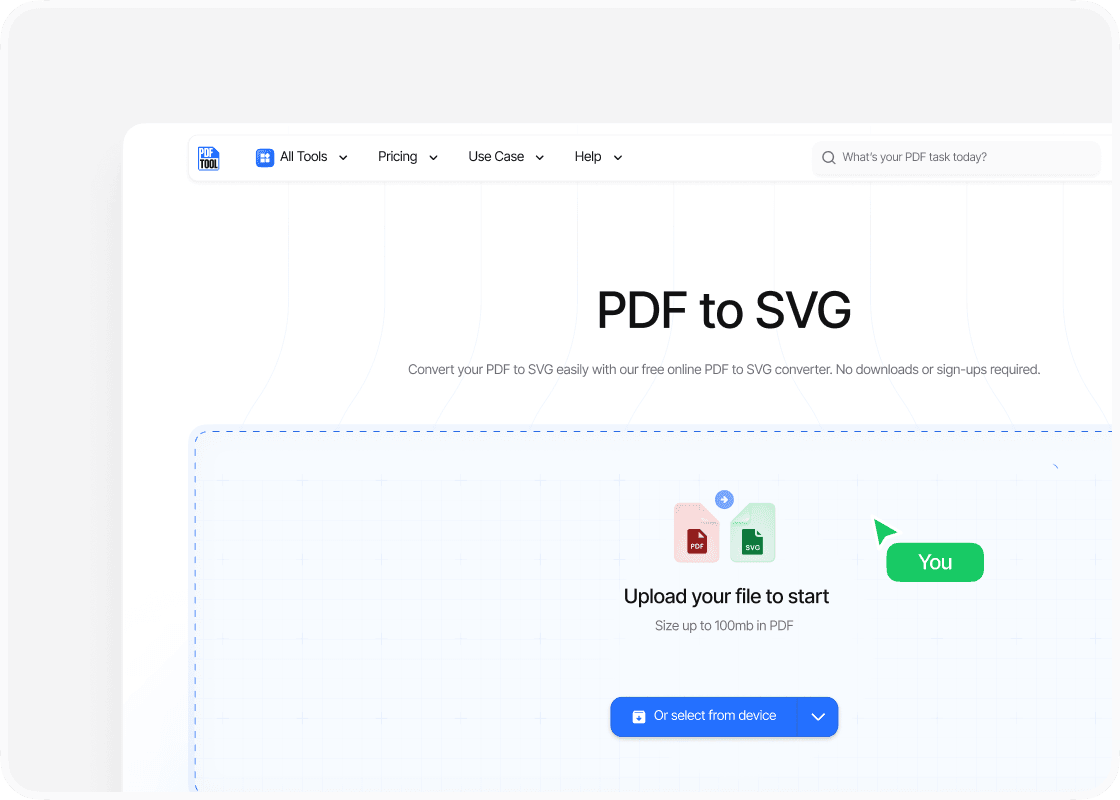
Upload your PDF file
Drag and drop your PDF file into the upload area, or select “Choose file” to find it on your device. You can upload files up to 100 MB.
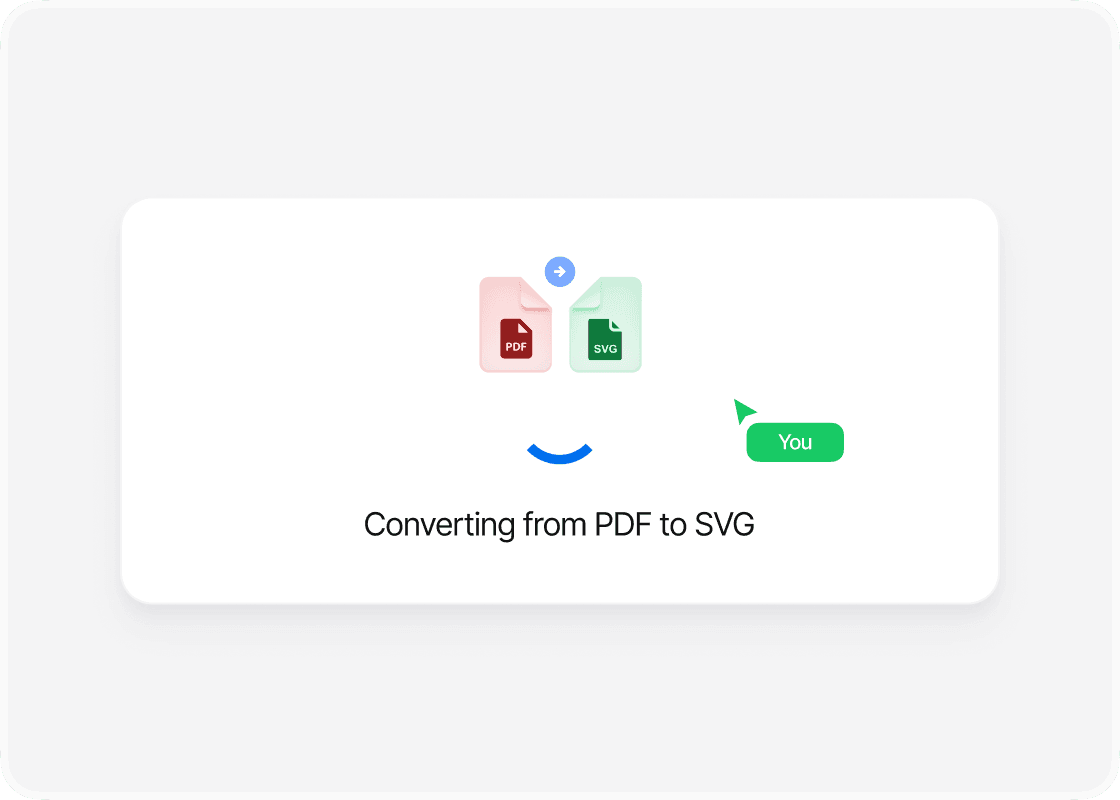
Convert to SVG
Select “Convert” to begin. PDFTool processes your PDF file and creates your SVG files. Keep this page open until the conversion is complete.
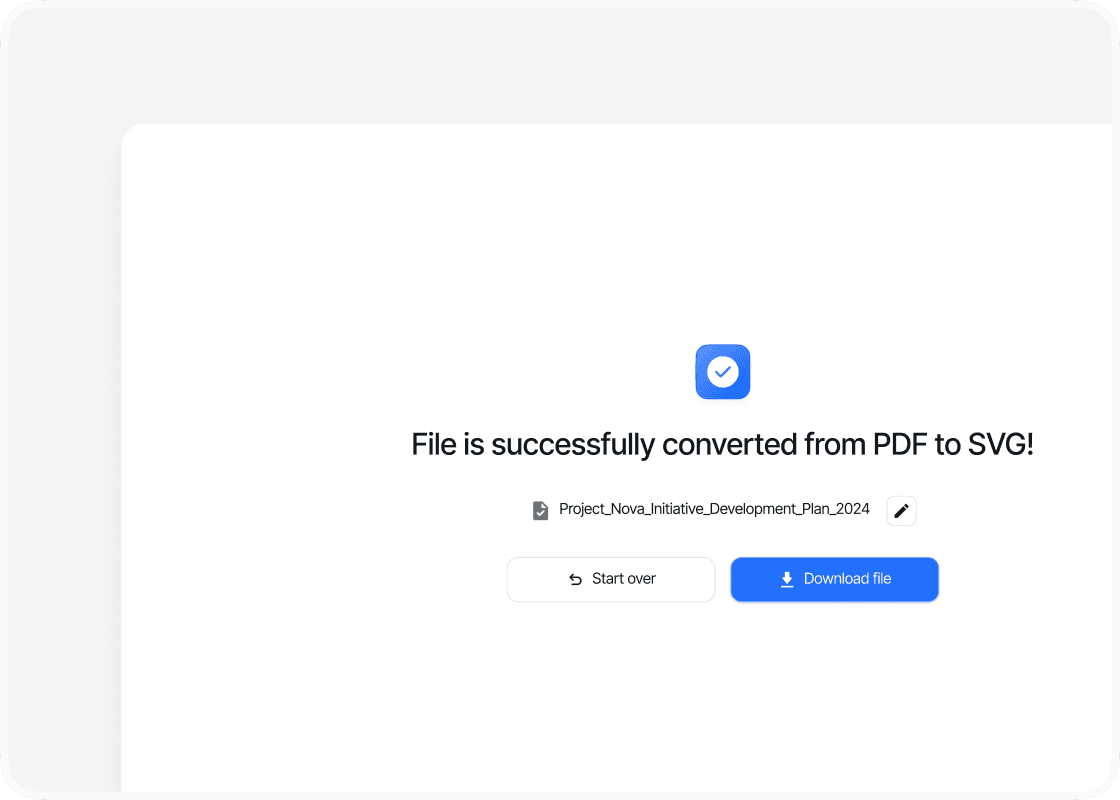
Download your SVG files
When the conversion is complete, sign in to download your new SVG files. Your converted files are ready to open, share or use straight away.
Why convert PDF to SVG with PDFTool?

Fast, straightforward processing

Graphics for web and design work

Works in your browser

Easy to use

Convert your PDF to SVG with PDFTool for use in web and graphic design. SVG is useful for vector artwork that needs to work at different sizes, helping you bring graphics from a document into a scalable image format.
SVG makes vector graphics easier to resize and reuse. PDFTool converts your file so you can open the SVG in suitable design software and continue editing the image. Focus on your design while PDFTool handles the file conversion.
Convert directly in your browser on desktop, tablet or mobile, without installing software. When the conversion is ready, sign in and download your SVG file.


