



PNG to PDF
Turn your PNG images into PDF documents for sharing, printing and keeping with your records.

How it works
Convert PNG to PDF in three simple steps
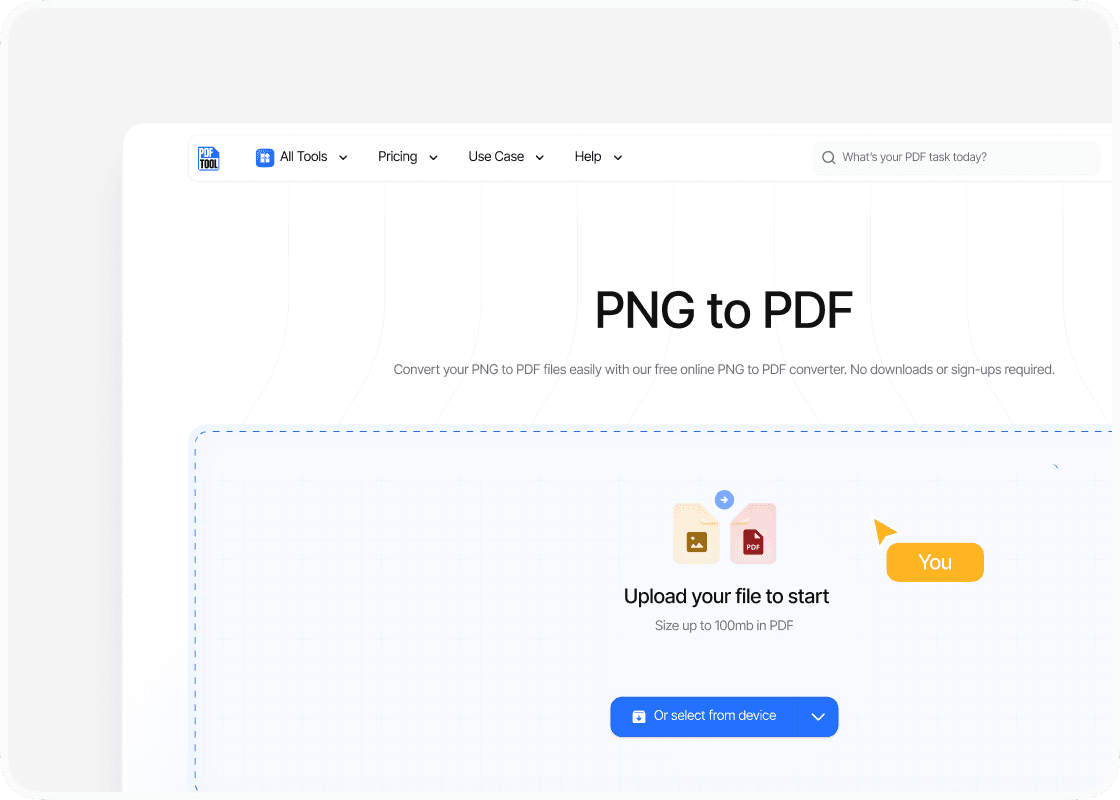
Upload your PNG file
Drag and drop your PNG file into the upload area, or select “Choose file” to find it on your device. You can upload files up to 100 MB.
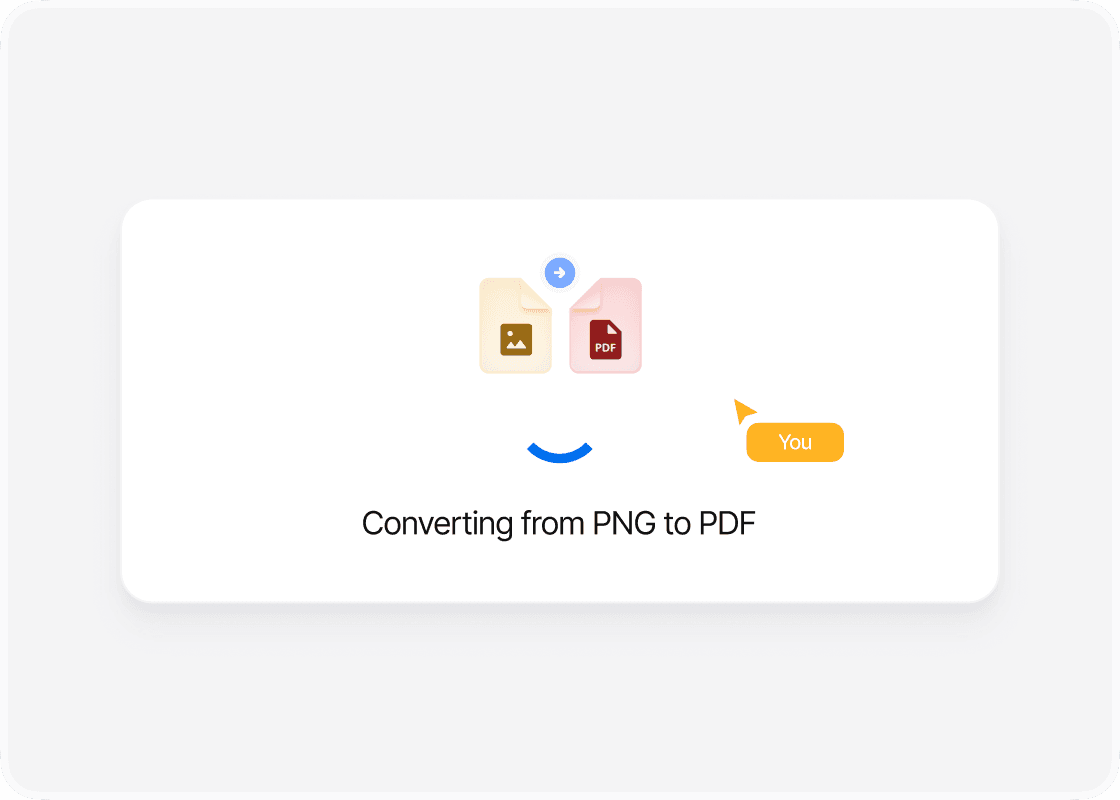
Convert to PDF
Select “Convert” to begin. PDFTool processes your PNG file and creates your PDF file. Keep this page open until the conversion is complete.
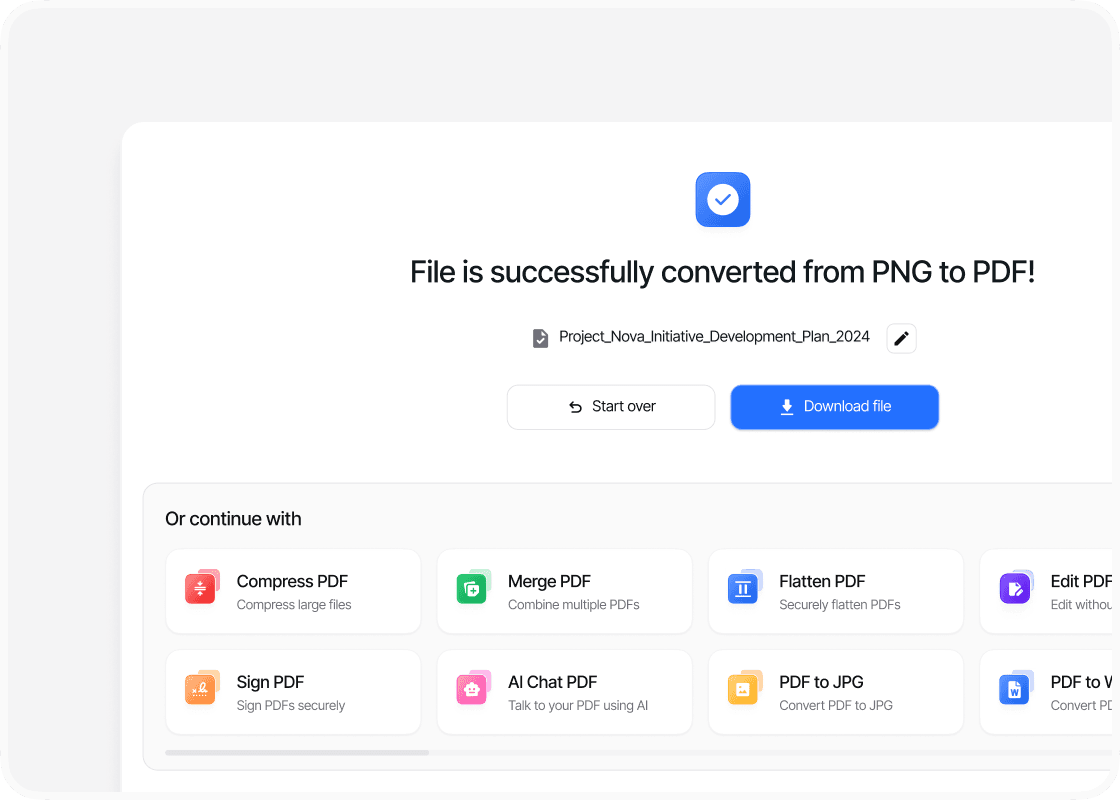
Download your PDF file
When the conversion is complete, sign in to download your new PDF file. Your converted file is ready to open, share or use straight away.
Why convert PNG to PDF with PDFTool?

Keep your image clear

Fast, straightforward processing

Easy to use

Works in your browser
Convert your PNG image to PDF with PDFTool to share or print it as a document. It is useful for screenshots, diagrams and designs you want to show someone else. The PDF is easy to open on different devices.
PDFTool preserves the details of your image in the PDF. PDFTool carries the visual content of your PNG into the document, keeping its details and layout together. Create a PDF from your image material, ready to send or keep with your other documents.
Convert directly in your browser on desktop, tablet or mobile, without installing software. When the conversion is ready, sign in and download your PDF file.


