



XPS to PDF
Share XPS documents as widely supported PDFs with their page layout retained.

How it works
Convert XPS to PDF in three simple steps
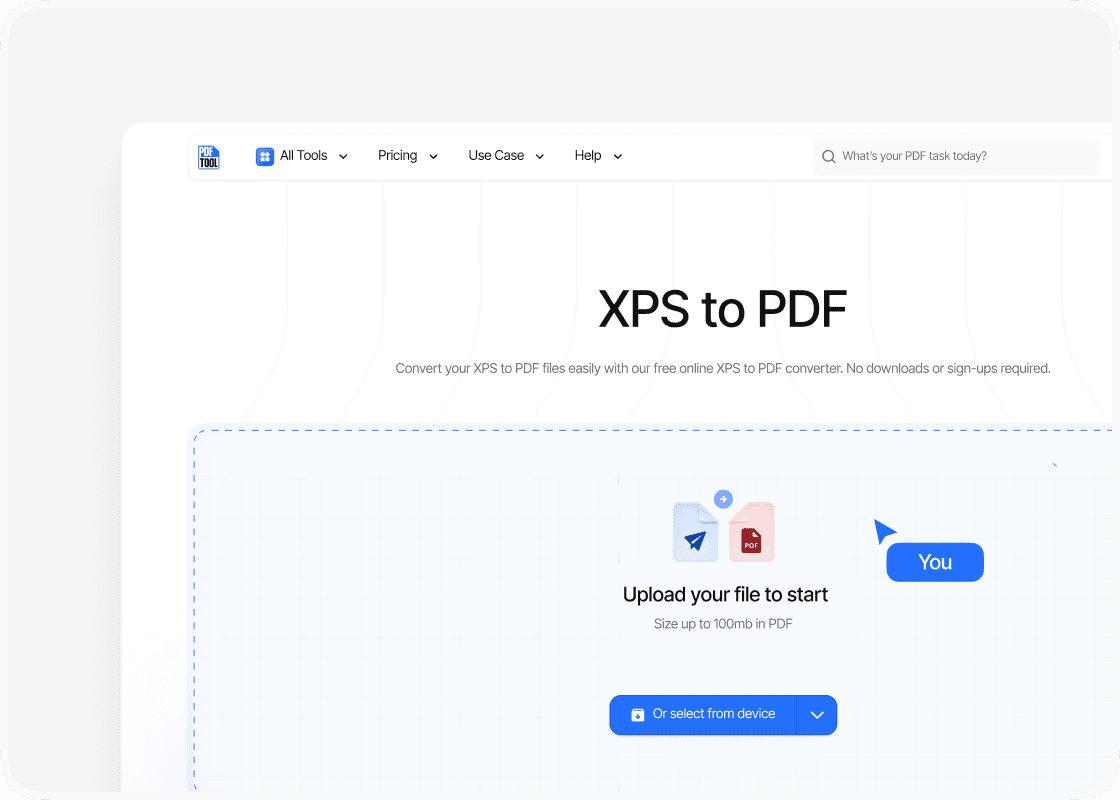
Upload your XPS file
Drag and drop your XPS file into the upload area, or select “Choose file” to find it on your device. You can upload files up to 100 MB.
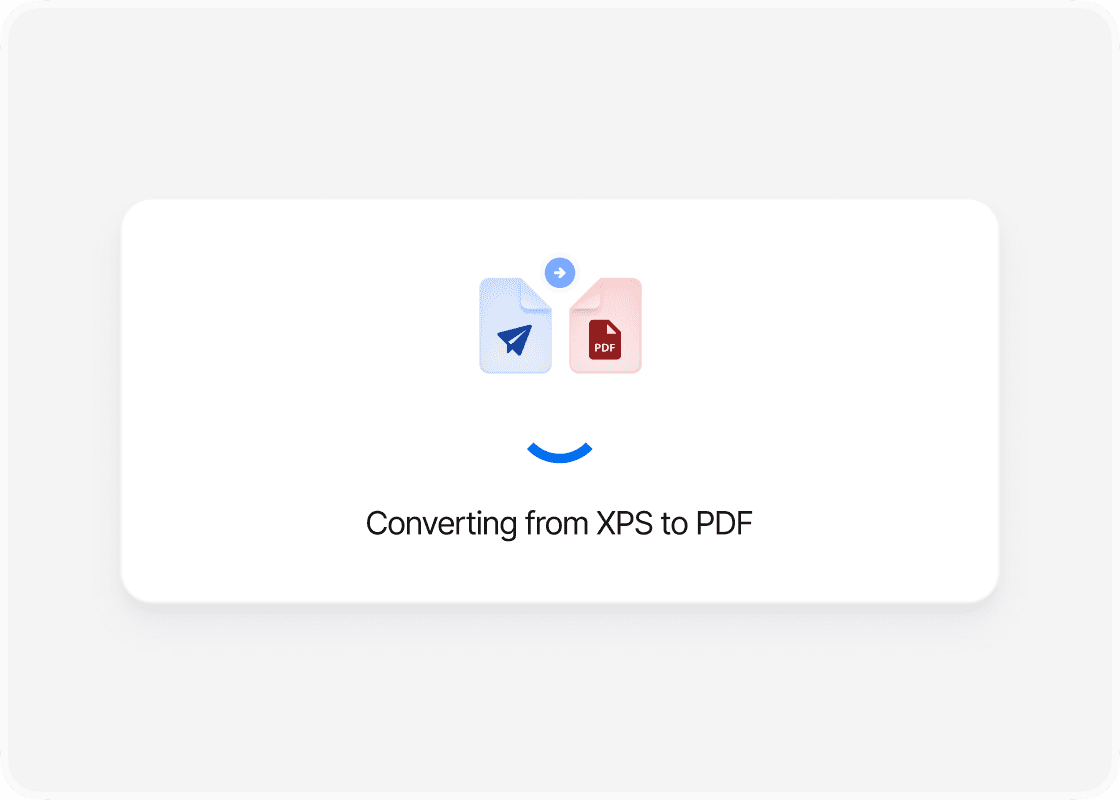
Convert to PDF
Select “Convert” to begin. PDFTool processes your XPS file and creates your PDF file. Keep this page open until the conversion is complete.
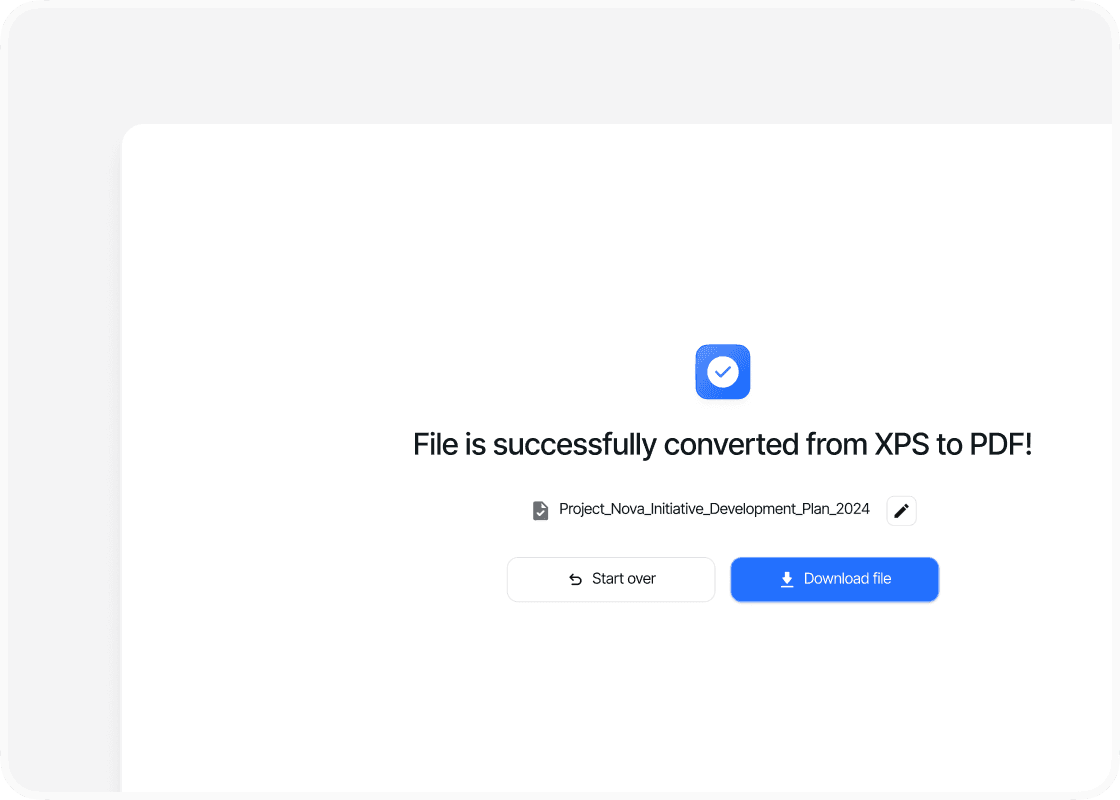
Download your PDF file
When the conversion is complete, sign in to download your new PDF file. Your converted file is ready to open, share or use straight away.
Why convert XPS to PDF with PDFTool?

Fast, straightforward processing

Keep your document’s page layout

Works in your browser

Easy to use
Convert your XPS file to PDF with PDFTool to make your document easier to share. PDF is widely supported, so recipients can open and print the file without special XPS software. It is useful for both business and personal documents.
Your document’s layout needs to stay in place during conversion. PDFTool carries text, images and page layout into the PDF so your document is clearly presented. Create an accessible version to send or keep with your other files.
Convert directly in your browser on desktop, tablet or mobile, without installing software. When the conversion is ready, sign in and download your PDF file.


