



PDF to Text
Extract text from PDF pages for notes, documents and other applications.

How it works
Convert PDF to text in three simple steps
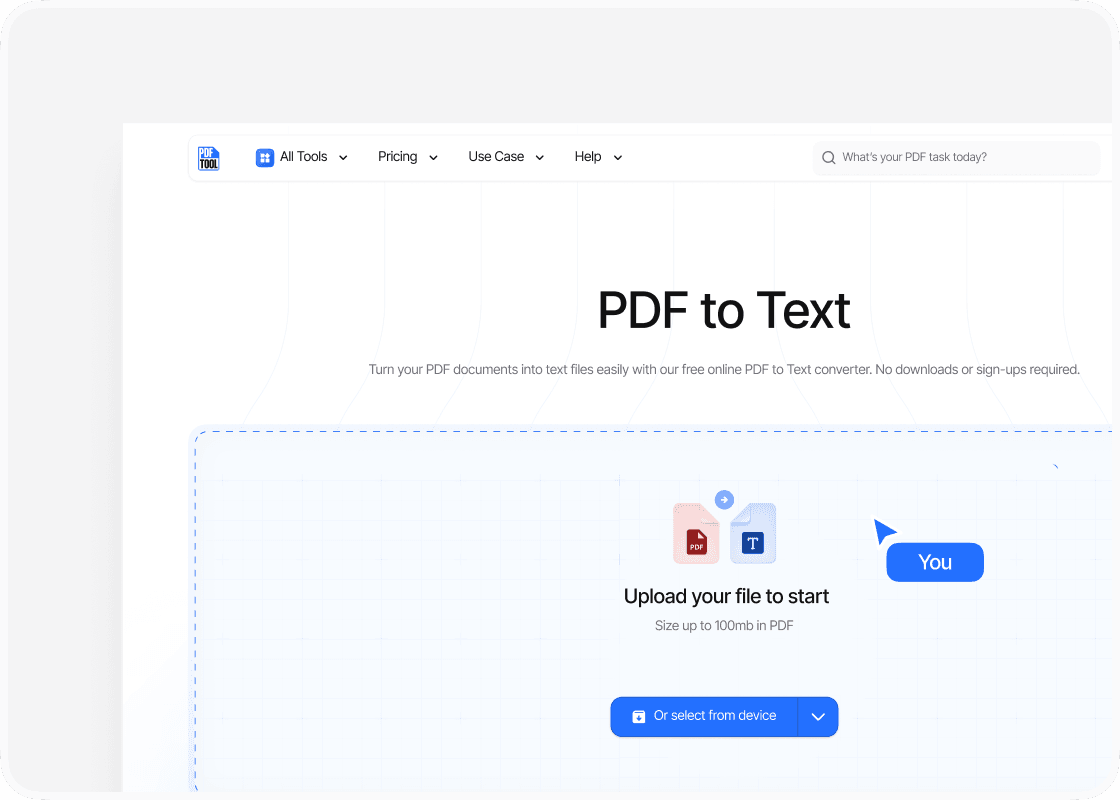
Upload your PDF file
Drag and drop your PDF file into the upload area, or select “Choose file” to find it on your device. You can upload files up to 100 MB.
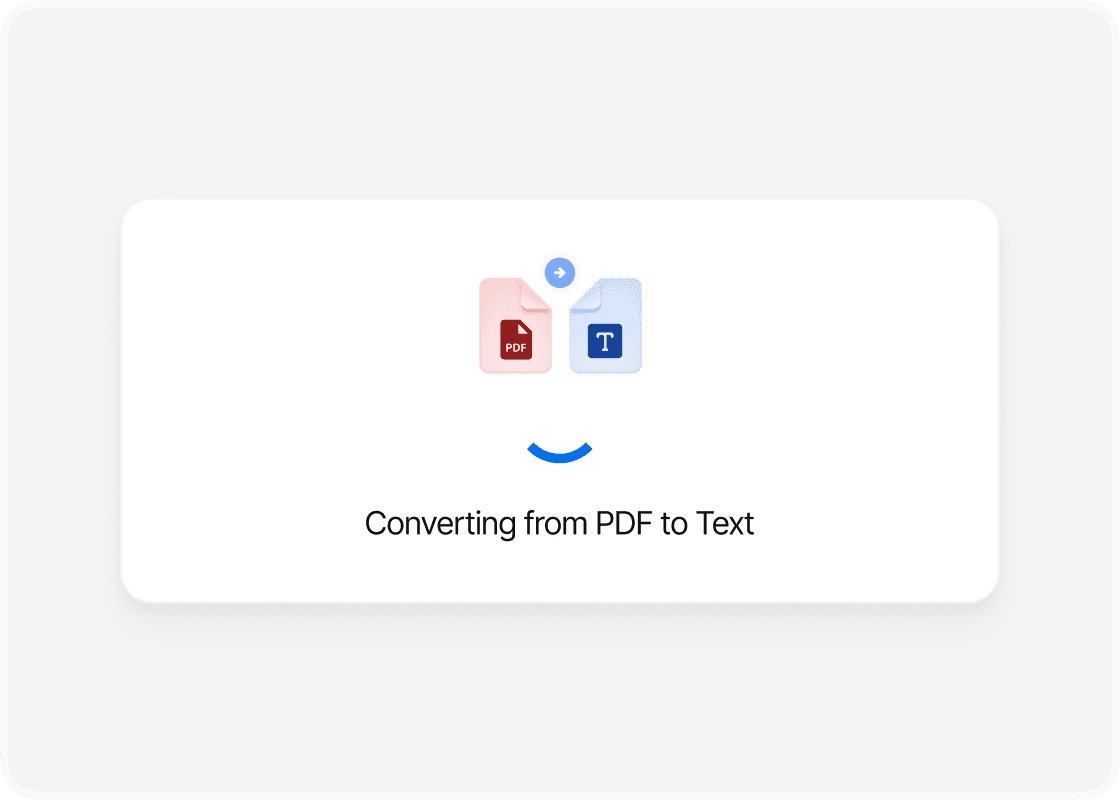
Convert to text
Select “Convert” to begin. PDFTool processes your PDF file and creates your text file. Keep this page open until the conversion is complete.
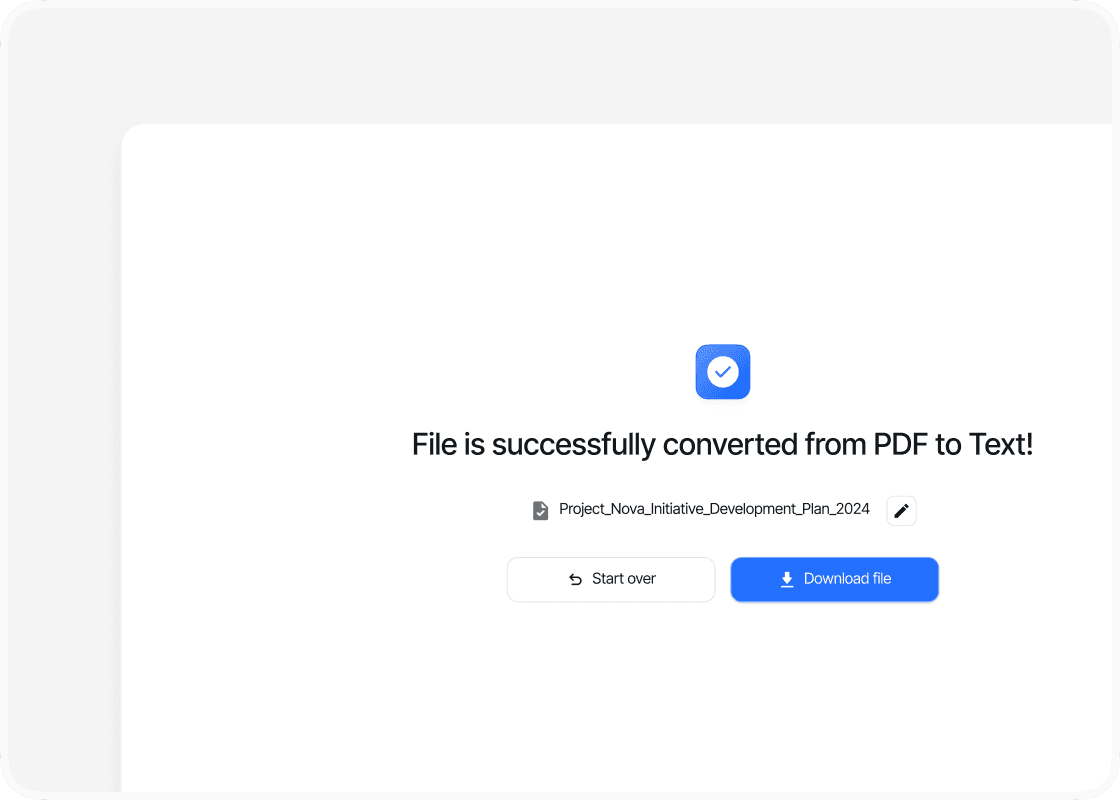
Download your text file
When the conversion is complete, sign in to download your new text file. Your converted file is ready to open, share or use straight away.
Why convert PDF to text with PDFTool?

Fast, straightforward processing

Text ready to reuse

Works in your browser

Easy to use
Extract the text from your PDF with PDFTool and save it as a text file. Convert reports, articles, or notes online so you can reuse the words without copying them one page at a time.
A plain-text file is easy to search and opens in almost any text editor. Use the extracted text in a new document, bring it into your notes, or prepare it for further processing in another application.
Text files keep the words without the PDF’s images, fonts, or page layout. If your PDF contains scanned pages, use OCR first to recognise the text in those images. You can then extract the recognised content into a text file.
PDFTool runs in your browser on a computer, tablet, or phone. Upload your PDF and let the converter handle the extraction. Once it is ready, sign in to download your text file and use the content wherever you need it.


