Resize PDF
Resize your PDF files easily with our free online tool. No downloads or sign-ups required.
Resize PDF is coming soon
This feature is under development and will be available soon. In the meantime, explore our other PDF tools that are ready to use right now.How It Works
Resize PDF in 3 simple steps
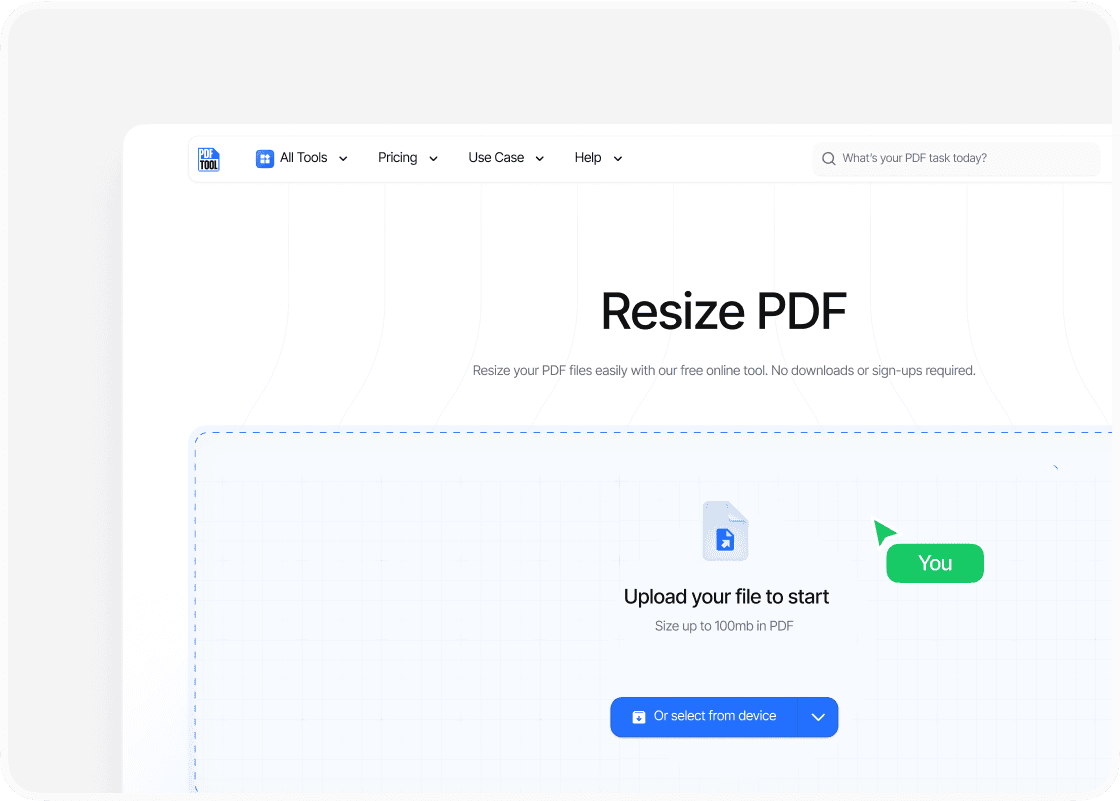
Upload your PDF
Drag and drop your PDF file into PDFTool’s upload section. Alternatively, select the “Choose Files” option to locate your PDF file on your device. Ensuring a stable internet connection allows for smooth processing. Supported file types include any standard PDF format, making it convenient for transferring various document versions.
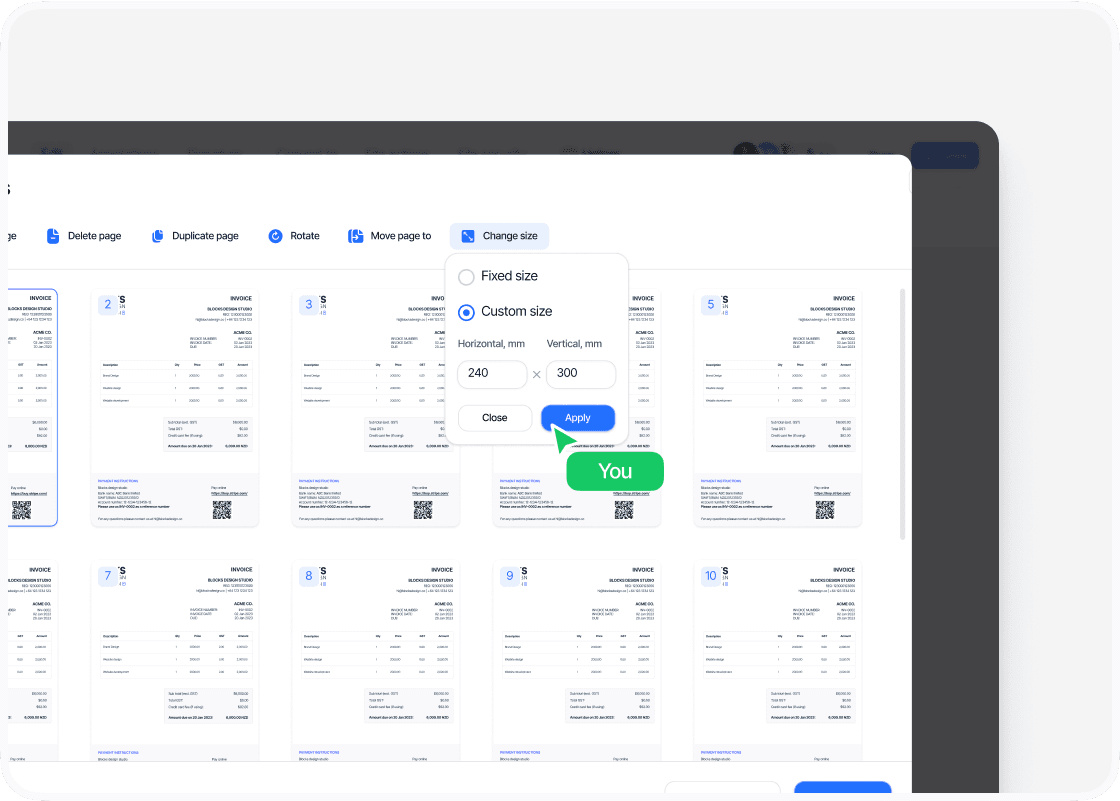
Choose size
Once uploaded, use the “Resize” button to adjust the PDF size as needed. This functionality is crucial for both compressing large files and optimizing them for different uses, like improving sharing possibilities by selecting a strong compression level.
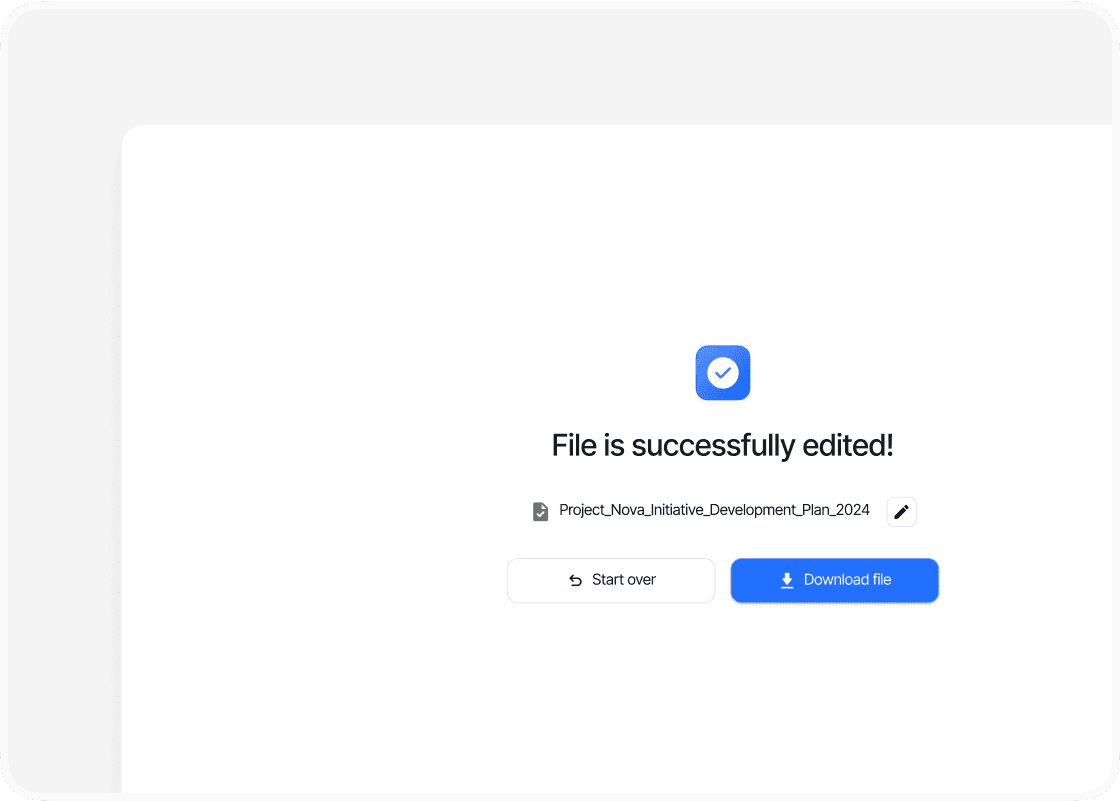
Download your file
After resizing, click on the “Download” button to save the newly created PDF document to your device. Your file is now optimized for email sharing or file storage without losing the original document's quality.
Why use PDFTool as a PDF size converter?

Maintaining format

Speed and efficiency

Accessibility

Ease of use
FAQs
Explore Available Features
Resizing a PDF can be an important step for you to optimize documents for various purposes, whether it’s fitting content to a specific page size or reducing file size for easier sharing.
In today’s digital world, handling PDFs efficiently is a valuable skill. Using PDFTool lets you quickly adjust your document’s dimensions without compromising overall quality. This gives you the flexibility to manage file sizes and formats with ease.
PDF editors often include additional features that enhance your editing experience. With PDFTool, you can do more than just resize PDF files—you can also edit text and images, rearrange pages, and even apply OCR to scanned documents.
These capabilities provide you with a versatile environment to handle all your document management tasks.
With the right tools, modifying PDFs becomes straightforward, giving you full control over your digital documents.
Whether you need to edit, resize, or use advanced features like OCR, PDFTool helps streamline your workflow, making document management more efficient and less stressful.