Kindle to PDF
How to convert Kindle to PDF? This guide walks you through the easiest method.
Kindle to PDF is binnenkort beschikbaar
Deze functie is in ontwikkeling en zal binnenkort beschikbaar zijn. Ontdek in de tussentijd onze andere PDF-tools die direct te gebruiken zijn.How It Works
Kindle to PDF in 3 simple steps
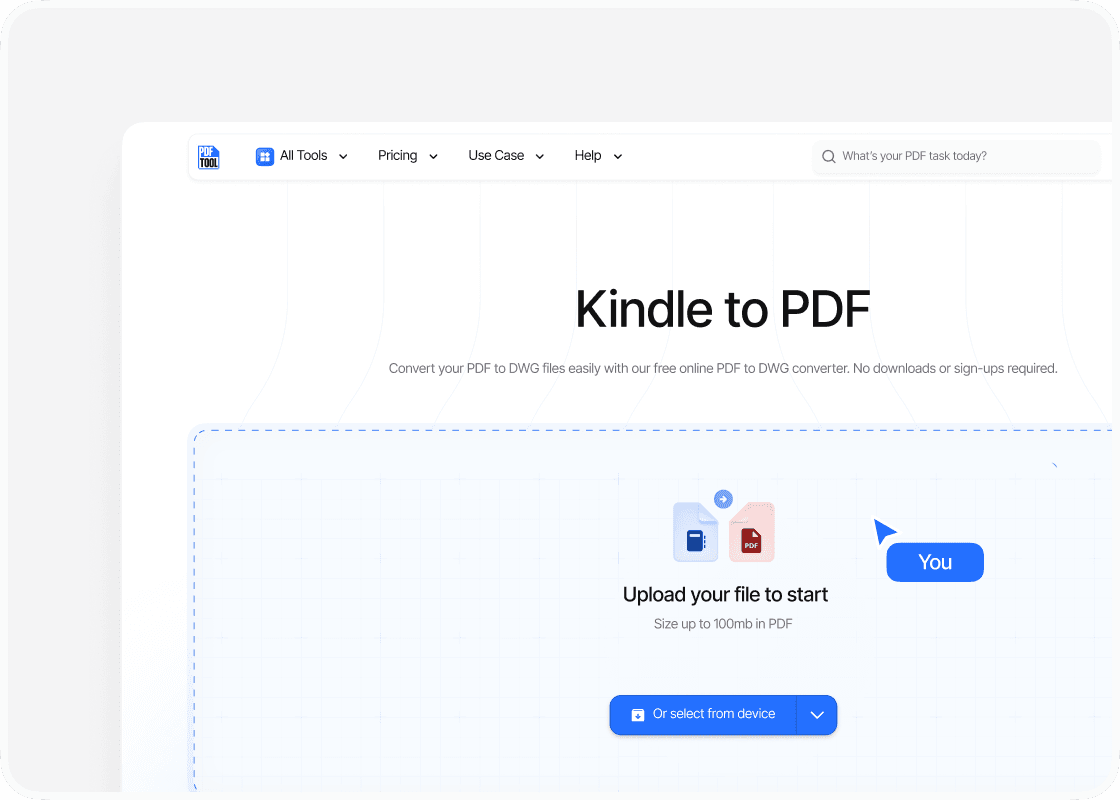
Upload Kindle File
Navigate to PDFTool. Once on the website, locate and select the upload option. This will allow you to add your Kindle files from your device. These might be stored in .azw or .mobi format.
.png&w=1200&q=75)
Convert File
After uploading the Kindle file, click the “Convert” button to transform your uploaded Kindle document into a PDF.
.png&w=1200&q=75)
Download PDF
Once the conversion is complete, you can download the newly created PDF file. The link for this download will appear on the website interface, enabling you to easily retrieve the converted file. It's important to ensure the file is saved properly to avoid data loss.
Why Use This Kindle to PDF Converter
.svg)
Ease of Use

Speed and Efficiency

Maintaining Format

Accessibility
FAQs
Explore Avaliable Features
.png&w=256&q=75)
As a Kindle user, you may find yourself wanting to read your e-books on devices beyond the Kindle app. That’s when knowing how to convert Kindle files to PDF becomes incredibly useful.
Converting your Kindle books to PDF lets you enjoy a flexible reading experience across multiple platforms and devices.
This conversion improves accessibility, making it easy for you to read your e-books on non-Kindle devices so you always have access to your library.
Although exporting Kindle books to PDF might seem daunting at first, PDFTool makes the process simple.
PDFTool is especially helpful if you want to share documents or read your Kindle content on a wider range of devices.
By successfully converting Kindle to PDF, you not only enhance portability but also open up better options for collaboration and sharing.