PDF to DWG
Convert your PDF to DWG files easily with our free online PDF to DWG converter. No downloads or sign-ups required.
PDF to DWG is binnenkort beschikbaar
Deze functie is in ontwikkeling en zal binnenkort beschikbaar zijn. Ontdek in de tussentijd onze andere PDF-tools die direct te gebruiken zijn.How It Works
PDF to DWG in 3 simple steps
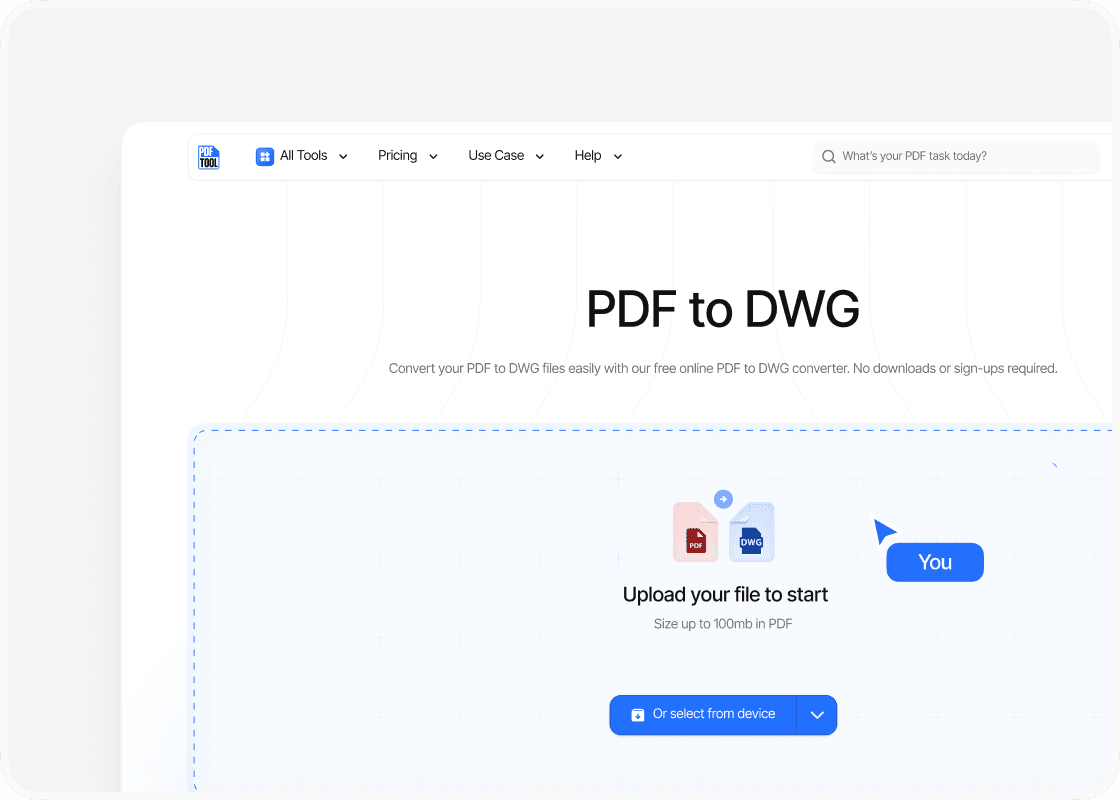
Upload your PDF
Simply drag and drop your PDF file into the upload section provided by PDFTool. Alternatively, select the “Choose Files” option to locate your PDF file on your device.
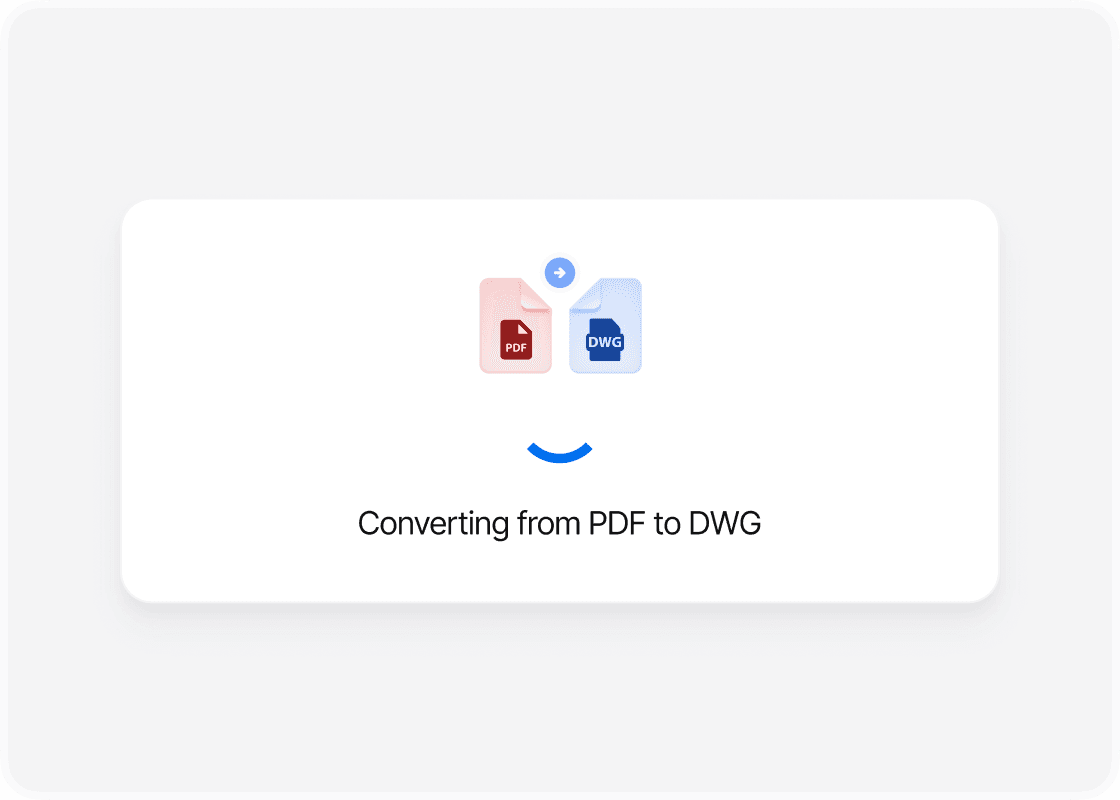
Click Convert
Select the “Convert” option in PDFTool. The tool will instantly convert your PDF into a DWG file format, allowing for seamless integration with AutoCAD. This conversion process accurately translates lines and text, making them editable in AutoCAD software.
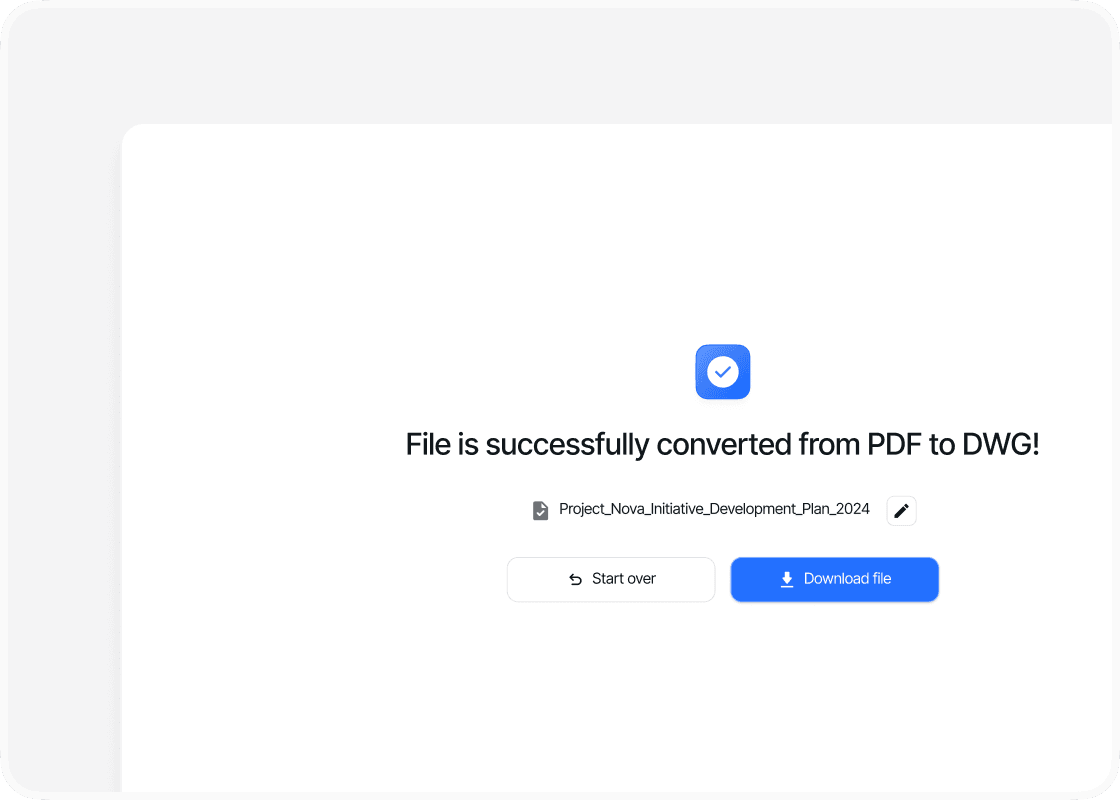
Download your file
Once the conversion is complete, download your new DWG file. Click the “Download” button provided by PDFTool to save the DWG file to your device. The file will retain its detail and precision, ready for further editing in AutoCAD.
Why use this PDF to DWG converter?

Ease of use

Speed and efficiency

Maintaining format

Accessibility
FAQs
Explore Avaliable Features
In the world of design and architecture, file compatibility can often present challenges, especially when working with different software.
Converting PDF files to DWG format is a necessary step for integrating detailed designs into AutoCAD.
PDF to DWG conversion enables designers to modify and enhance their drawings with precision, maintaining the integrity of the original designs while adding the flexibility of further editing.
PDFs are great for maintaining fixed layouts, but they can be limiting when adjustments are needed. For architects and engineers who require editable formats for their technical drawings, converting PDFs to DWG format is essential.
PDFTool, a free PDF to DWG converter, takes care of this process and transforms the static content of a PDF into a dynamic format, allowing for seamless integration into AutoCAD and similar CAD applications.
Understanding how to convert PDF to DWG can significantly streamline workflow, saving time and reducing the frustration of manual redrawing.
By employing the right tools and techniques, professionals can ensure their designs remain accurate and easily adaptable, ready for any project demands they may encounter.
This capability not only enhances productivity but also bolsters creativity, allowing for efficient alterations and improvements on the go.