AI Detector PDF
Easily detect the use of AI in PDF documents with our free online AI detector for PDF files. No downloads or sign-ups required.
AI Detector PDF is coming soon
This feature is under development and will be available soon. In the meantime, explore our other PDF tools that are ready to use right now.How It Works
How To Use An AI PDF Checker
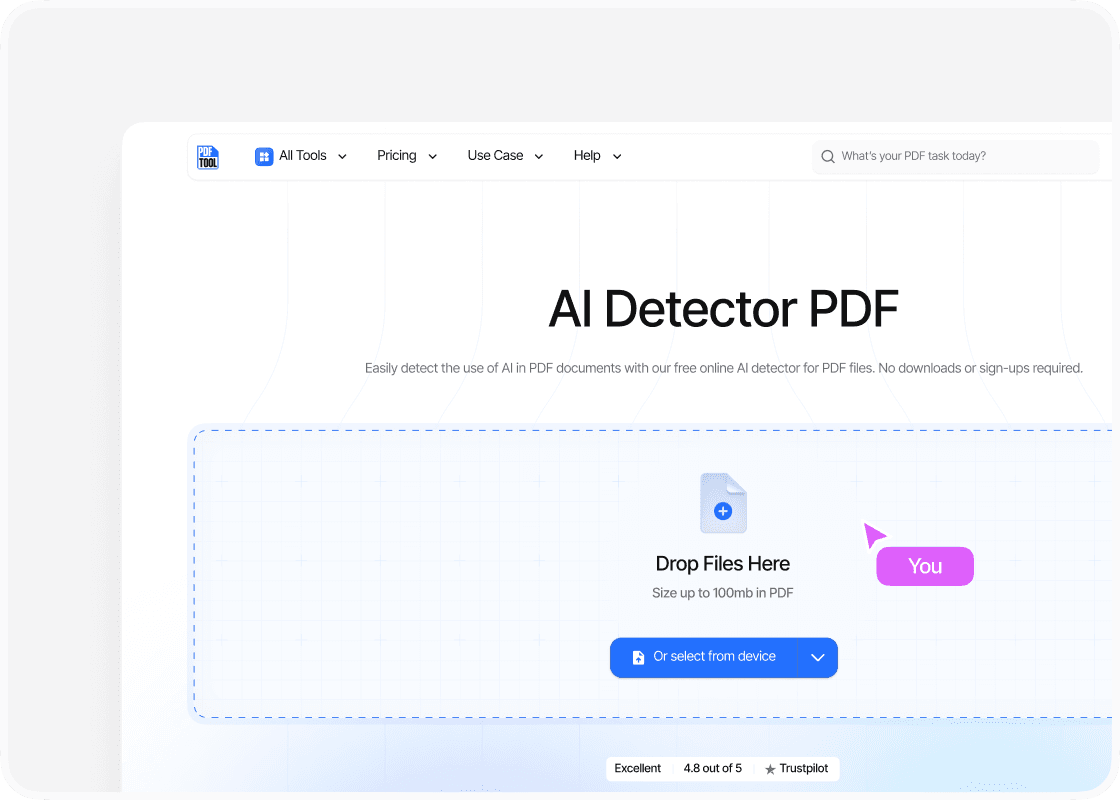
Upload the PDF
To use the AI detector, upload a file by first selecting or dragging the file into the tool. Most platforms allow direct PDF uploads, while some also accept copy-pasted text.
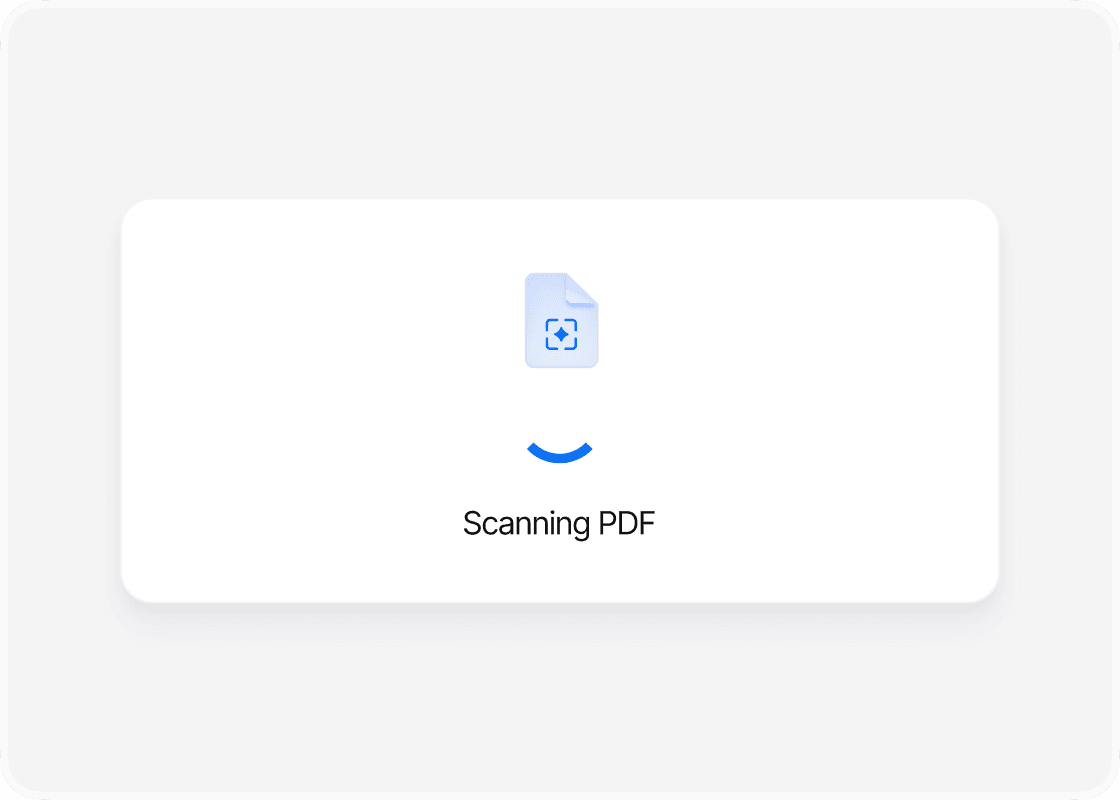
Run the Scan
The AI checker PDF processes the document using language models and detection algorithms. This step highlights sections that may have been generated by AI.
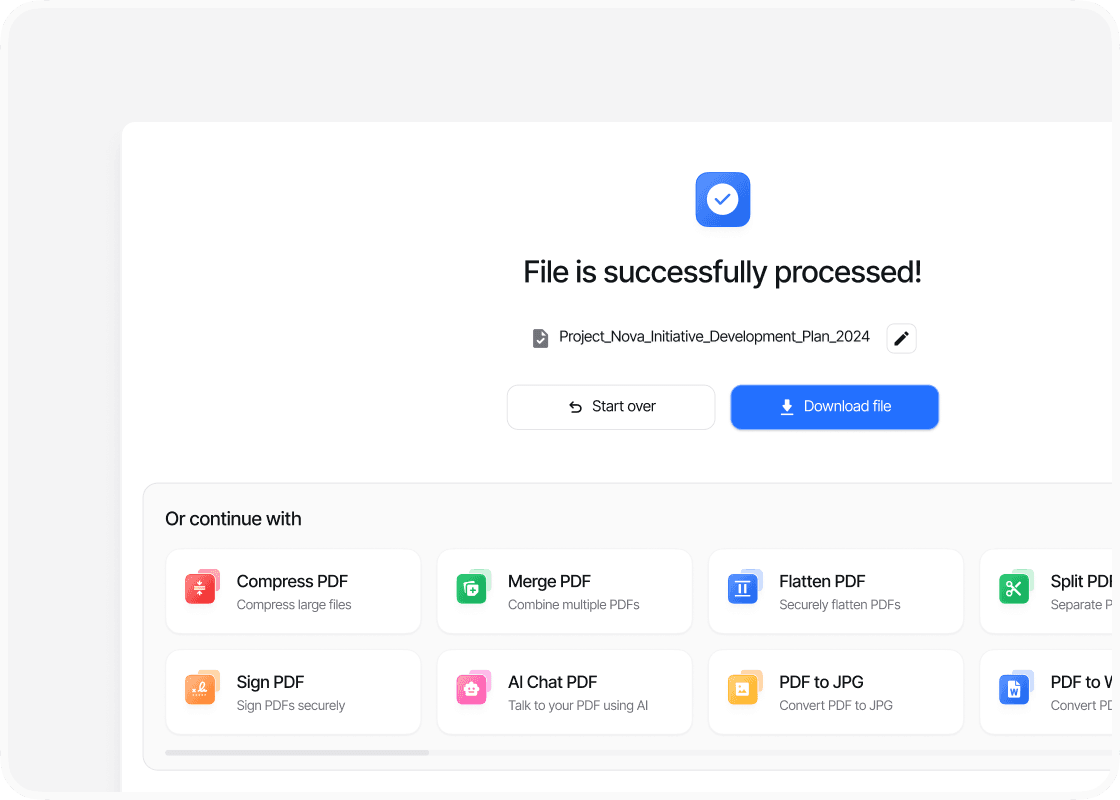
Review the Results
The tool provides a likelihood score or percentage. It may also mark specific sentences or passages that appear machine-written.
Why Use A Free PDF AI Detector

Simple to Operate

Fast Results

Preserves Document Layout

Available Across Devices
FAQs
Explore Avaliable Features

AI-generated content in documents has become increasingly common, making it harder to tell whether a PDF was written by a person or produced by a machine.
An AI detector for PDF files allows anyone to upload a document and quickly see if the text inside shows signs of being AI-generated. This provides a straightforward way to verify essays, reports, or professional documents without guesswork.
These tools work by analyzing language patterns, sentence structures, and other markers that often differ between human writing and AI output.
With free online options available, it takes only a few steps to upload a PDF and receive a clear likelihood score, often with highlighted sections that show where AI influence is most likely.
As AI writing tools continue to evolve, the ability to check documents for authenticity has become a practical need in education, business, and publishing.
Knowing how to use a reliable PDF AI detector helps ensure transparency and trust in digital content.