EPS to PDF
Convert EPS to PDF with our free online EPS to PDF converter. No downloads or sign-ups required.
EPS to PDF sera bientôt disponible
Cette fonctionnalité est en cours de développement et sera bientôt disponible. En attendant, découvrez nos autres outils PDF, prêts à l'emploi dès maintenant.How It Works
EPS to PDF in 3 simple steps
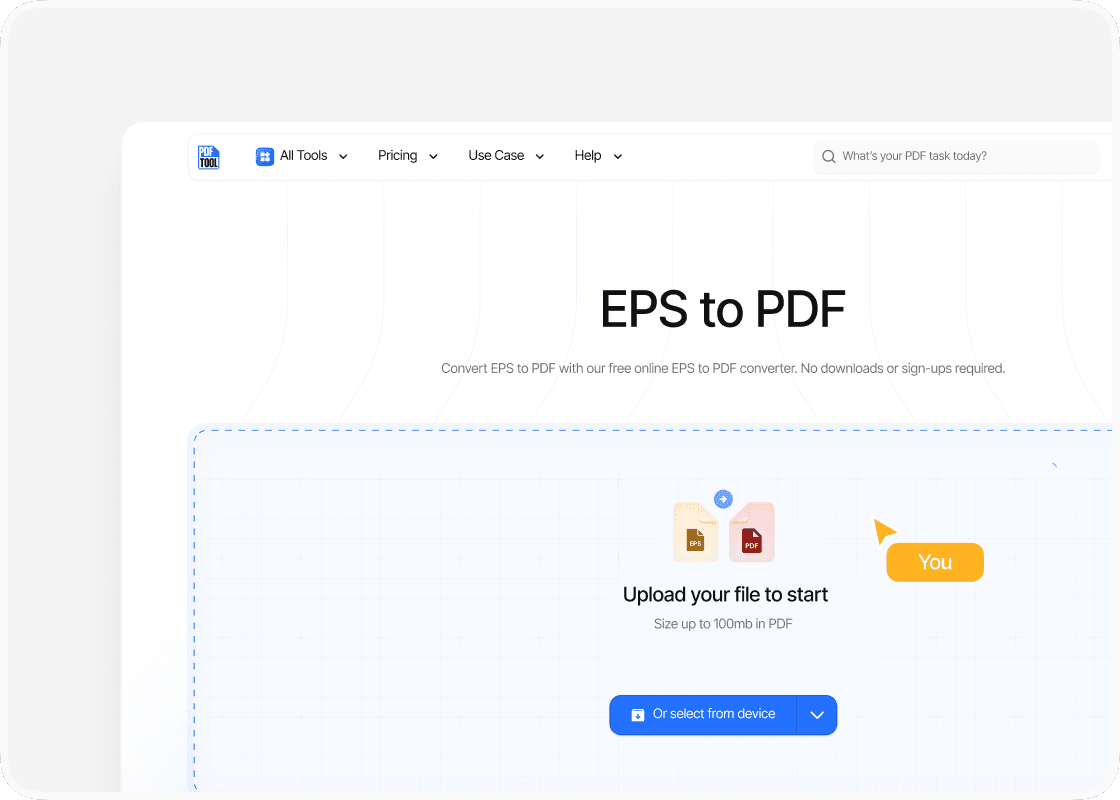
Upload EPS files
Begin by visiting the PDFTool website. Click the "Choose Files" button to navigate through the directories and select the desired EPS files. The selected files will appear in the upload window, ready for conversion.
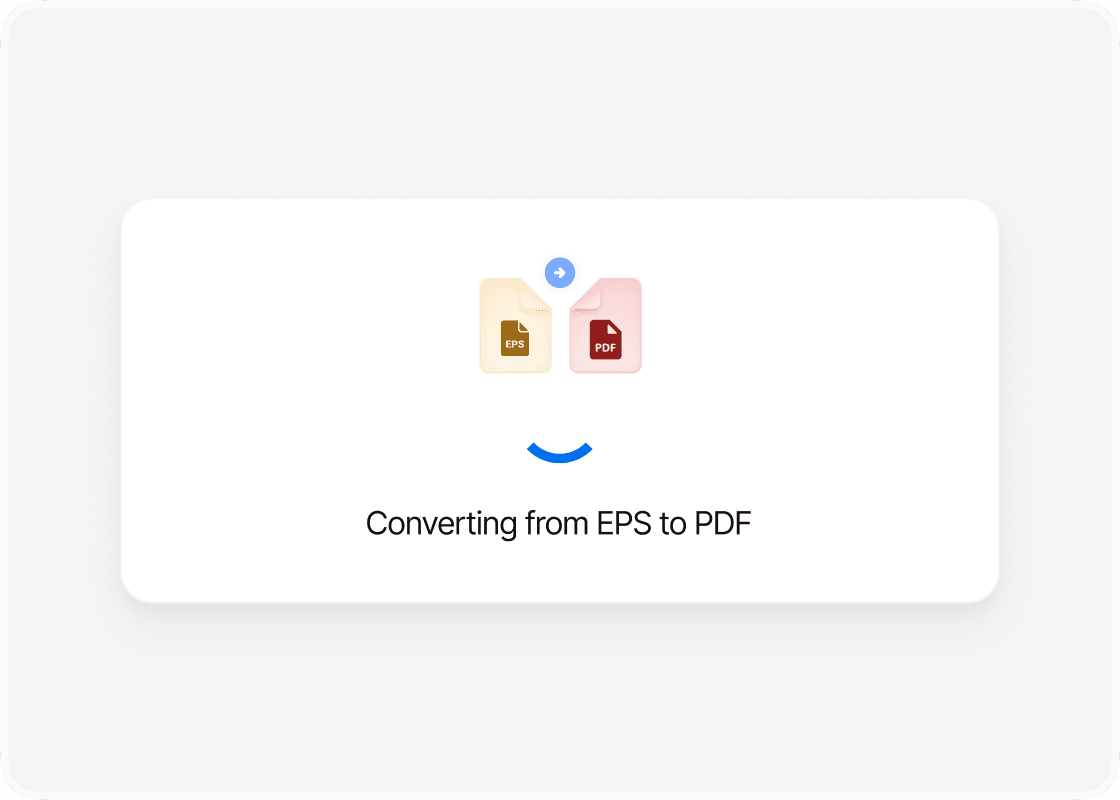
Convert to PDF
Once the EPS files are uploaded, the next step is to initiate the conversion process. Click the "Convert to PDF" button. PDFTool handles the file transformation quickly, maintaining the original quality and layout.
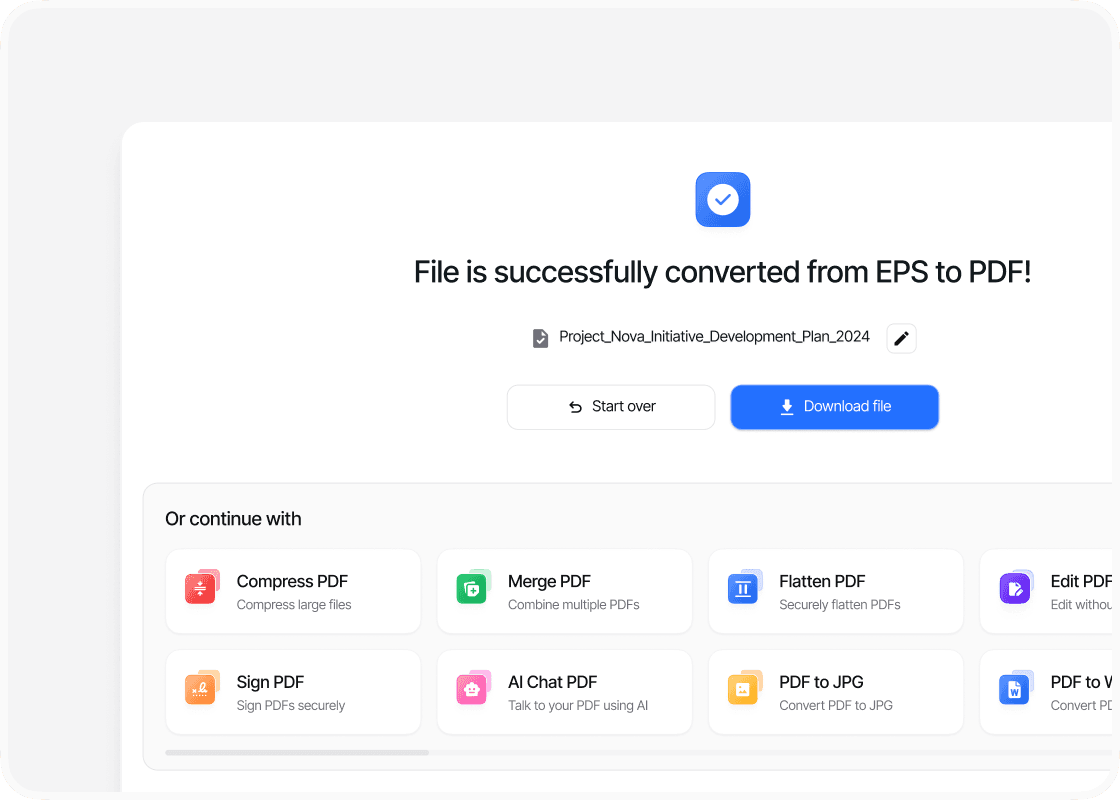
Download the PDF
After the conversion, you’ll notice a status update indicating completion. A "Download PDF" button becomes available, allowing you to save the newly converted PDF files to your computer or device.
Why choose our EPS to PDF converter?

Ease of use

Speed and efficiency

Maintaining format

Accessibility
FAQs
Explore Avaliable Features
Converting an EPS file to PDF is an important step if you work with graphic designs or print media.
EPS files, known for their high-quality vector graphics, often need to be converted into the versatile and widely supported PDF format to ensure compatibility across different platforms and devices.
PDFTool offers a reliable solution for this conversion, preserving the integrity and quality of your original image while providing a smooth experience.
The demand for EPS to PDF conversion has grown as the need for universally accessible documents increases.
Whether you’re collaborating, sharing, or archiving, converting to PDF helps minimize compatibility issues that can arise with EPS files.
The precision of the PDF format makes it ideal for preserving design elements, fonts, and layouts, making it the preferred choice for designers and businesses alike.
If you’re new to the process, using online tools like PDFTool makes it easy to upload your EPS files and convert them into high-quality PDFs without losing detail or clarity.
This accessibility empowers you—whether you’re a seasoned designer or an occasional user—to efficiently manage your digital assets.