Webp to PDF
Convert your Wepb to PDF files easily with our free online Webp to PDF converter. No downloads or sign-ups required.
Webp to PDF is coming soon
This feature is under development and will be available soon. In the meantime, explore our other PDF tools that are ready to use right now.How It Works
Webp to PDF in 3 simple steps
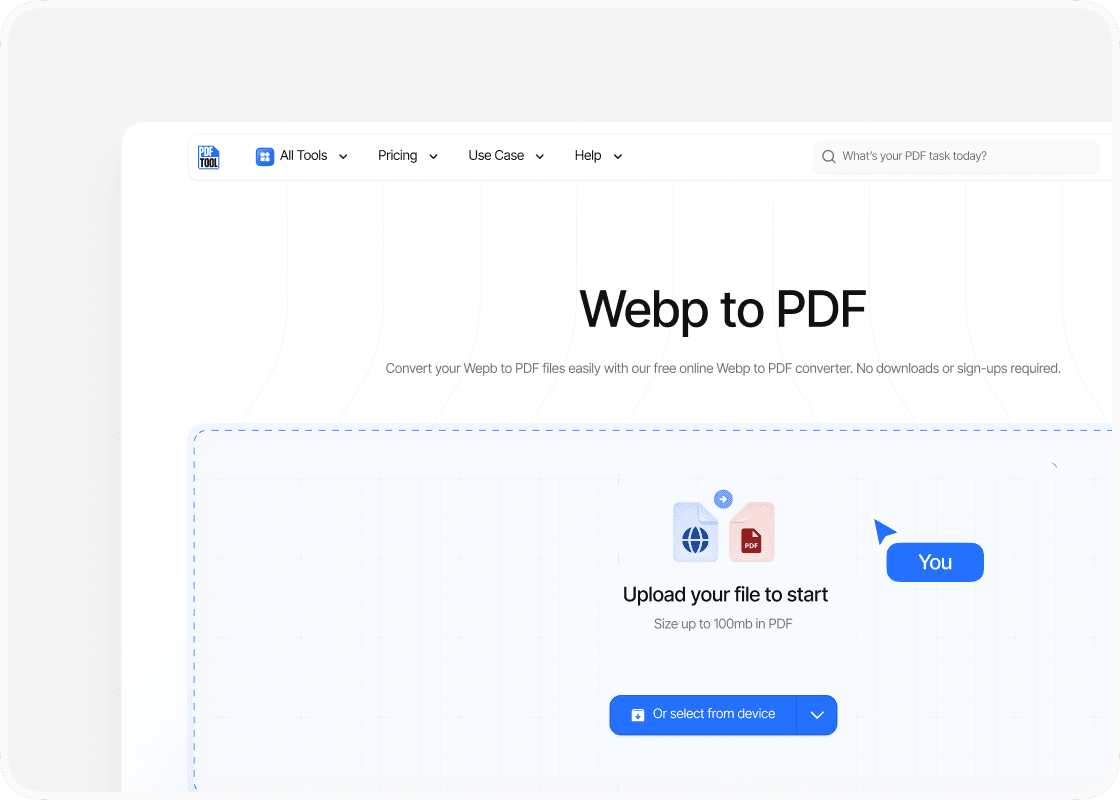
Upload WebP file
Visit the PDFTool website. Use the upload functionality to select and upload your WebP file. You can drag and drop the file into the designated area or click to locate the file on your device.
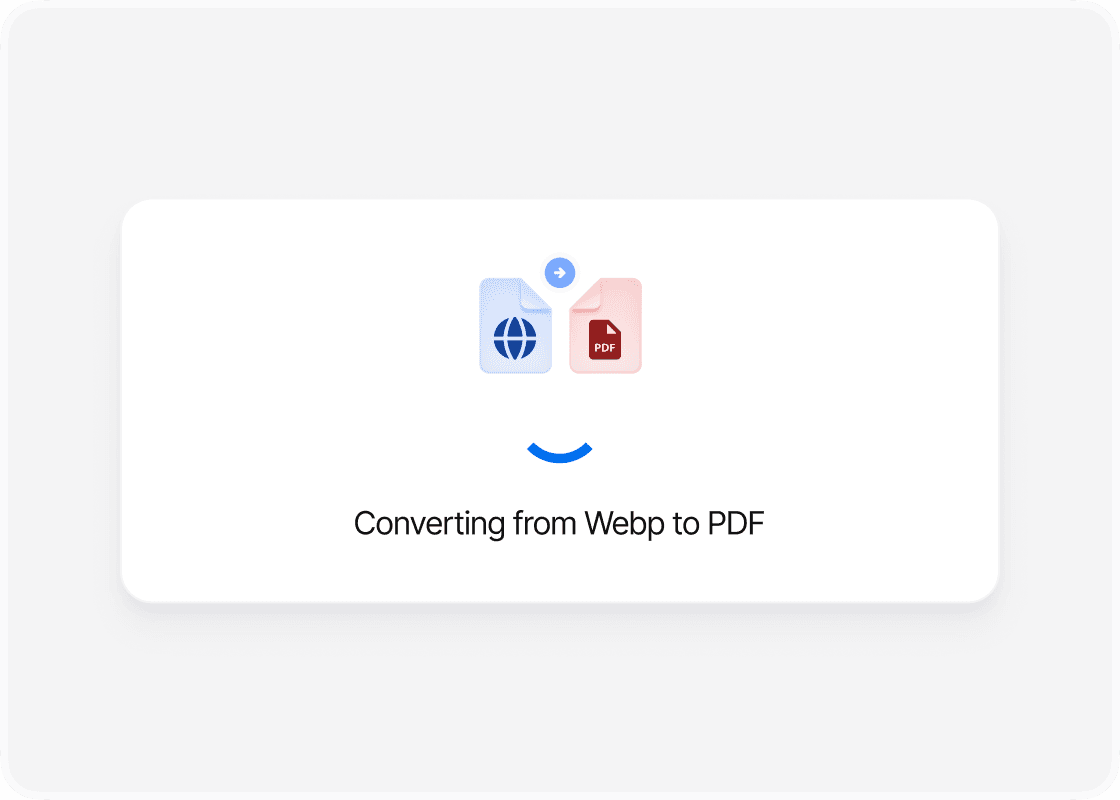
Convert WebP to PDF
After uploading, press the “Convert” button to begin the WebP to PDF conversion. PDFTool processes the file quickly, ensuring a seamless experience.
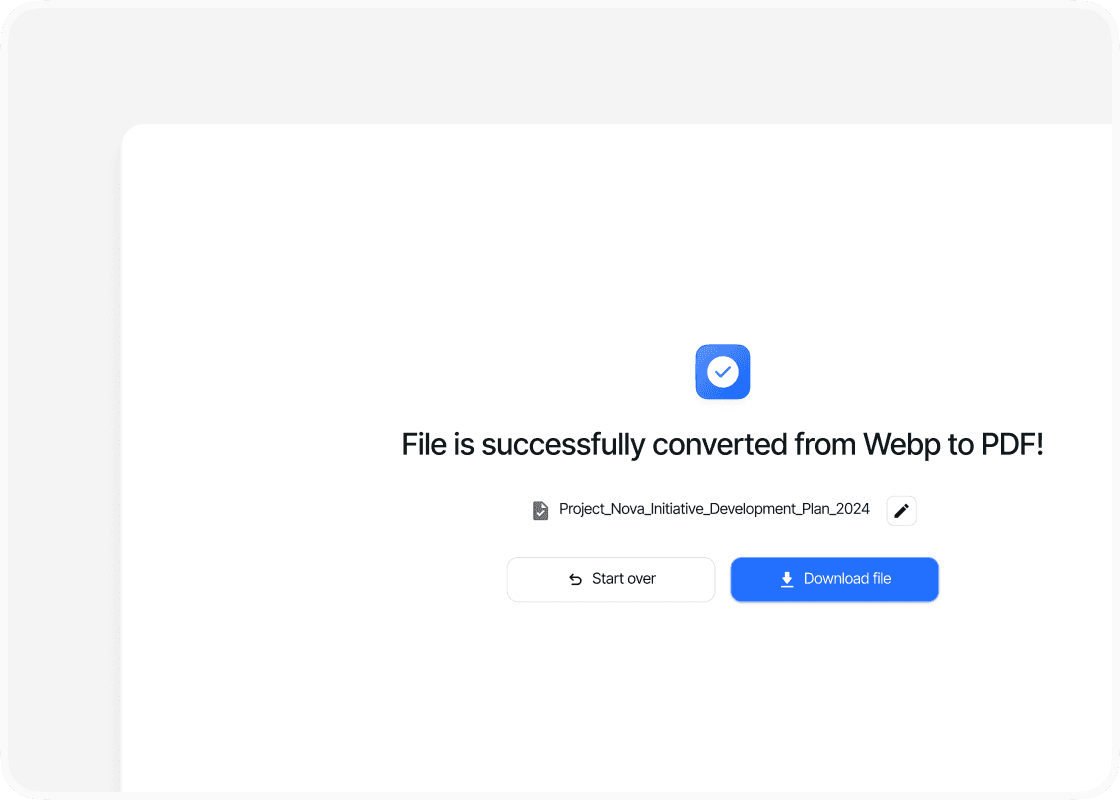
Download the PDF
Once the conversion is complete, a download link will appear. Click this link to save the converted PDF file to your device. PDFTool ensures that the quality of images is preserved during conversion.
Why use this WebP to PDF converter?

Ease of use

Speed and efficiency

Maintaining format

Accessibility
FAQs
Explore Avaliable Features
The need to convert WebP to PDF is essential in this evolving digital age to preserve quality and ensure compatibility across different platforms.
If you want to convert WebP images to PDF formats, this task can be accomplished with ease and high quality by using PDFTool, a WebP to PDF converter.
This conversion allows you to maintain the original clarity and detail of your images while transforming them into a widely accepted format suitable for printing and sharing.
The process of converting WebP to PDF has many advantages.
It enables better document management and archival by merging multiple images into a single PDF file, streamlining the process of handling numerous image files.
This functionality is particularly beneficial for projects that require the integration of high-resolution images into documents for professional presentations or reports.
PDFTool offers intuitive options that simplify this conversion process, making it accessible even for those who may not be tech-savvy.
With a few straightforward steps, you can upload your WebP files, adjust the necessary settings, and promptly download your high-quality PDF documents.
This not only enhances efficiency but also ensures that visuals remain sharp and professional, maintaining the integrity of the original images.