Compare PDF
Compare two PDFs and review their differences.
Compare PDF is coming soon
This feature is under development and will be available soon. In the meantime, explore our other PDF tools that are ready to use right now.How it works
Compare two PDFs in three simple steps
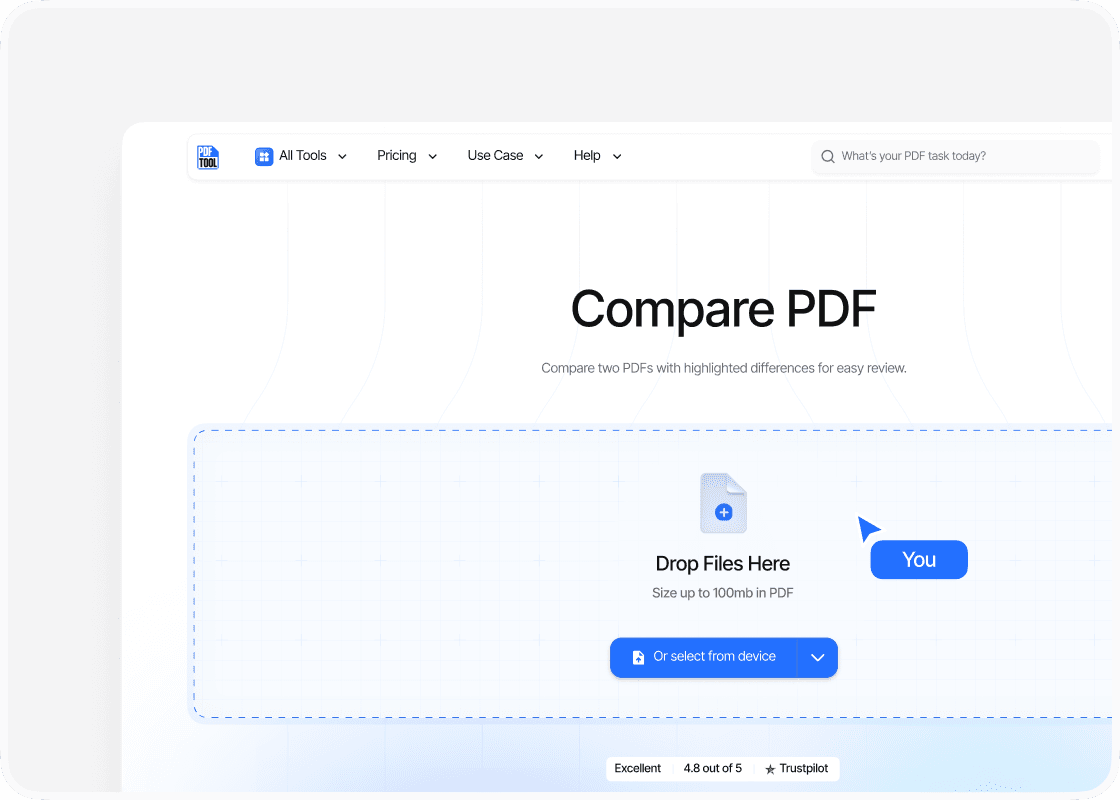
Upload both PDFs
Choose the two PDF files you want to compare. Check that you have selected the correct versions before starting the comparison.
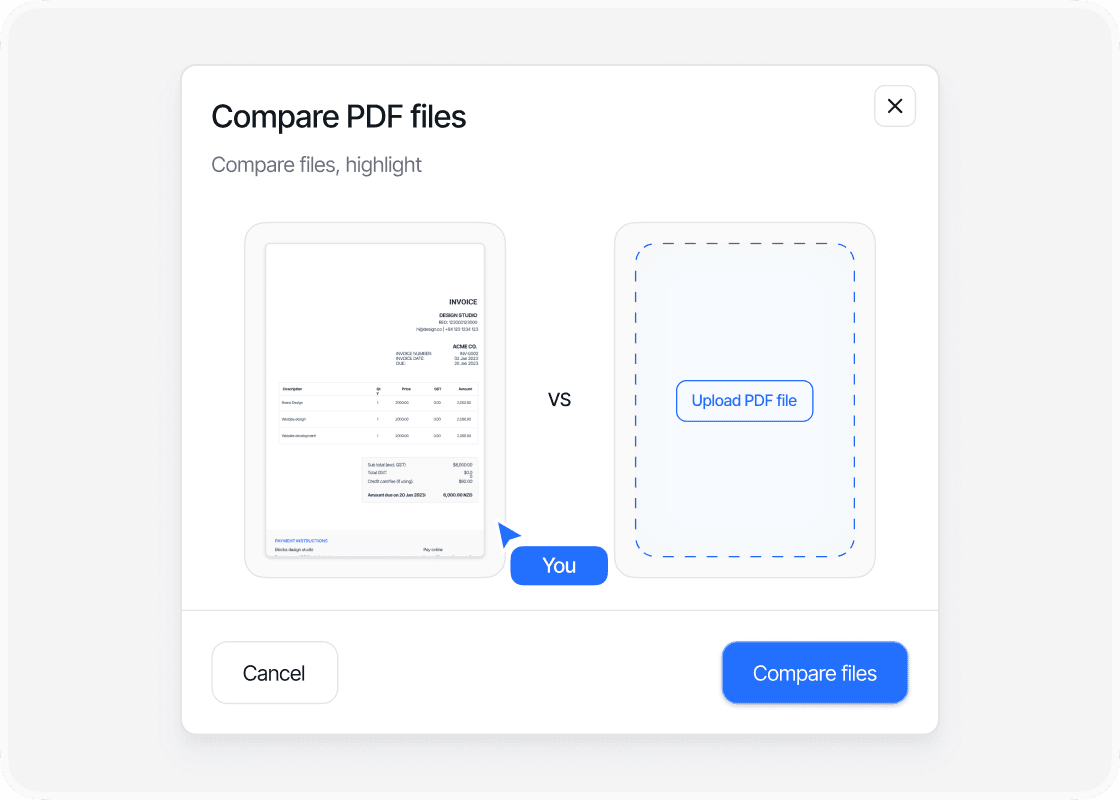
Compare the documents
Start the comparison and let PDFTool identify and highlight the differences between the two documents. Keep the page open while the comparison is running.
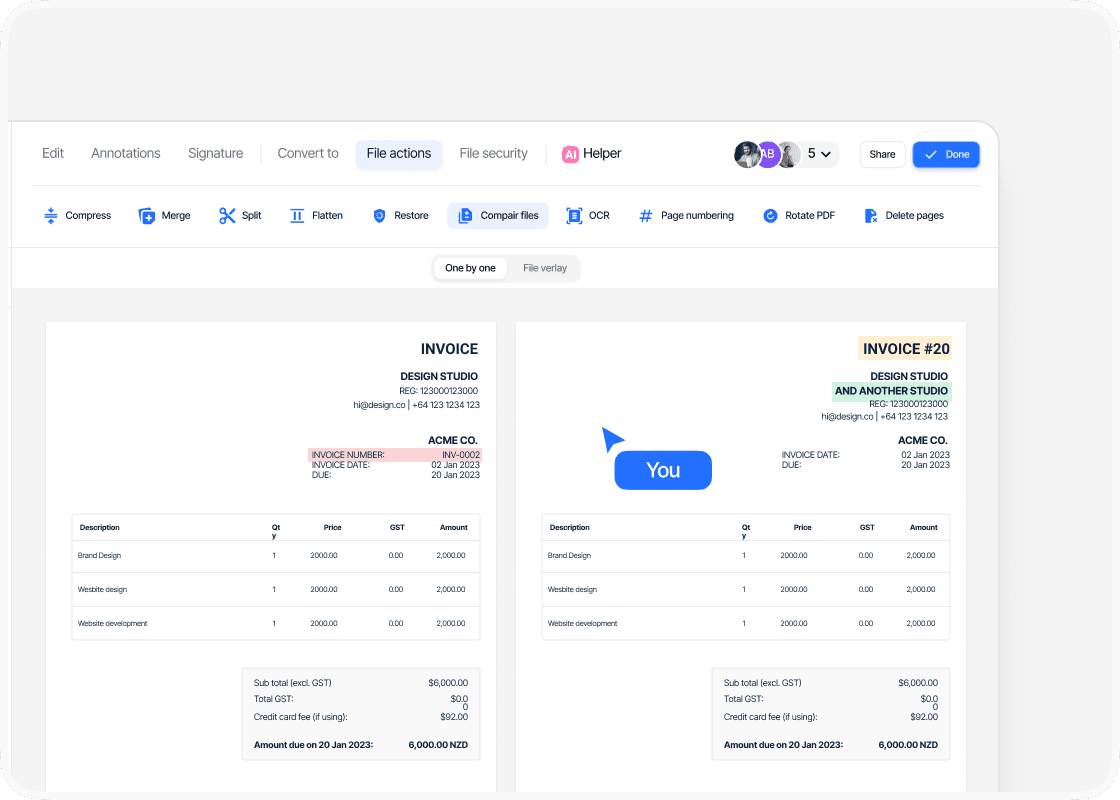
Review the results
When the comparison is ready, sign in to review the highlighted differences directly on screen. Check the changes page by page before continuing.
Why use PDFTool to compare two PDFs?

Secure processing

Works in your browser

See what changed between versions

Fast, straightforward processing
Compare PDFs
Compare PDFsCompare two PDFs and review their differences. Compare contracts, reports, specifications or other drafts when you need to see what changed.
Upload both PDFs and use the on-screen controls for this task. Start the comparison and let PDFTool analyse both versions. PDFTool highlights the differences between both versions on screen.
Because the tool works in your browser, you can use it on desktop, tablet or mobile without installing another application. PDFTool provides fast online processing for files up to 100 MB.
When the comparison is ready, sign in to review the changes page by page.


