Coming Soon

IPYNB to PDF

Easily convert your Jupyter Notebook to PDF files with our free online IPYNB to PDF converter. No downloads or sign-ups required.

IPYNB to PDF is coming soon

This feature is under development and will be available soon. In the meantime, explore our other PDF tools that are ready to use right now.

How It Works

IPYNB to PDF in 3 simple steps

step image
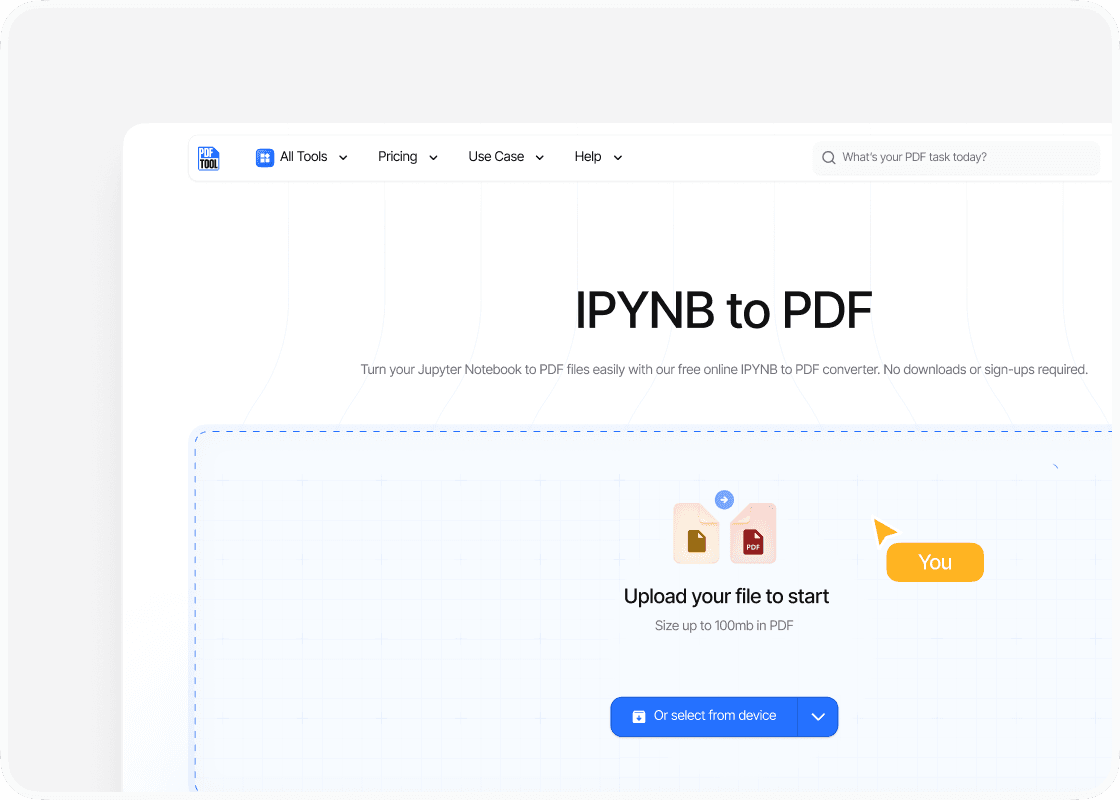
Step 1

Upload your PDF

Drag and drop the .ipynb file into PDFTool’s upload section. Ensure the file is properly loaded to proceed with the conversion process.

step image
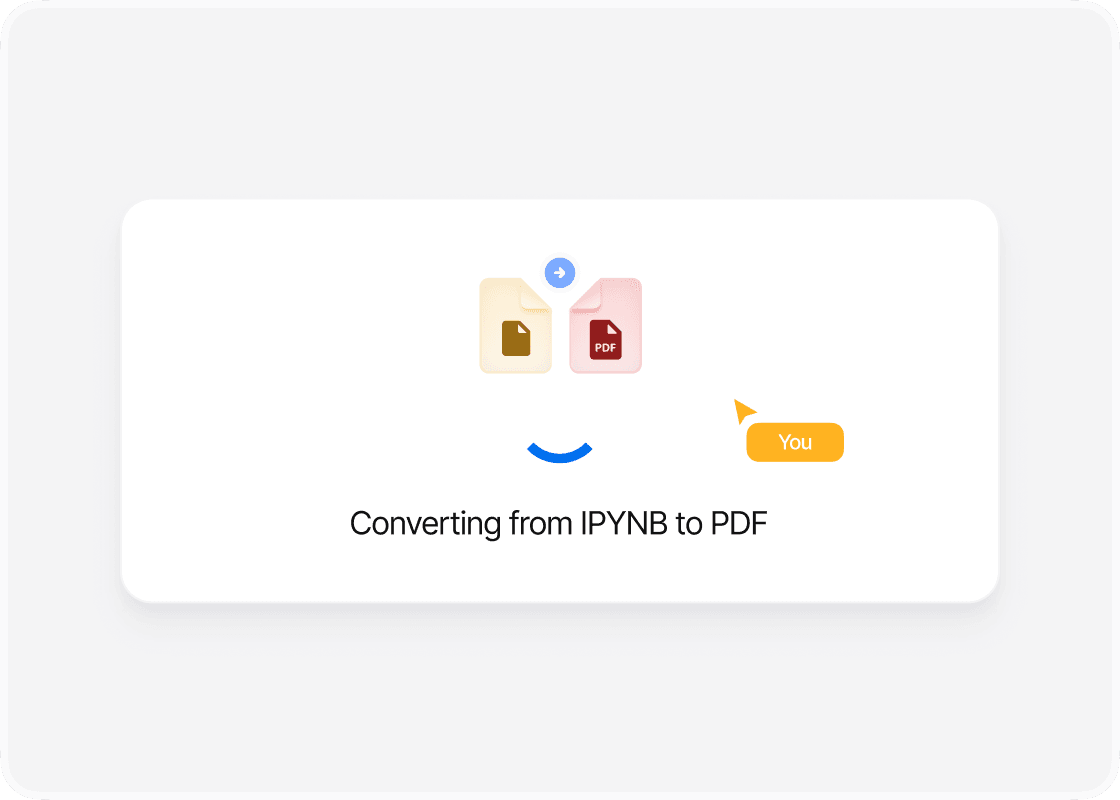
Step 2

Click Convert

Once the file is uploaded, PDFTool quickly converts the .ipynb file into a PDF. This transformation happens with a single click, making the process efficient and straightforward.

step image
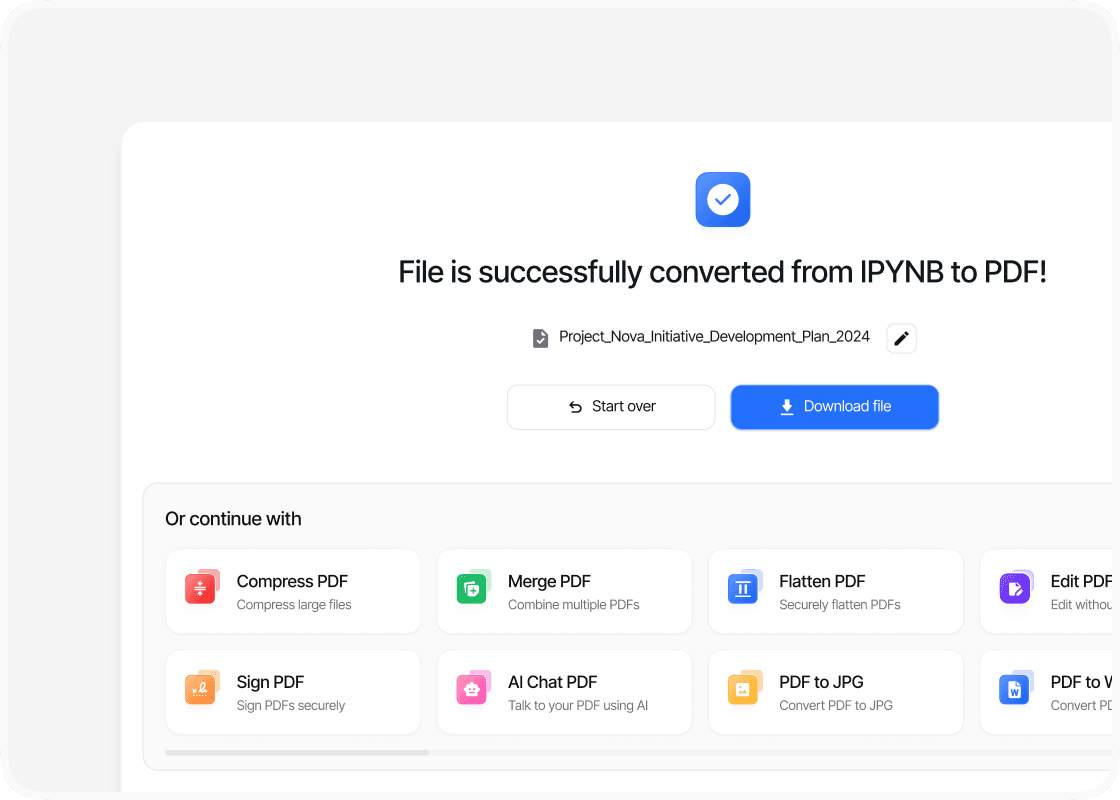
Step 3

Download your file

After conversion, click the “Download” button. This action saves the file, now in PDF format, for easy access and sharing.

Benefits

Why use this Jupyter Notebook to PDF converter?

  • icon

    Ease of use

    PDFTool integrates smoothly with Jupyter Notebook, allowing you to transform your .ipynb files into PDF format with minimal steps. This user-friendly approach ensures that whether you’re a beginner or an experienced user, you can quickly convert your notebooks without any technical hurdles.
  • icon

    Speed and efficiency

    Converting your notebooks to PDF format can be done rapidly, saving you valuable time. PDFTool’s efficient processing means you can focus on your work instead of waiting for file conversions to complete, making it ideal for your fast-paced working environment.
  • icon

    Maintaining format

    When you convert your .ipynb files, preserving the original layout and formatting is crucial. PDFTool ensures that all the text, code cells, and visuals are retained in the PDF output, accurately reflecting the contents of your original notebook.
  • icon

    Accessibility

    PDFs are widely supported and can be accessed across different platforms and devices. PDFTool provides you with an accessible way to share your notebooks with others who may not have a Jupyter setup, ensuring your content reaches a broader audience.
  • FAQs

    Explore Available Features

    icon

    An easy way to transform IPYNB into PDF

    Convert IPYNB to PDF

    Navigating the world of Jupyter Notebooks often means you need to share and collaborate effectively. One of the most versatile ways to do this is by converting your IPYNB files to PDF—a format that preserves content integrity across multiple platforms.

    Converting IPYNB to PDF is seamless with PDFTool, which offers you an efficient and reliable online solution. PDFTool provides a straightforward process without requiring any software installations.

    This simplicity makes PDFTool accessible no matter your technical skill level, ensuring you can easily share your data analyses, visualizations, and insights.

    If you want to convert your Jupyter Notebooks quickly, PDFTool offers a user-friendly service that lets you upload, convert, and download your files smoothly.

    PDFTool supports PDF conversion and offers flexibility for handling other file formats, catering to your various needs.

    Converting IPYNB to PDF is an essential task for professionals and students who regularly use Jupyter Notebooks. With the right tool, this process becomes a simple yet powerful way for you to present and distribute your work to a wider audience.

    Whether you need to print, present, or share your projects, converting your notebooks to PDF adds significant value to your work.