PDF to CSV
Turn PDF tables into CSV data you can open in a spreadsheet, filter and reuse.
PDF to CSV is coming soon
This feature is under development and will be available soon. In the meantime, explore our other PDF tools that are ready to use right now.How It Works
Convert PDF to CSV in three simple steps
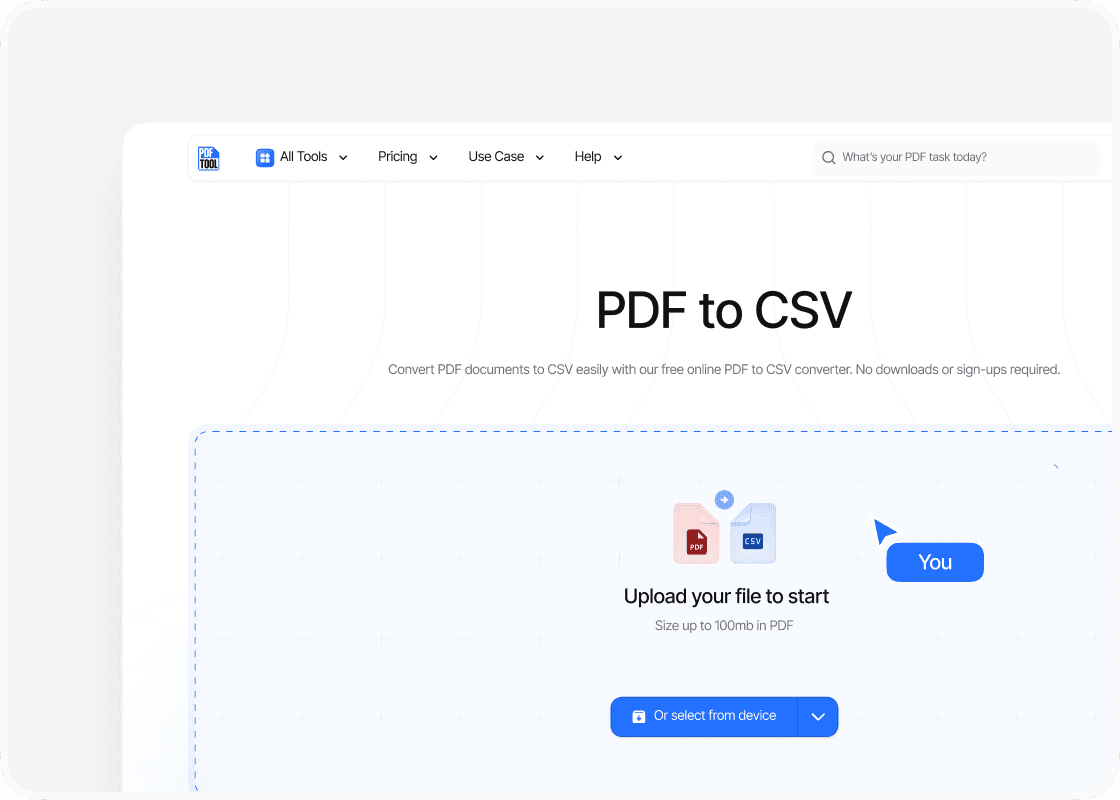
Upload Your PDF File
Drag and drop your PDF file into the upload area, or select “Choose file” to find it on your device. You can upload files up to 100 MB.
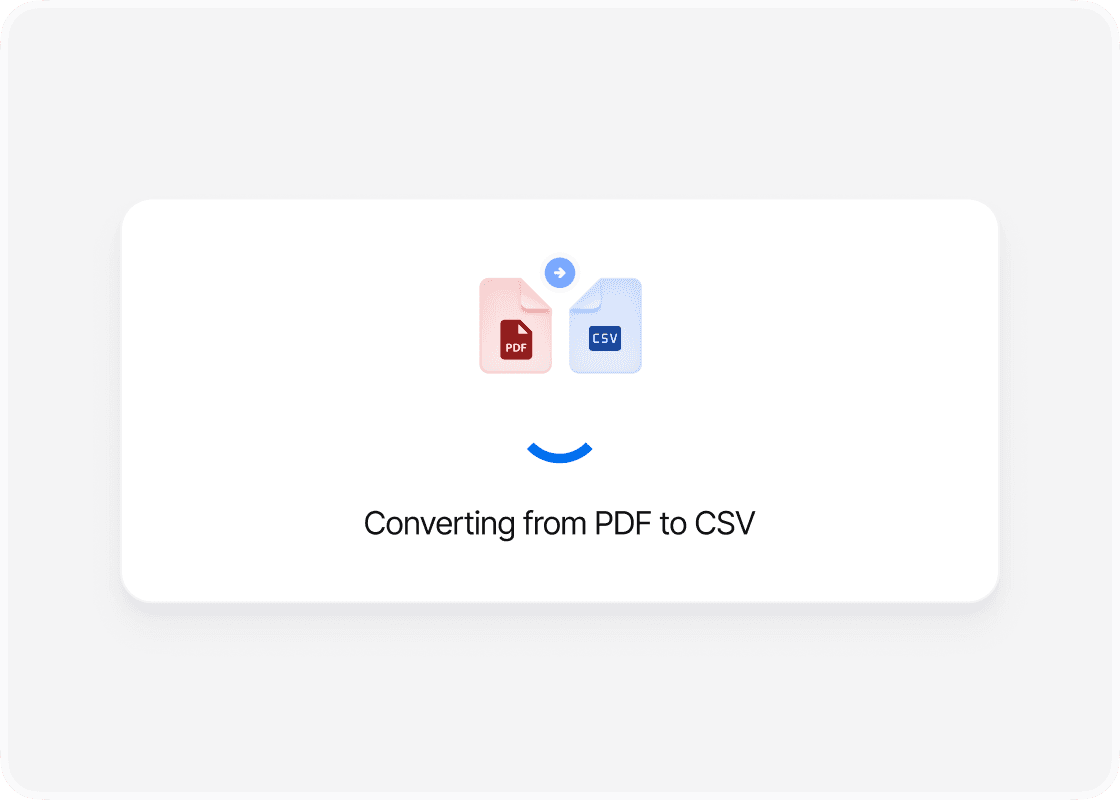
Convert to CSV
Select “Convert” to begin. PDFTool processes your PDF file and creates your CSV file. Keep this page open until the conversion is complete.
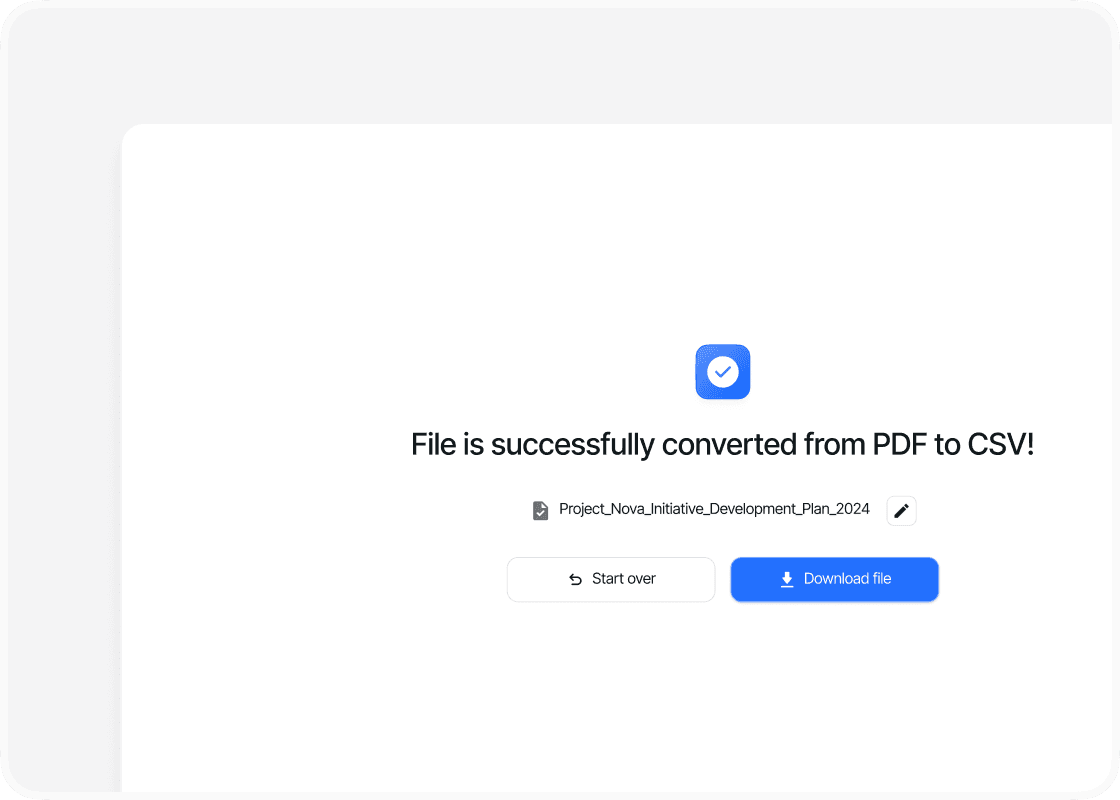
Download Your CSV File
When the conversion is complete, sign in to download your new CSV file. Your converted file is ready to open, share or use straight away.
Why Convert PDF to CSV with PDFTool?

Easy to Use

Fast, straightforward processing

Tables You Can Work With

Works in your browser
Move table data from a PDF into a CSV file with PDFTool. Upload your document and convert it online to make the rows and columns easier to use in a spreadsheet or data import.
A PDF is useful for sharing a report, but CSV is more practical when you need to sort, filter, or calculate with its data. Open your converted file in Excel or another compatible spreadsheet program to continue working with the extracted values.
CSV stores values as plain text, arranged in rows and separated into fields. It carries the data rather than the PDF’s fonts, images, or page design. This makes it a useful format for exchanging table data between different applications.
Convert your PDF in a browser on your computer, tablet, or phone, without installing a separate converter. When PDFTool has finished, sign in to download your CSV file and use it in your next spreadsheet or import.


