PDF to DXF
Convert your PDF to DXF files easily with our free online PDF to DXF converter. No downloads or sign-ups required.
PDF to DXF is coming soon
This feature is under development and will be available soon. In the meantime, explore our other PDF tools that are ready to use right now.How It Works
PDF to DXF in 3 simple steps
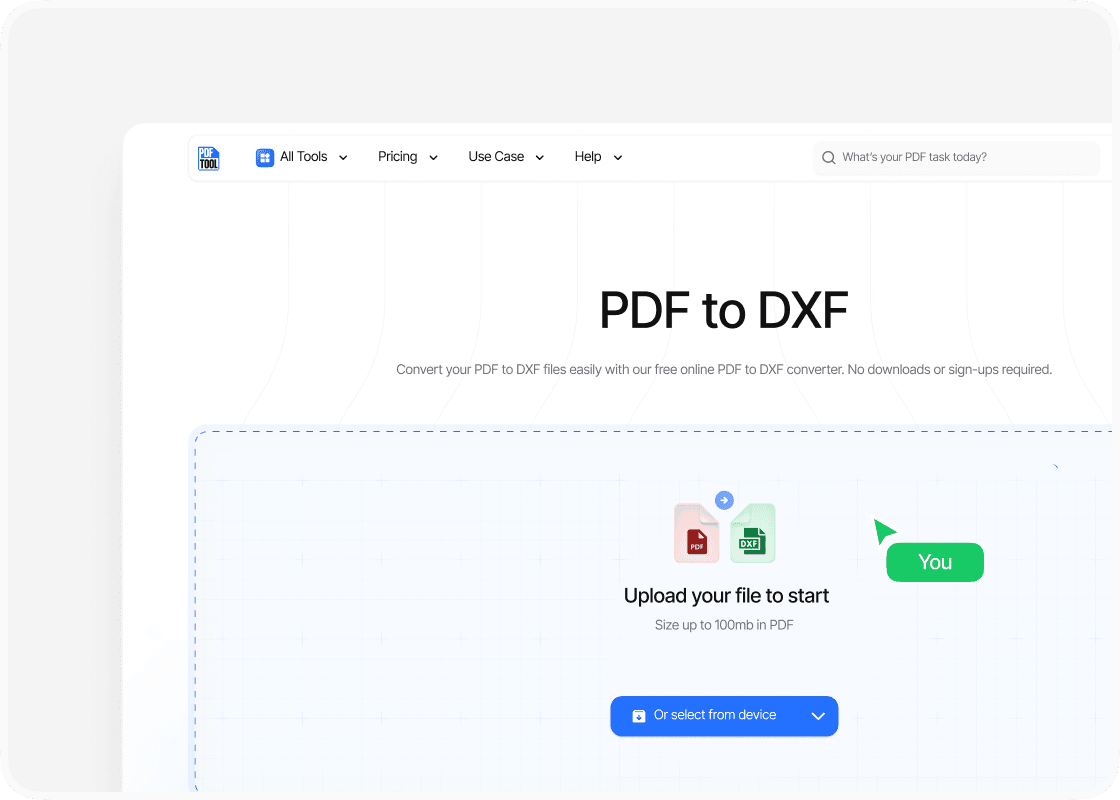
Upload the PDF
Visit the PDFTool website. Use the upload functionality to select and upload your PDF file. You can drag and drop the file into the designated area or click to locate the file on your device.
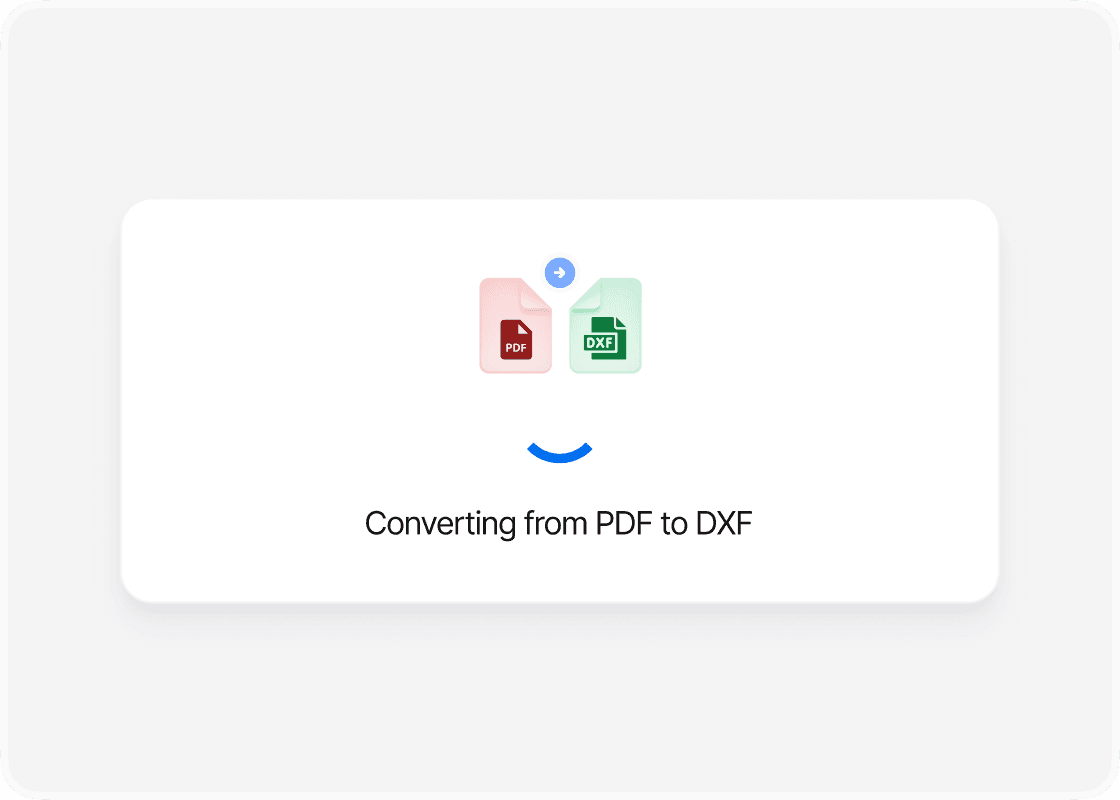
Convert the file
After the upload finishes, select the Convert to DXF option. This initiates the conversion process. The speed of this process might vary depending on the file size, but it typically completes within a few moments.
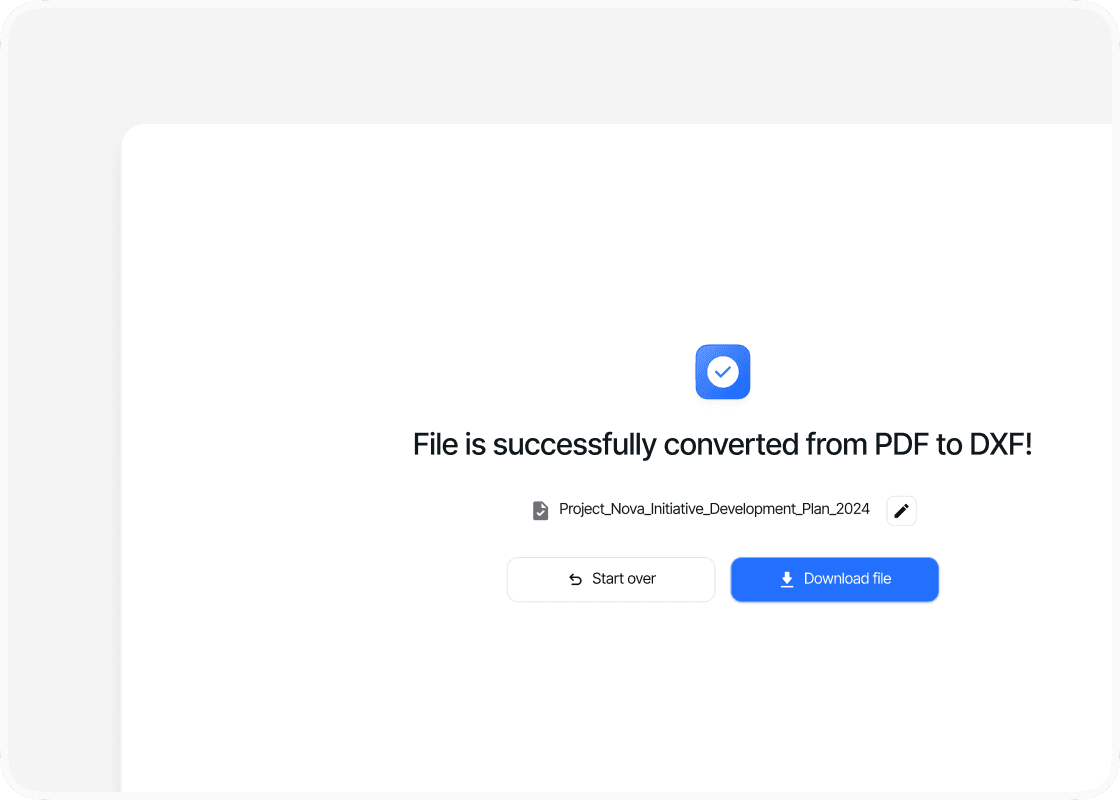
Download the DXF
Once the conversion is successful, a Download DXF button will appear. Click this to save the newly converted file to your computer. Ensure the file is saved in the desired location for easy access. PDFTool streamlines the PDF to DXF conversion process, ensuring you can quickly and easily transform your documents for use in design or CAD applications. The online tool is accessible from any device with an internet connection, making it a flexible solution if you need to convert files on the go.
Why use this PDF file converter to DXF?

Ease of use

Maintaining format

Accessibility

Speed and efficiency
FAQs
Explore Available Features
Converting a PDF to DXF lets you turn a static document into a dynamic, editable format that works seamlessly with CAD software.
If you're an architect, engineer, or designer, this process is essential for modifying detailed drawings without starting from scratch.
With PDFTool, you have a reliable and efficient way to convert PDFs to DXFs and optimize your workflow.
PDFs are great for sharing fixed-layout documents, but they’re not ideal for the kind of precise editing you need in CAD programs. DXF files, on the other hand, allow you to make exact modifications—crucial for technical projects.
Understanding why and when to convert PDFs to DXF is key if your work relies on technical drawings.
PDFTool offers a simple, secure solution to help you handle this conversion effortlessly.
Its user-friendly online interface lets you convert PDFs to DXFs quickly and for free—no software download required.
This convenience helps you preserve document accuracy and streamline your design process with confidence.