
AI Detector PDF
Check whether the text in your PDF may have been written with AI.
AI Detector PDF is coming soon
This feature is under development and will be available soon. In the meantime, explore our other PDF tools that are ready to use right now.How It Works
Check a PDF for AI-generated text in three simple steps
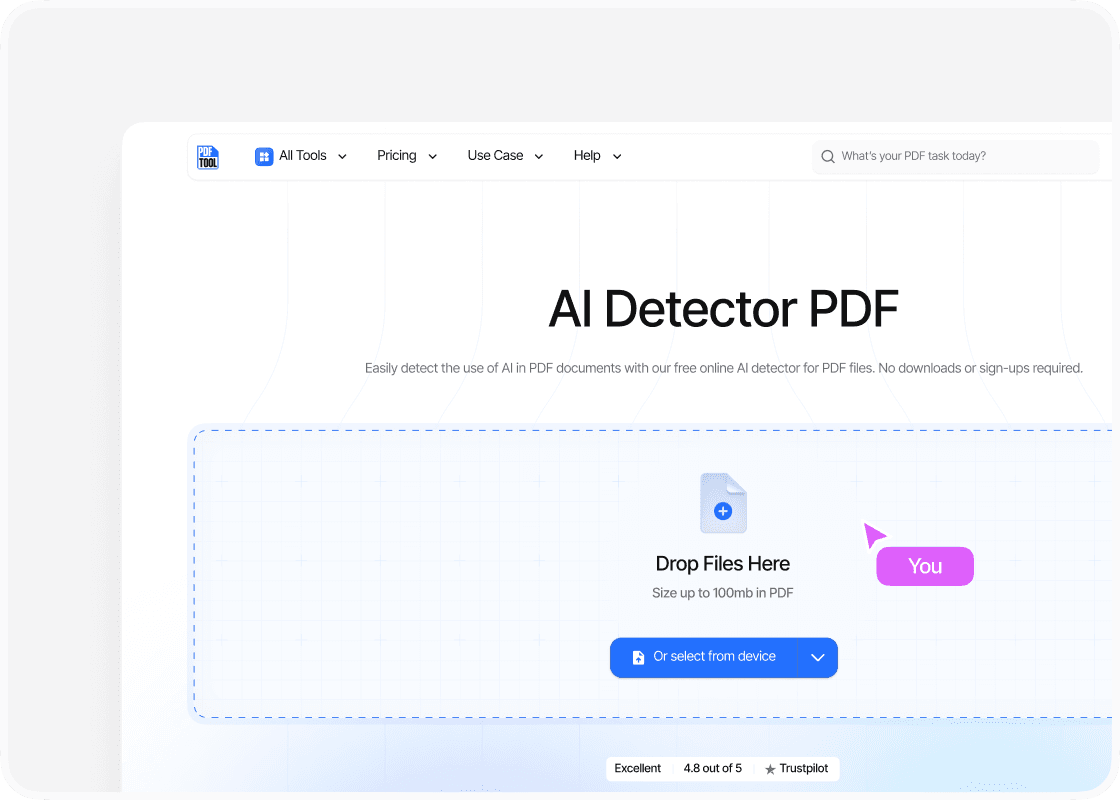
Upload Your PDF
Drag and drop your PDF into the upload area, or select “Choose file” to find it on your device. You can upload files up to 100 MB.
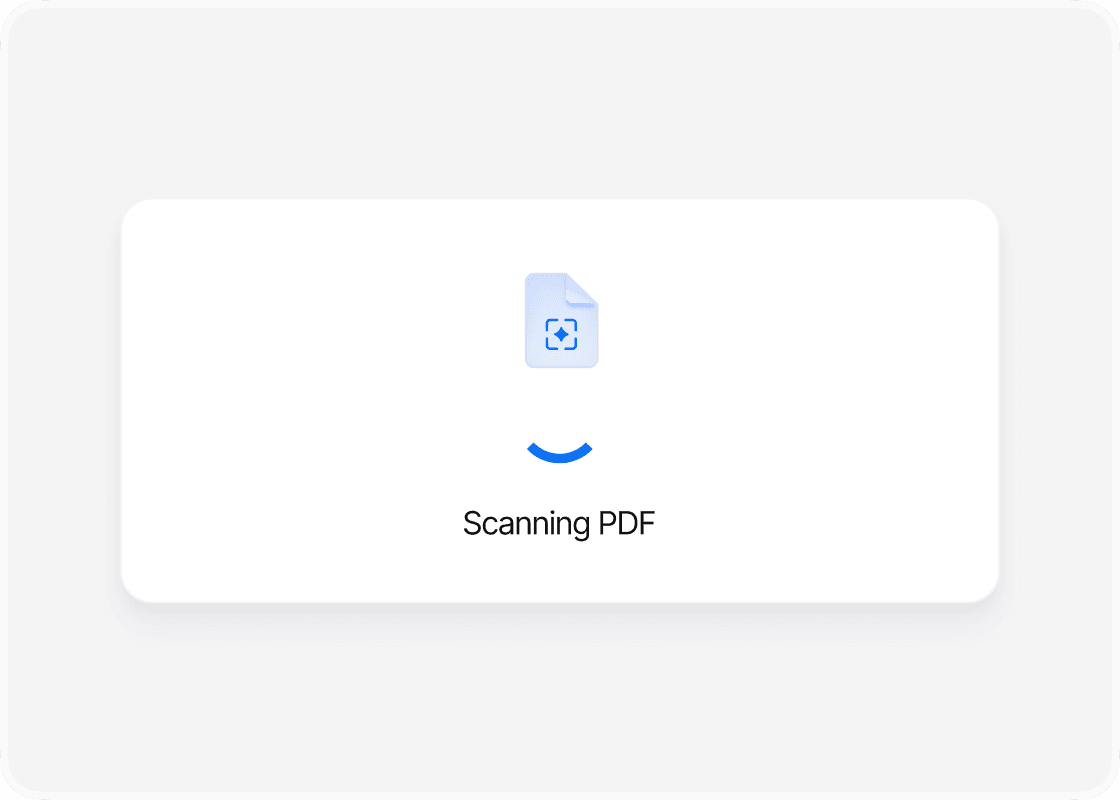
Analyze the Text
Start the analysis and let PDFTool examine the document for patterns associated with AI-written text. Keep the page open while the scan is running.
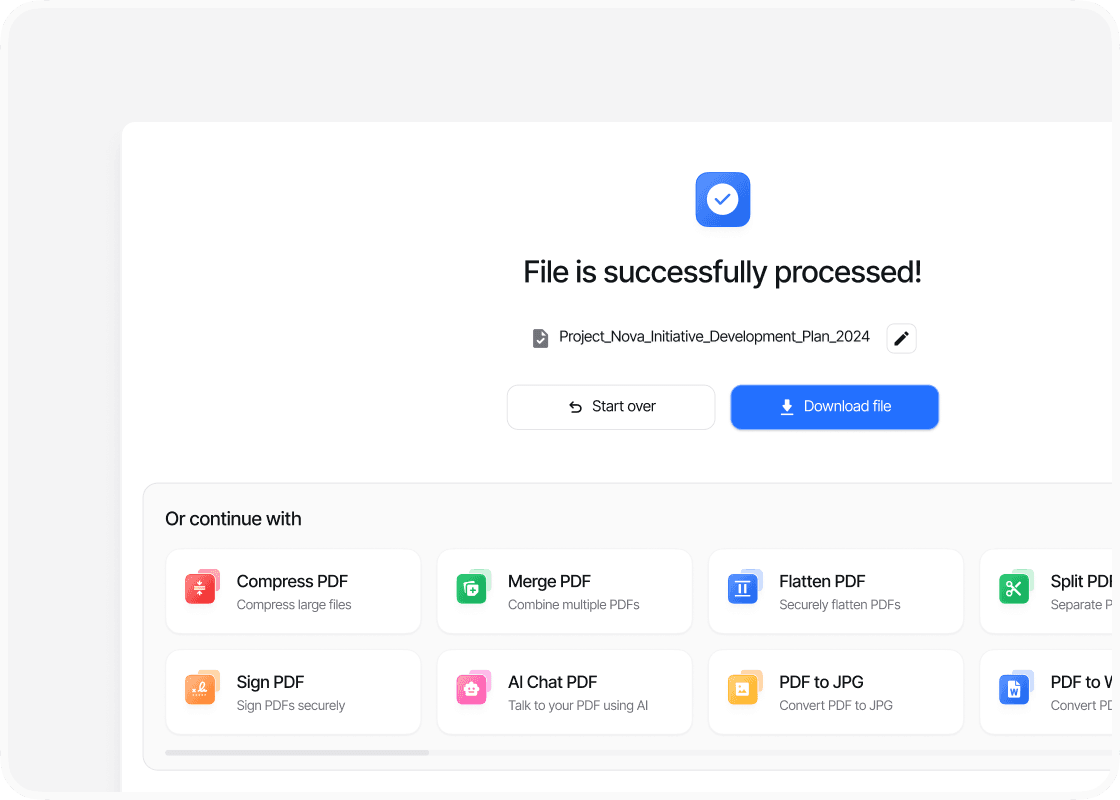
View the Results
When the analysis is ready, sign in to view the likelihood score and highlighted passages on screen.
Why Use PDFTool to Check a PDF for AI-Generated Text?

Easy to use

Fast, straightforward processing

Insights Without Changing Your PDF

Works in your browser

Want to know whether the text in your PDF may have been written with AI? PDFTool analyzes the text directly in your browser, looking for writing patterns that may indicate AI use.
Upload your PDF and start the analysis. PDFTool examines the text in your document. Once the analysis is complete, sign in to view the results.
No software installation is needed. You can use PDFTool on your computer, tablet or phone with an internet connection. The analysis provides an indication of possible AI use, but cannot establish with certainty how a text was written.


