



PDF to XML
Convert PDF content into XML for data exchange, reporting and further processing.

How It Works
Convert PDF to XML in three simple steps
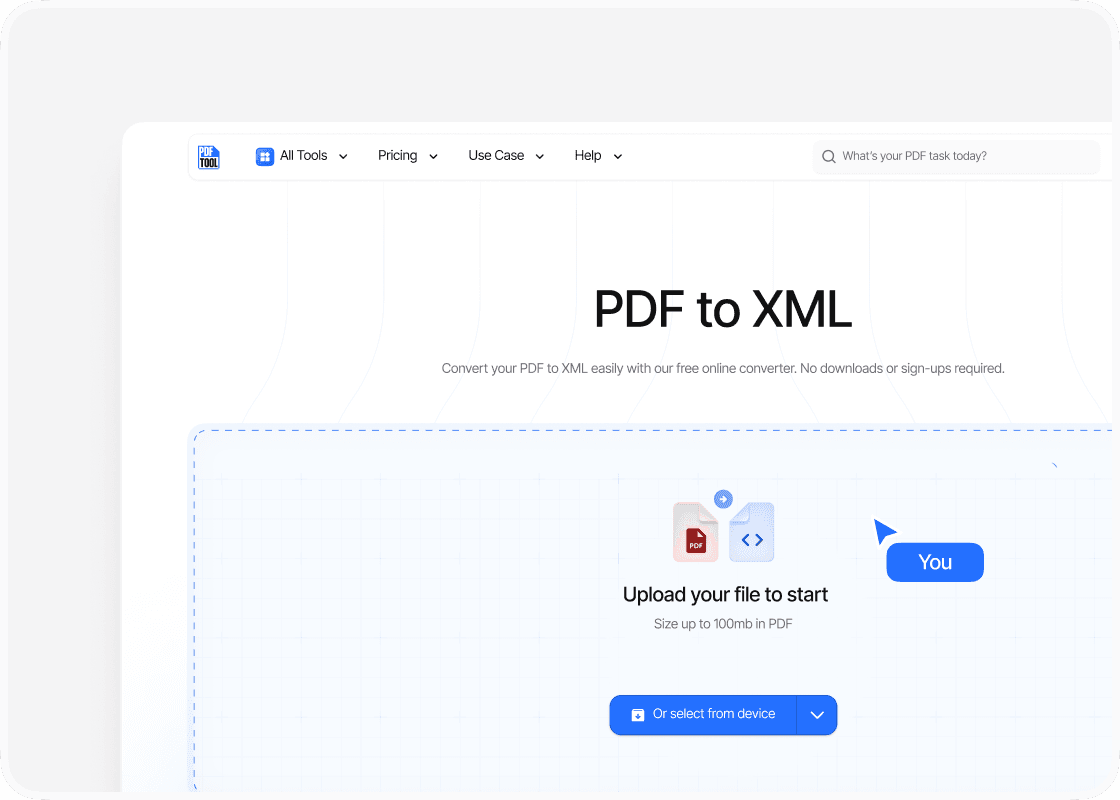
Upload Your PDF File
Drag and drop your PDF file into the upload area, or select “Choose file” to find it on your device. You can upload files up to 100 MB.
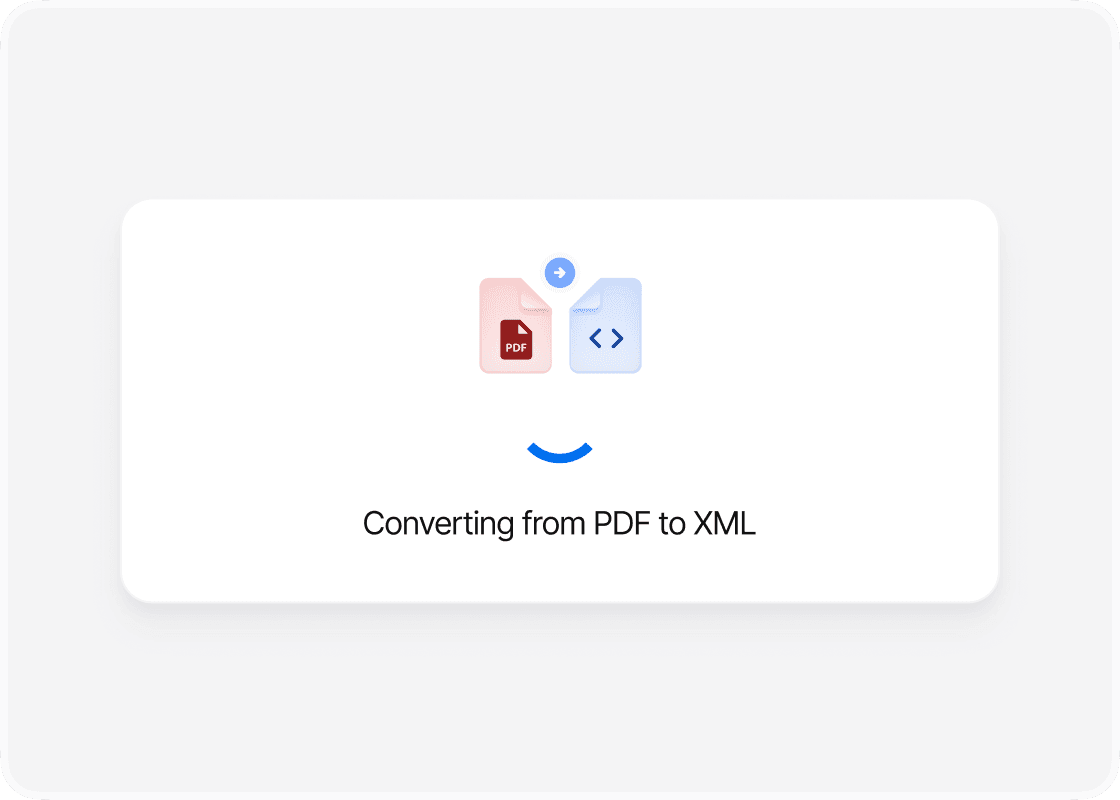
Convert to XML
Select “Convert” to begin. PDFTool processes your PDF file and creates your XML file. Keep this page open until the conversion is complete.
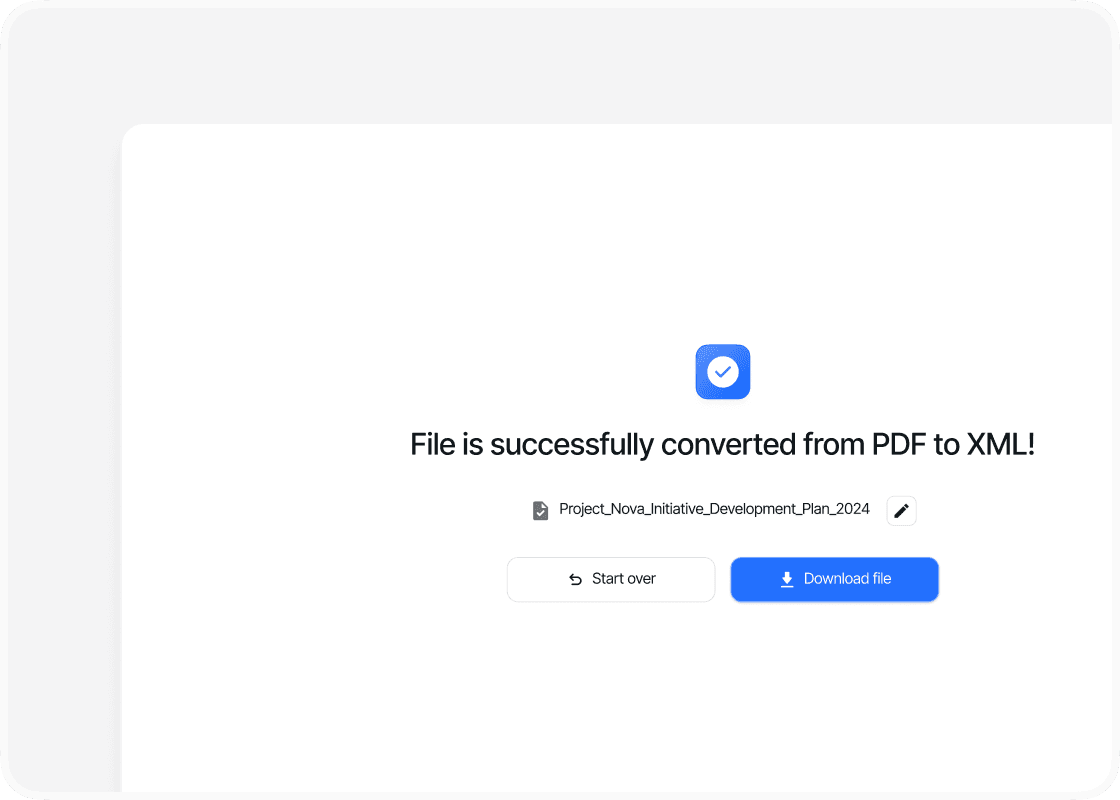
Download Your XML File
When the conversion is complete, sign in to download your new XML file. Your converted file is ready to open, share or use straight away.
Why Convert PDF to XML with PDFTool?

Easy to Use

Fast, straightforward processing

Document Data in a Structured Format

Works in your browser
Convert PDF content into XML with PDFTool. Turn information from a document into a structured text format that you can use for data exchange, document processing, or integration with another system.
XML uses tags to describe data and its structure. Instead of treating every page as a finished visual document, you can work with the extracted information in an XML editor or adapt it to the requirements of your application.
PDFTool extracts supported text and document structure into XML. For scanned pages, run OCR first to make the text available for extraction. The XML file is intended for working with document data, rather than preserving the PDF’s visual page layout.
Use PDFTool in a browser on a computer, tablet, or phone. Upload your PDF and start the conversion without installing a separate converter. When your file is ready, sign in to download the XML and continue with your data workflow.


