



XML to PDF
Create a readable PDF copy of XML content for sharing, printing and keeping with your records.


How It Works
Convert XML to PDF in three simple steps
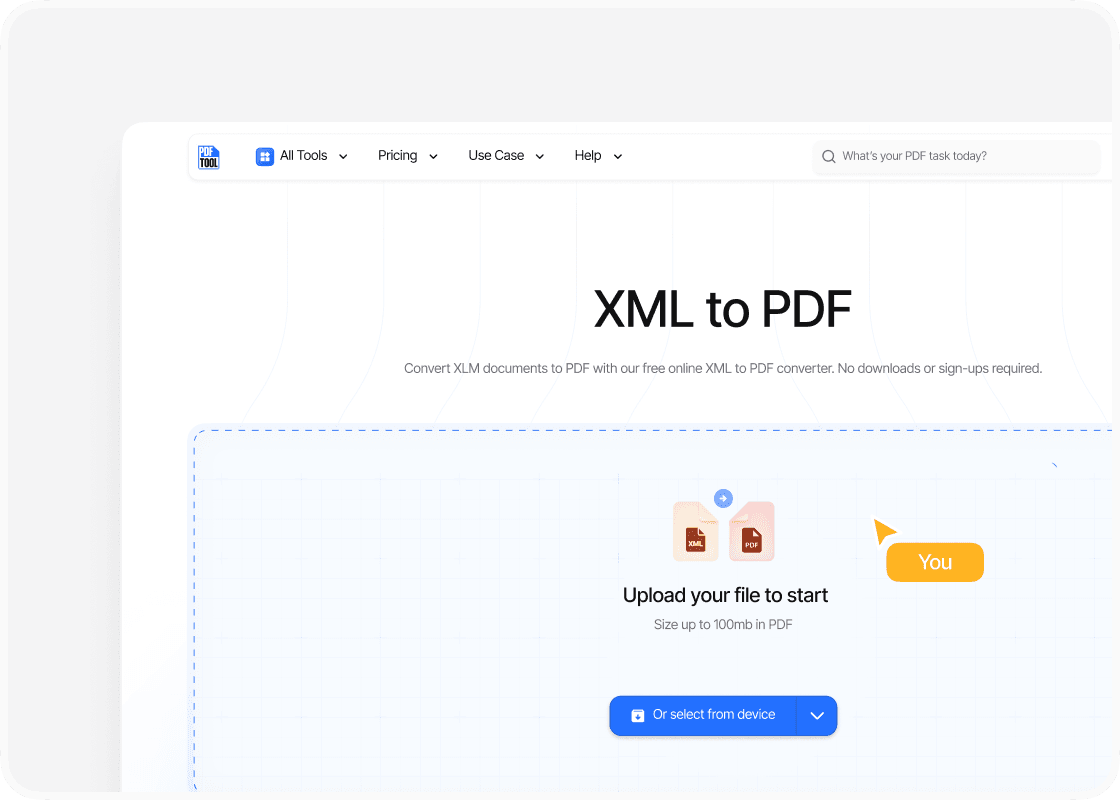
Upload Your XML File
Drag and drop your XML file into the upload area, or select “Choose file” to find it on your device. You can upload files up to 100 MB.
Convert to PDF
Select “Convert” to begin. PDFTool processes your XML file and creates your PDF file. Keep this page open until the conversion is complete.
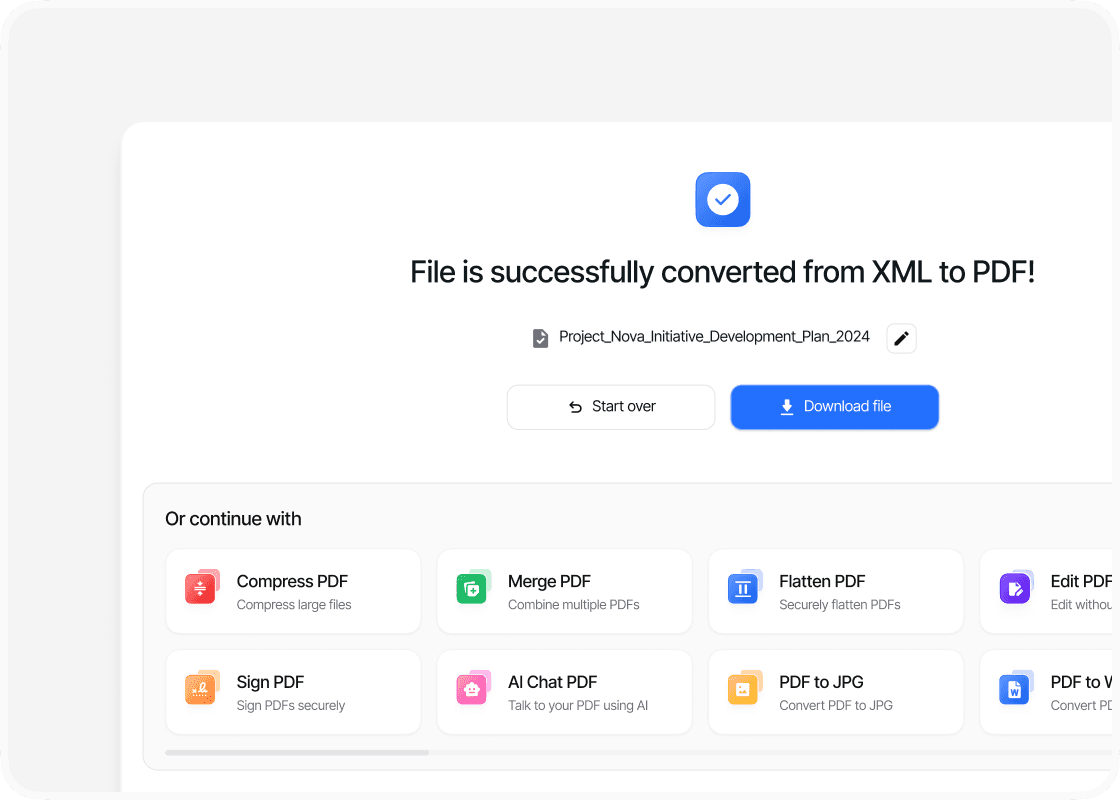
Download Your PDF File
When the conversion is complete, sign in to download your new PDF file. Your converted file is ready to open, share or use straight away.
Why Convert XML to PDF with PDFTool?

Easy to Use

Fast, straightforward processing

A Readable Copy of Your XML Content

Works in your browser
Frequently Asked Questions

Turn an XML file into a readable PDF with PDFTool. Upload your file and convert its supported content into a document that is easy to open, share, and print.
XML is designed for storing and exchanging structured information. A PDF is useful when you need to send that information to someone who wants to read a document rather than work with the underlying data or open an XML editor.
An XML file does not have a fixed page design of its own. PDFTool creates a document view of the supported content, giving you a PDF copy for sharing or keeping with your records. Keep the XML file for tasks that still need the structured source data.
Convert XML to PDF online in your browser, without installing a separate conversion program. Use your computer, tablet, or phone to upload the file. Once conversion is complete, sign in to download your PDF document.
Explore all our PDF tools


Compress


Document Organization


