



PDF to HTML
Turn PDF content into HTML you can open, edit and publish on the web.

How It Works
Convert PDF to HTML in three simple steps
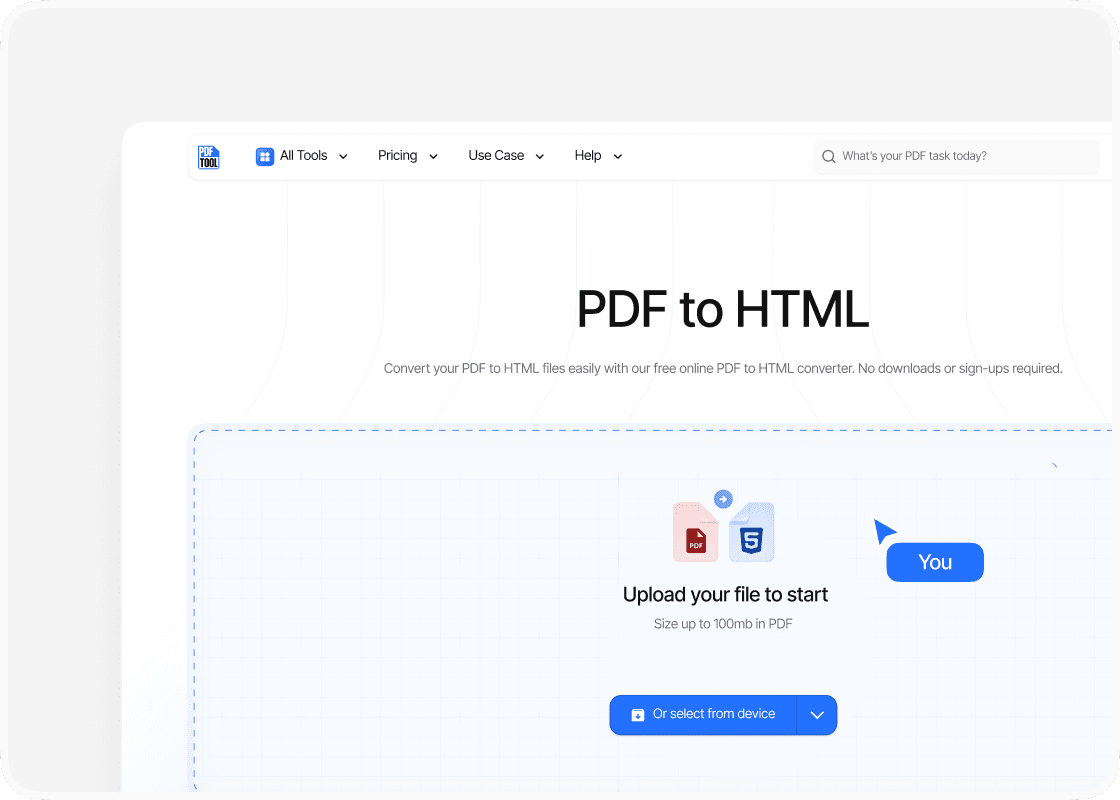
Upload Your PDF File
Drag and drop your PDF file into the upload area, or select “Choose file” to find it on your device. You can upload files up to 100 MB.
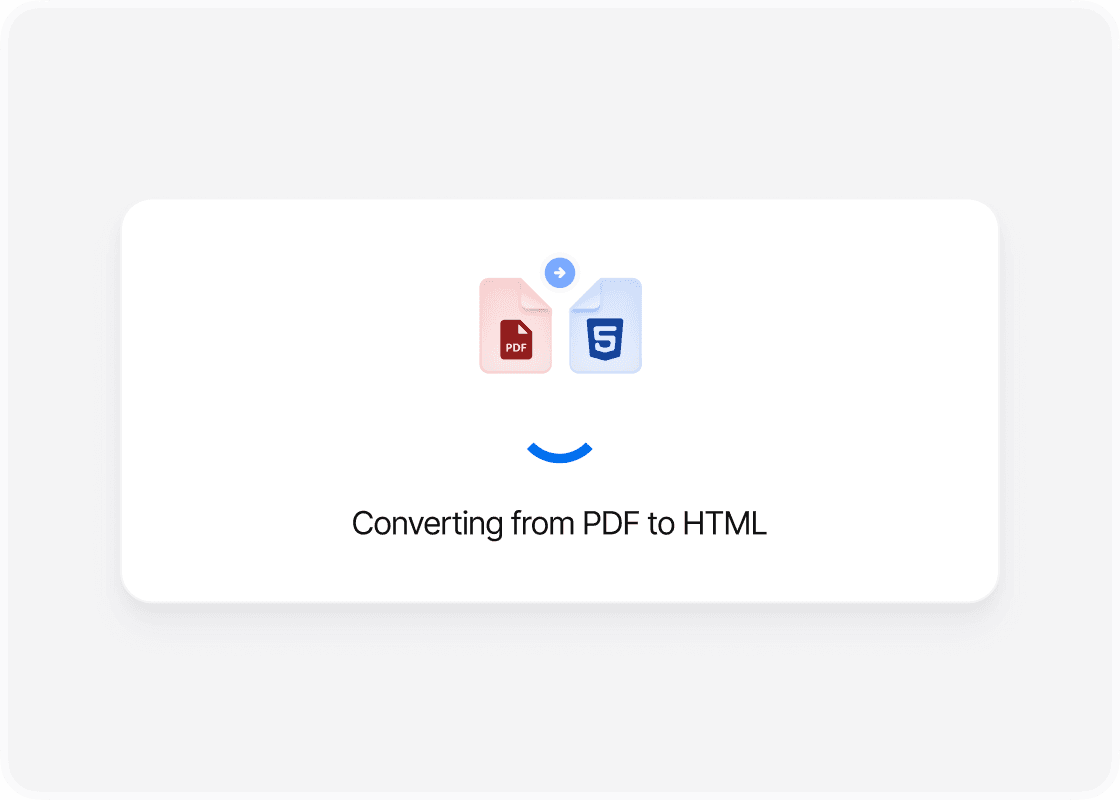
Convert to HTML
Select “Convert” to begin. PDFTool processes your PDF file and creates your HTML file. Keep this page open until the conversion is complete.
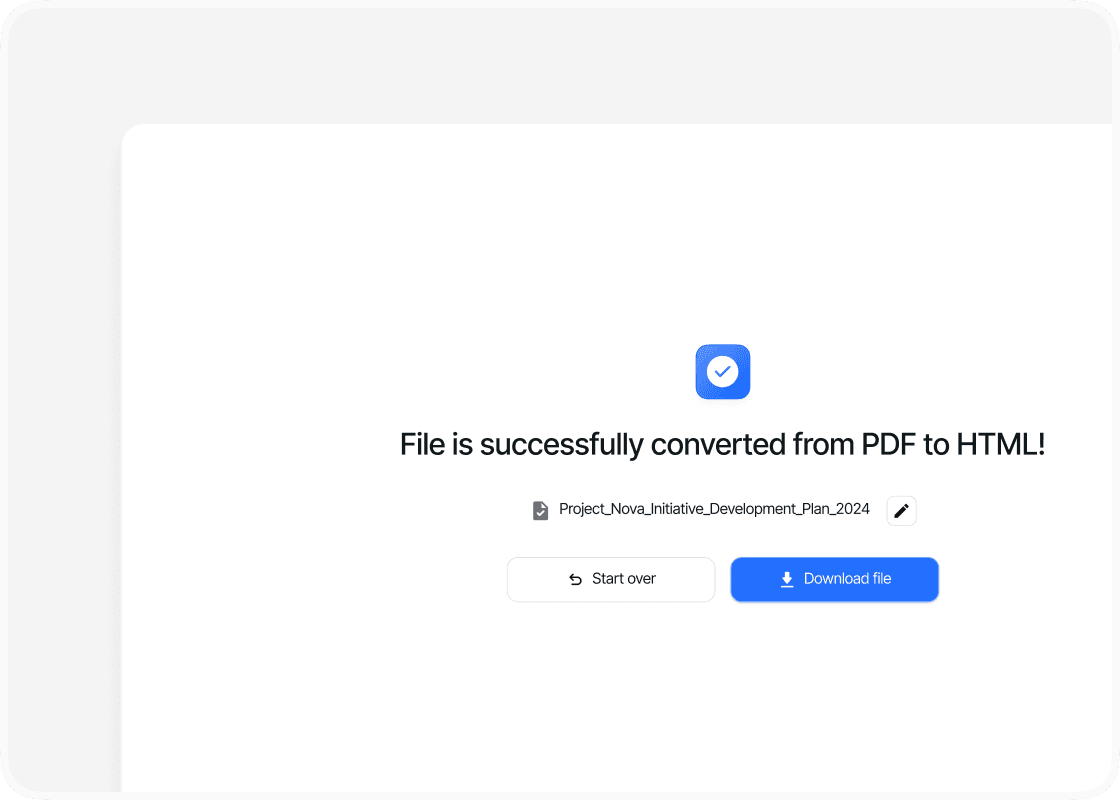
Download Your HTML Files
When the conversion is complete, sign in to download the ZIP containing your HTML output. Extract the ZIP, then open the HTML page in your browser or use the files on your website.
Why Convert PDF to HTML with PDFTool?

Easy to Use

Fast, straightforward processing

Works in your browser

Content for Your Website
Convert your PDF to HTML with PDFTool to use your document content on the web. Turn a fixed-page document into web content you can open and edit, whether you are preparing a report, information sheet or other material for online publication.
PDFTool converts the text and visual content of your PDF to HTML. Download the HTML files and related assets together in a ZIP archive, keeping the files you need together for further work on the web version of your document.
Convert directly in your browser on desktop, tablet or mobile, without installing software. When the conversion is ready, sign in and download your ZIP file.


