



PDF to PDF/A
Prepare PDF documents for long-term storage in the PDF/A archival format.

How It Works
Convert PDF to PDF/A in three simple steps
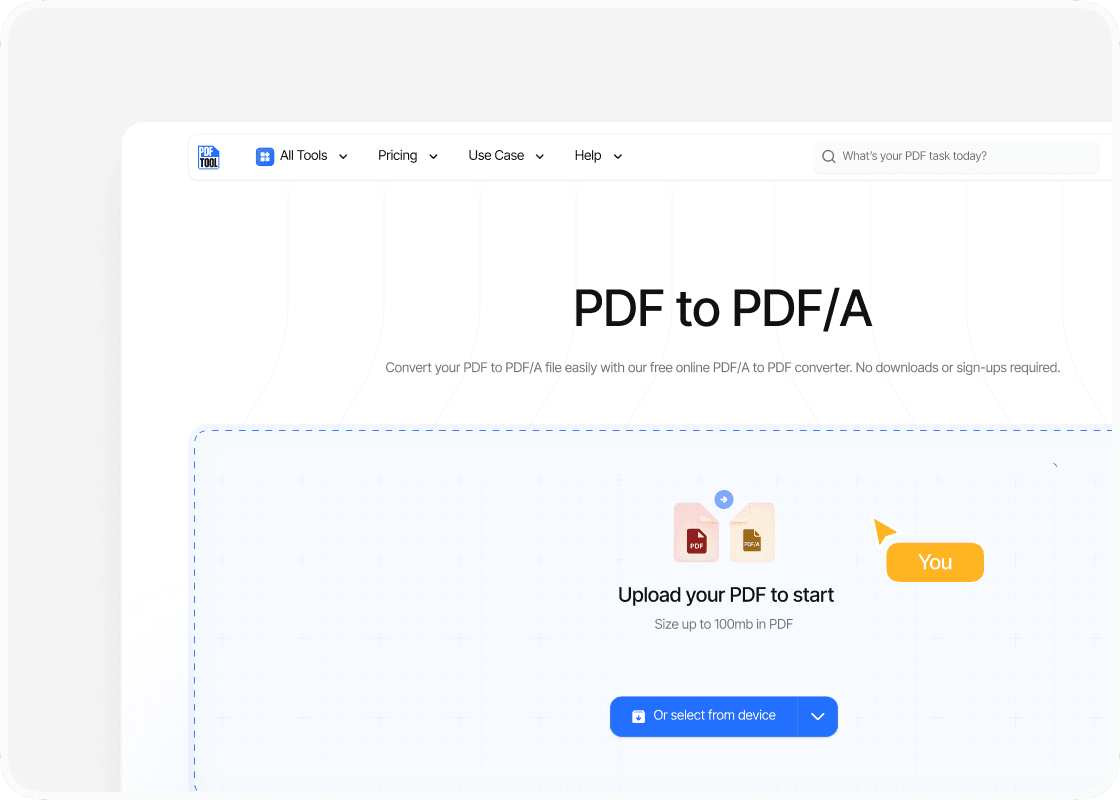
Upload Your PDF File
Drag and drop your PDF file into the upload area, or select “Choose file” to find it on your device. You can upload files up to 100 MB.
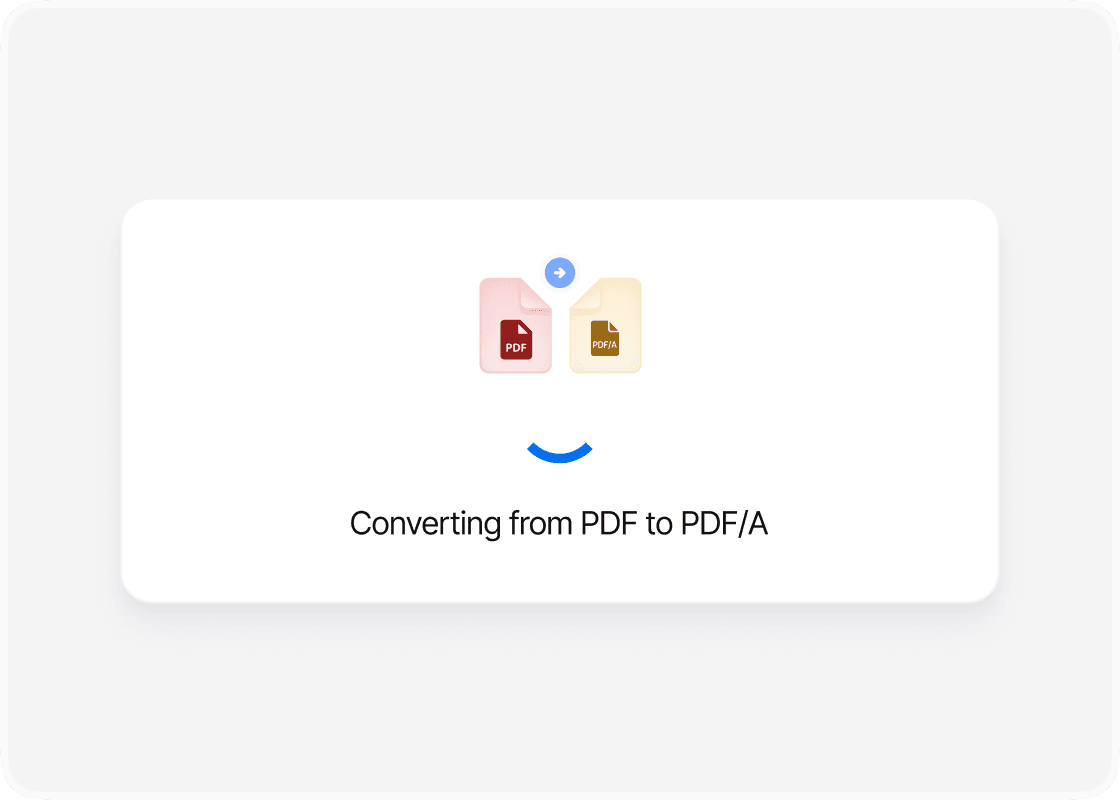
Convert to PDF/A
Select “Convert” to begin. PDFTool processes your PDF file and creates your PDF/A file. Keep this page open until the conversion is complete.
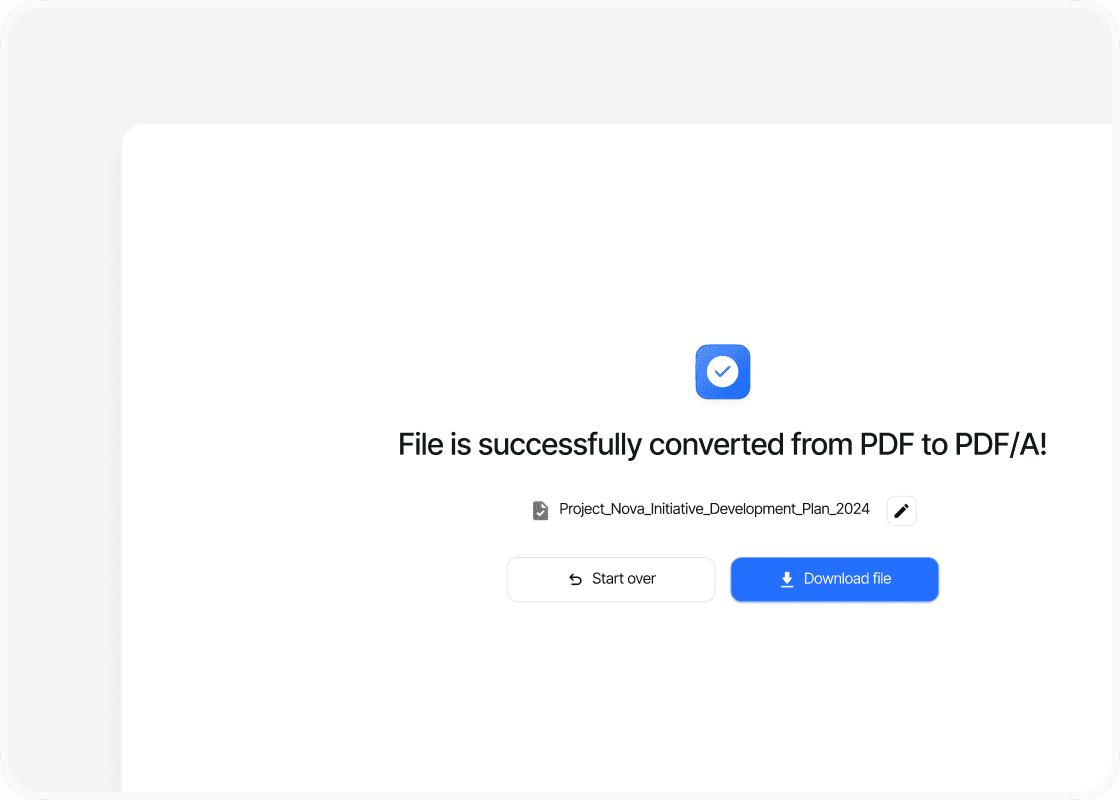
Download Your PDF/A File
When the conversion is complete, sign in to download your new PDF/A file. Your converted file is ready to open, share or use straight away.
Why Convert PDF to PDF/A with PDFTool?

A Document Prepared for Archiving

Easy to Use

Fast, straightforward processing

Works in your browser
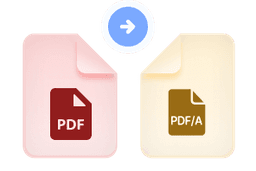
Convert your PDF to PDF/A with PDFTool for long-term archiving. PDF/A is designed to keep documents reproducible in the future, making it useful for records, reports and other documents you need to retain over time.
A PDF/A file includes the resources needed to display its pages, such as the fonts used in the document. The format focuses on preserving the document. PDFTool handles the conversion so you can prepare your PDF for an archive that uses PDF/A.
Convert directly in your browser on desktop, tablet or mobile, without installing software. When the conversion is ready, sign in and download your PDF/A file.


