
PDF to TIFF

Turn your TIFF images to PDF files easily with our free online TIFF to PDF converter. No downloads or sign-ups required.

icon
Size up to 100mb in PDF

How It Works

PDF to TIFF in 3 simple steps

step image
Step 1

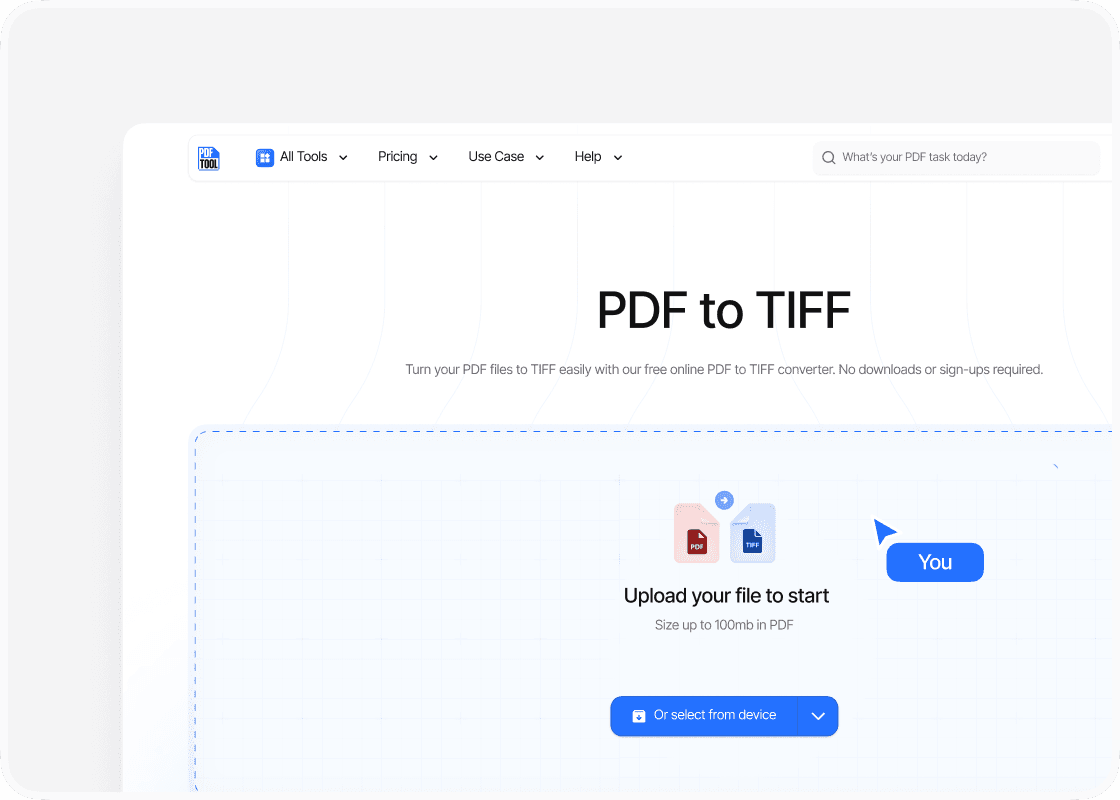
Upload your TIFF

Drag and drop your TIFF file into PDFTool’s upload section. Alternatively, select the “Choose Files” option to locate your TIFF file on your device. Ensure that the file is fully uploaded to the platform before proceeding.

step image
Step 2

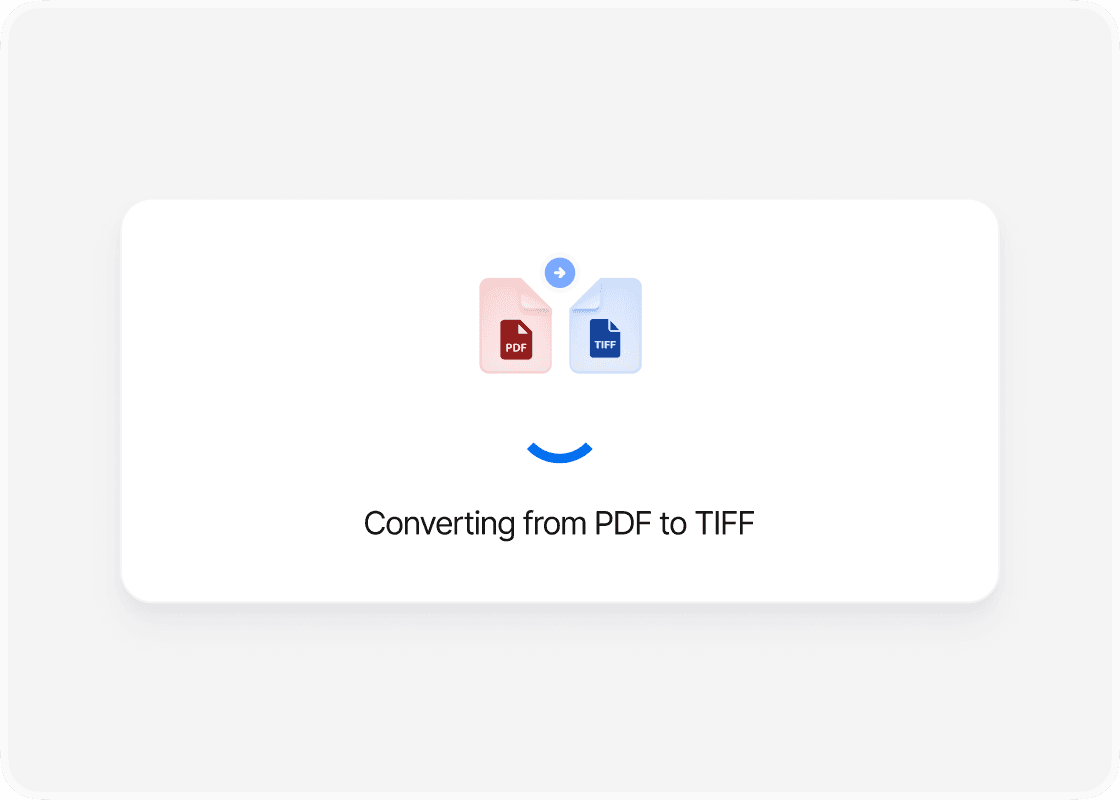
Click Convert

Once the file is uploaded, find and click the “Convert” button on PDFTool. This automatic process changes the file format from TIFF to PDF. Ensure the conversion completes before moving to the next step.

step image
Step 3

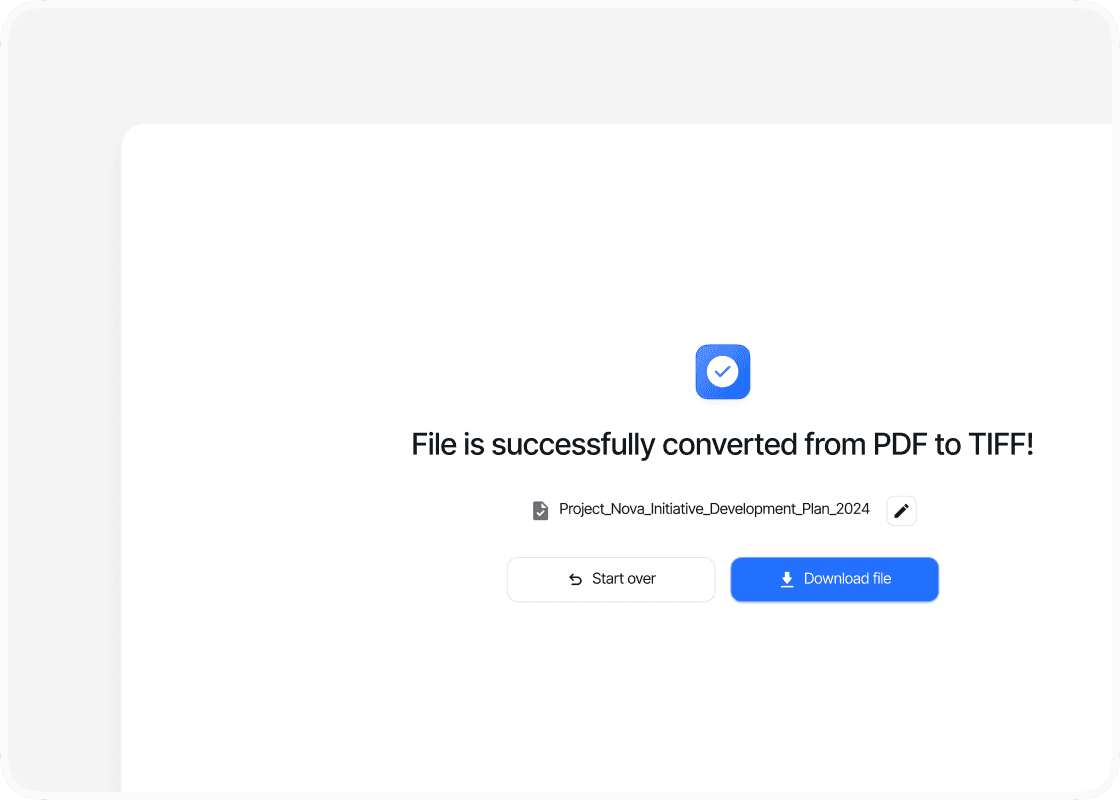
Download your file

After the conversion is complete, click the “Download” button to save your newly created PDF document to your device. Make sure to open the PDF and verify that all content has been accurately preserved. These steps are designed to work smoothly across different platforms, including Linux, by using web-based tools like PDFTool. You can also adjust formatting options, such as resolution and output quality, to suit your specific needs.

Benefits

Why use this PDF to TIFF converter online?

  • icon

    Maintaining format

    PDFTool preserves the integrity of your original format, maintaining the quality and layout of your TIFF file in the PDF output. This ensures that no crucial details are lost or distorted during the conversion process.
  • icon

    Speed and efficiency

    Conversions are executed swiftly. PDFTool processes multiple files simultaneously, ensuring you experience rapid completion and minimal waiting time.
  • icon

    Ease of use

    PDFTool offers a straightforward and user-friendly experience, allowing you to simply drag and drop your TIFF files into the designated area, making the conversion process easy and hassle-free.
  • icon

    Accessibility

    You can access PDFTool from any device with an internet connection. This allows you to convert files whenever it’s convenient for you, without needing to install any software—offering you great flexibility, especially when you’re on the go.
  • FAQs

    icon

    An easy way to transform PDF to TIFF

    Convert PDF to TIFF

    Converting TIFF files to PDF can be an essential task for you if you manage large volumes of image files.

    TIFF files are known for their high quality and versatility, often used in professional settings where detail is crucial. However, TIFF files can be cumbersome for everyday use or sharing, which is where converting them to PDF becomes invaluable.

    By transforming your TIFF files into PDFs, you benefit from a universally accepted format that maintains quality while offering better accessibility and security.

    Converting TIFF files to PDF not only makes sharing documents easier but also optimizes storage by reducing file size.

    This process ensures your images retain their original detail and can be efficiently organized.

    Whether for business or personal needs, this conversion supports your workflow by providing practical advantages.

    With PDFTool, converting TIFF files to PDF is straightforward, accessible, and secure, giving you a seamless experience.

    PDFTool meets various needs, whether you want to combine multiple TIFF files into a single PDF or customize the output to your specific requirements.

    By providing a smooth user experience, PDFTool turns what could be a technical challenge into an easy and manageable task for you.