



PDF to Markdown
Bring PDF text into Markdown for documentation, notes and web publishing.

How It Works
Convert PDF to Markdown in three simple steps
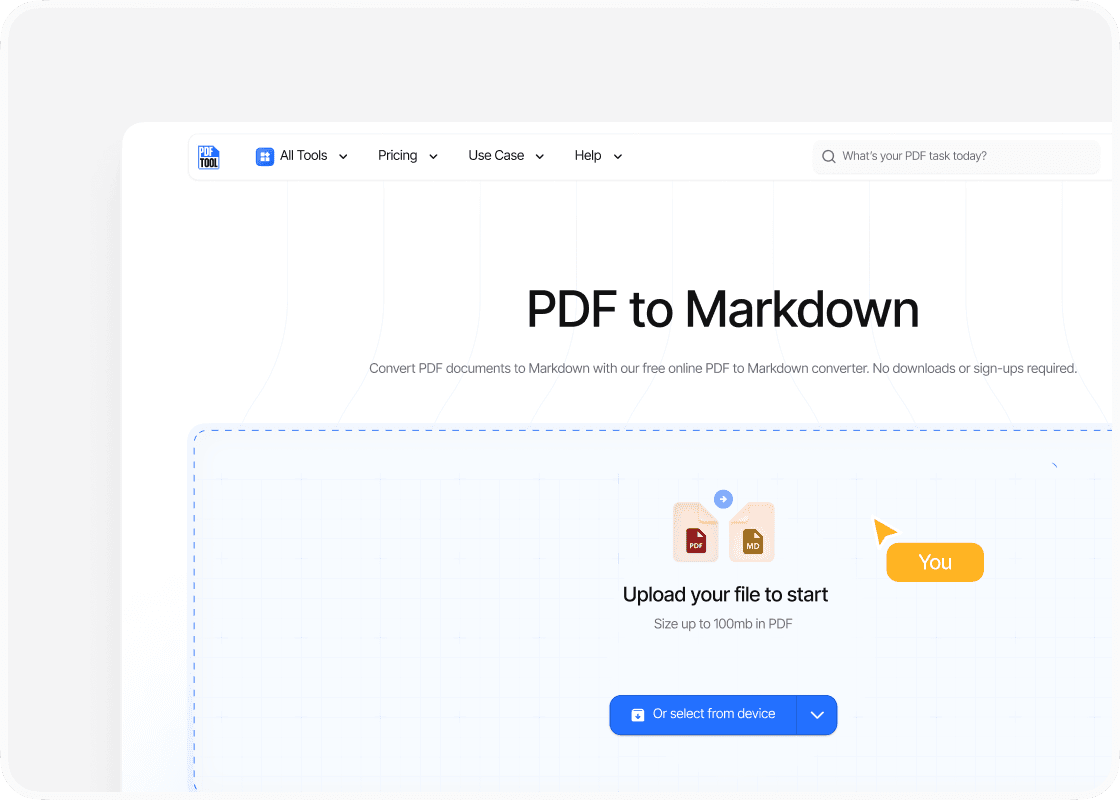
Upload Your PDF File
Drag and drop your PDF file into the upload area, or select “Choose file” to find it on your device. You can upload files up to 100 MB.
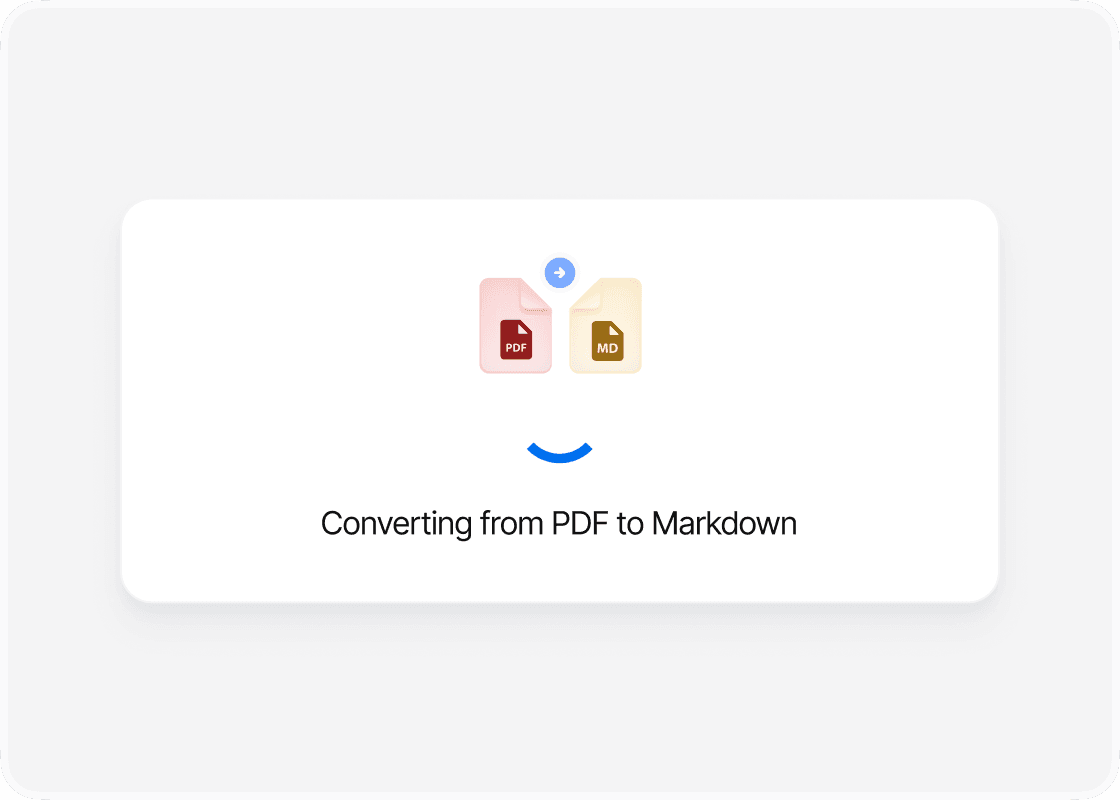
Convert to Markdown
Select “Convert” to begin. PDFTool processes your PDF file and creates your Markdown file. Keep this page open until the conversion is complete.
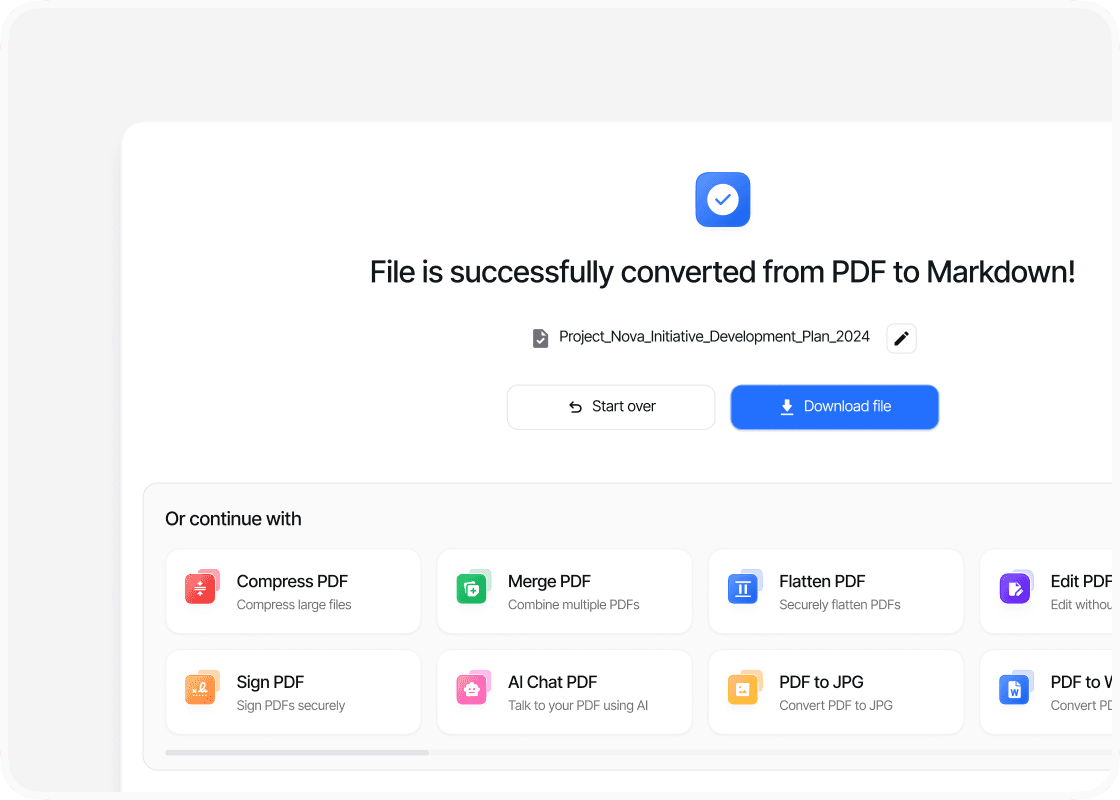
Download Your Markdown File
When the conversion is complete, sign in to download your new Markdown file. Your converted file is ready to open, share or use straight away.
Why Convert PDF to Markdown with PDFTool?

Easy to Use

Fast, straightforward processing

Content for Your Documentation

Works in your browser
Convert your PDF into an editable Markdown file with PDFTool. Bring document content into your notes or documentation without retyping it from the PDF.
Markdown uses plain text with simple formatting for elements such as headings, lists, and links. You can edit it in a text or code editor and use it with documentation systems and publishing platforms that support Markdown.
PDFTool extracts supported content and represents it in Markdown. The result gives you text and document structure to work with, rather than a fixed copy of each PDF page. This makes it easier to update the content and fit it into another document.
Upload your PDF and convert it in your browser on a computer, tablet, or phone. There is no separate converter to install. Once conversion is complete, sign in to download your Markdown file and continue editing.


