AI PDF Reader
Use AI to summarize a PDF, extract key points and ask questions about its content.
AI PDF Reader is coming soon
This feature is under development and will be available soon. In the meantime, explore our other PDF tools that are ready to use right now.How It Works
Analyze a PDF with AI in three simple steps
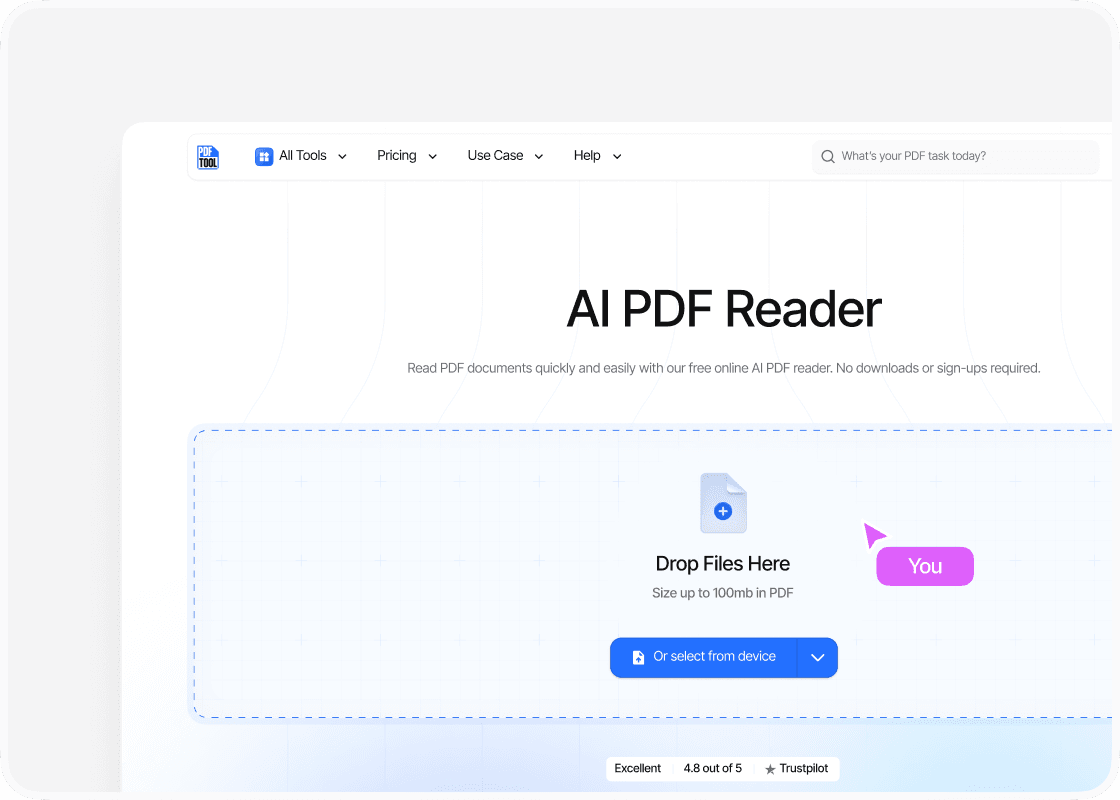
Upload Your PDF
Drag and drop your PDF into the upload area, or select “Choose file” to find it on your device. You can upload files up to 100 MB.
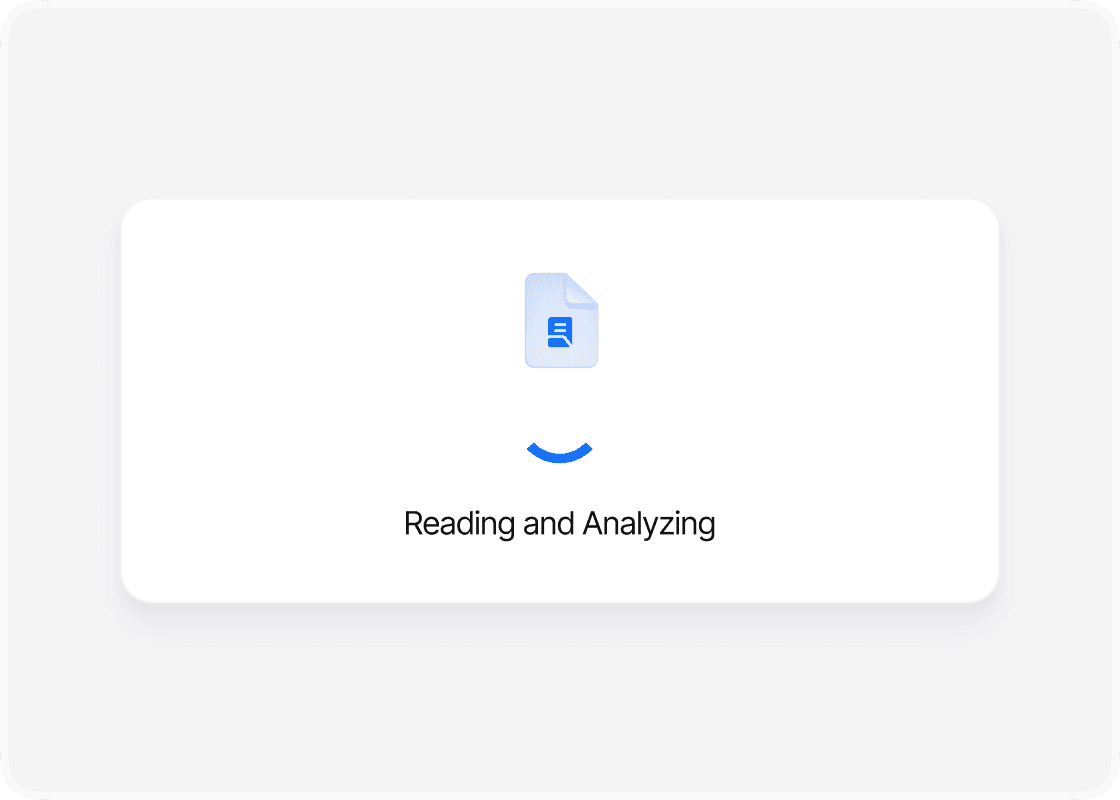
Let PDFTool Analyze It
PDFTool reads the document with AI and processes its content, including scanned text where OCR is available. Keep the page open while the analysis is running.
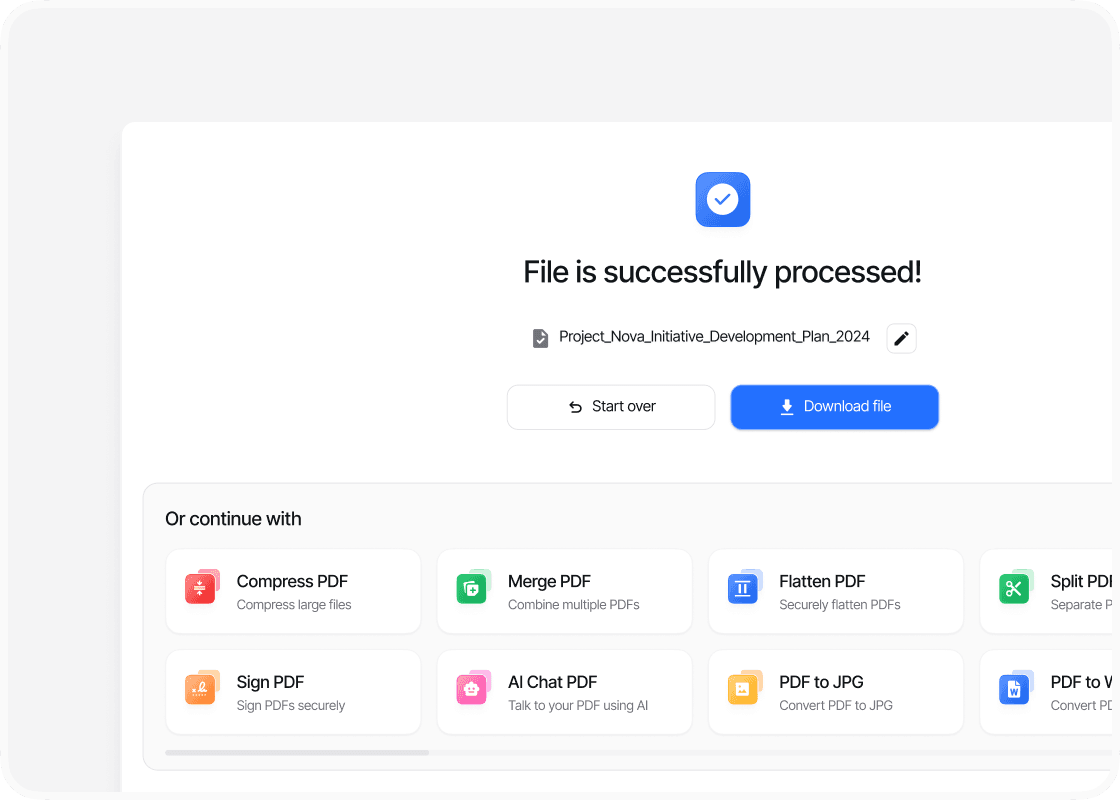
Read the Results
Read the extracted content, summaries or answers on screen, then continue exploring the document or download an available result.
Why Use PDFTool to Analyze a PDF with AI?
.svg)
Easy to use

Fast, straightforward processing

Find What Matters in a Long PDF

Works in your browser
Use AI to summarize a PDF, extract key points and ask questions about its content. Review long reports, research papers and reference documents by finding key information more quickly.
Upload your PDF and use the on-screen controls for this task. Start the analysis and let PDFTool read the document content. PDFTool presents the extracted content, summaries and answers on screen.
Because the tool works in your browser, you can use it on desktop, tablet or mobile without installing another application. PDFTool provides fast online processing for files up to 100 MB.
When the analysis is ready, sign in to explore the results and ask follow-up questions.


