Coming Soon

DWG to PDF

Convert your DWG to PDF files easily with our free online converter. No downloads or sign-ups required.

DWG to PDF is coming soon

This feature is under development and will be available soon. In the meantime, explore our other PDF tools that are ready to use right now.

How It Works

DWG to PDF in 3 simple steps

step image
Step 1

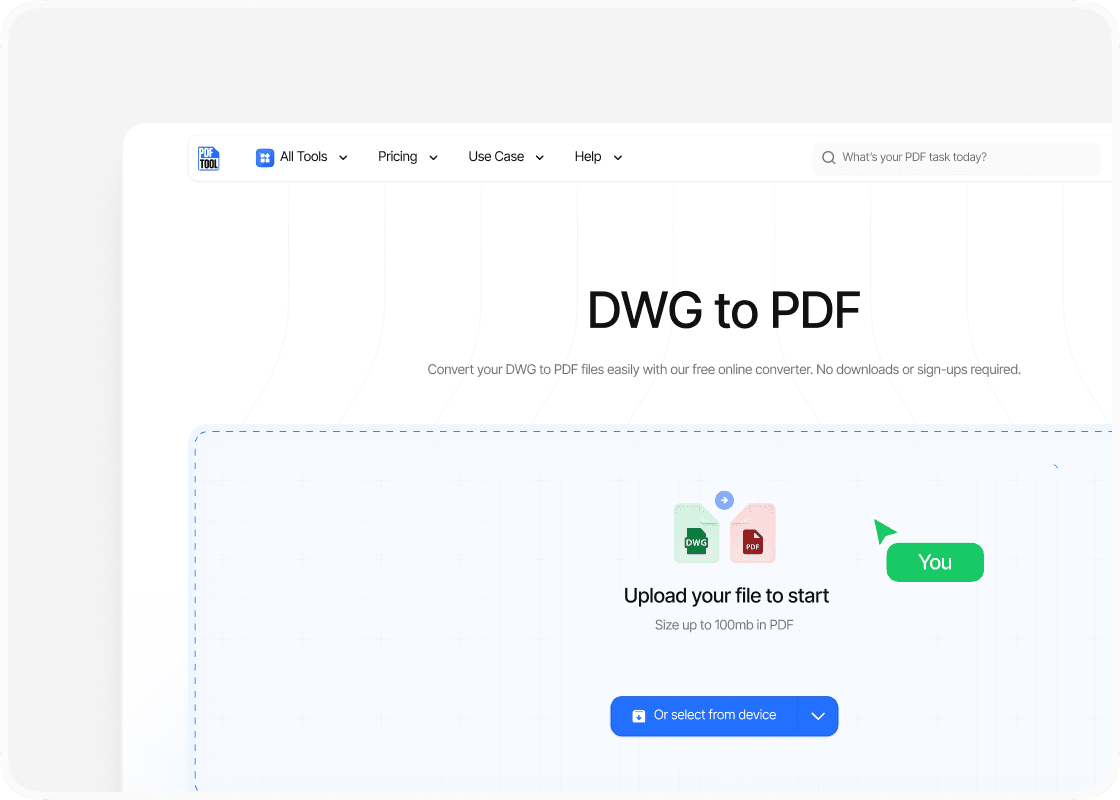
Upload your DWG file

Begin by visiting the PDFTool website. Click on the "Select DWG file" button to upload your file. You can select files directly from your device or drag and drop the file into the designated area.

step image
Step 2

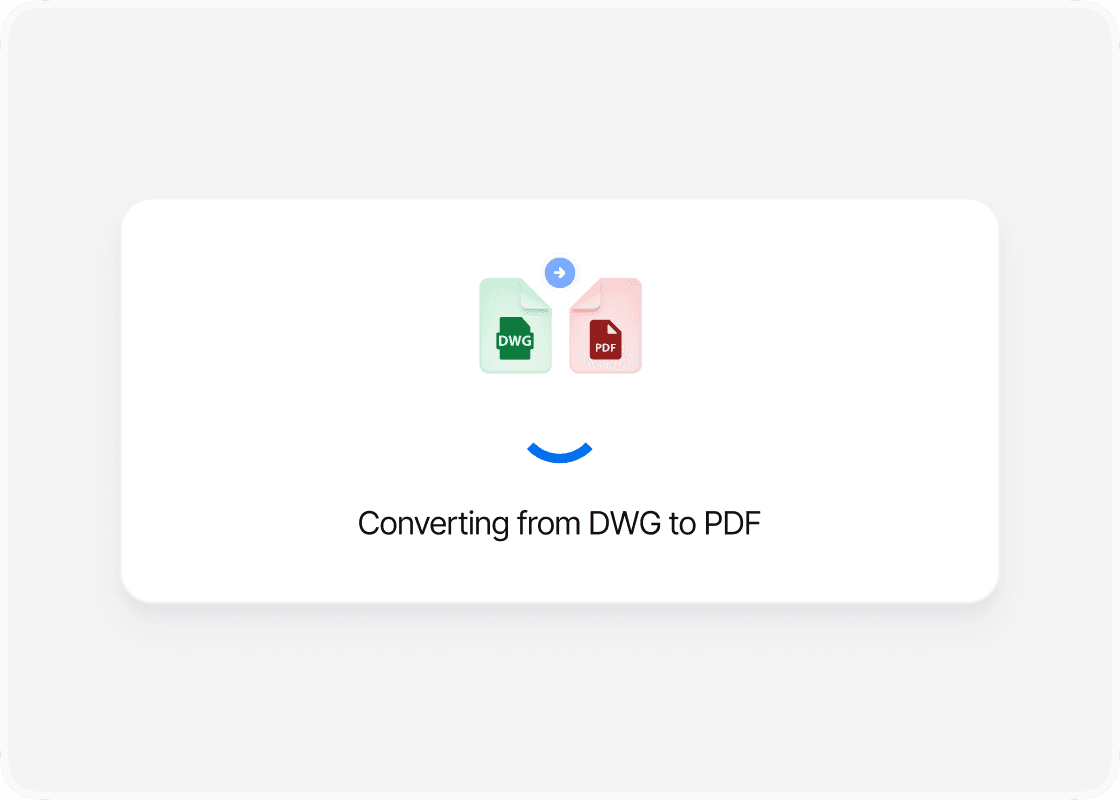
Convert your file

Once your DWG file is uploaded, select the PDF format as your desired output. PDFTool handles a variety of formats, ensuring the file conversion process accommodates complex images and vector graphics. Click the "Convert" button to initiate the conversion.

step image
Step 3

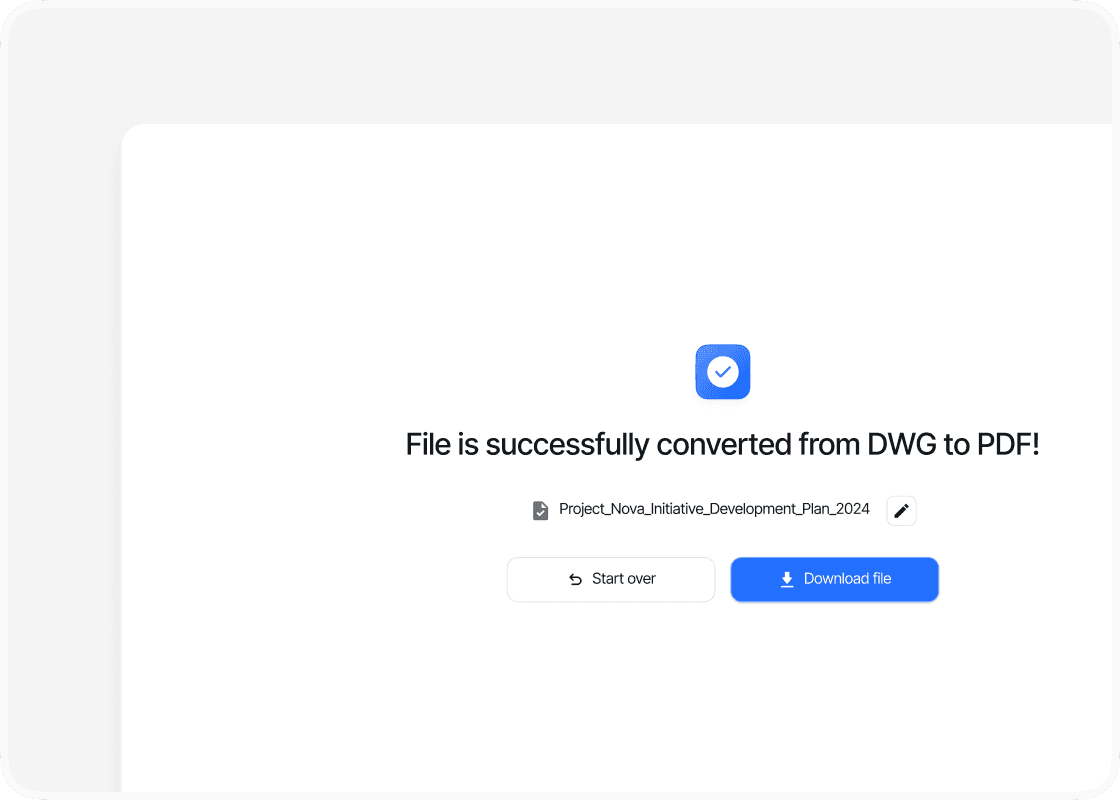
Download your PDF

After conversion, a download link will appear. Click on "Download PDF" to save your converted file. Now, you can easily view and share your design as a PDF on any device. PDFTool ensures the safety and simplicity of converting files, making it a reliable solution for transforming DWG into PDF formats swiftly.

Benefits

Why use this free DWG to PDF converter online?

  • icon

    Ease of use

    PDFTool is designed with simplicity in mind, allowing you to convert files with minimal effort. The intuitive interface makes the process straightforward and user-friendly.
  • icon

    Speed and efficiency

    You can convert DWG files to PDFs quickly with PDFTool, making it a time-saving solution. The conversion process is optimized to handle files efficiently without compromising quality.
  • icon

    Maintaining format

    Preserving the original design is critical, and PDFTool ensures that all formatting remains intact during your conversion. PDFTool maintains the integrity of your drawings and details.
  • icon

    Accessibility

    PDFTool allows you to convert files from any device with an internet connection, providing flexibility and ease. This online tool makes converted files easily shareable and viewable. This accessible online tool doesn’t require any downloads or installations, making it convenient if you want to convert your files on the go. All operations are performed via a web browser, ensuring compatibility across various platforms.
  • FAQs

    Explore Avaliable Features

    icon

    An easy way to transform DWG into PDF

    Convert DWG to PDF

    Converting DWG files to PDF format is essential for many professionals working with computer-aided design (CAD) drawings. This process allows for easy sharing, viewing, and printing without the need for specialized software.

    PDFTool offers an efficient way to transform intricate DWG designs into universally accessible PDFs. This ensures that the integrity of the design remains intact while being easily shareable.

    For those handling architectural, engineering, or construction projects, converting DWG files offers significant advantages. PDFs are widely used due to their compatibility with various devices and security features.

    By converting designs through PDFTool, you can maintain the design's original quality, making it simple to present projects to clients or collaborators.

    Understanding the process of conversion and leveraging tools like PDFTool can streamline workflows, enhance collaboration, and provide peace of mind about data security. This conversion is not just about accessibility; it's about ensuring that technical drawings are easily interchangeable, maintaining the precision needed for successful project outcomes.