Pages to PDF
Turn Pages files into PDF documents with our free online converter. Quick and easy, with no downloads or sign-ups required.
Pages to PDF is coming soon
This feature is under development and will be available soon. In the meantime, explore our other PDF tools that are ready to use right now.How It Works
Pages to PDF in 3 simple steps
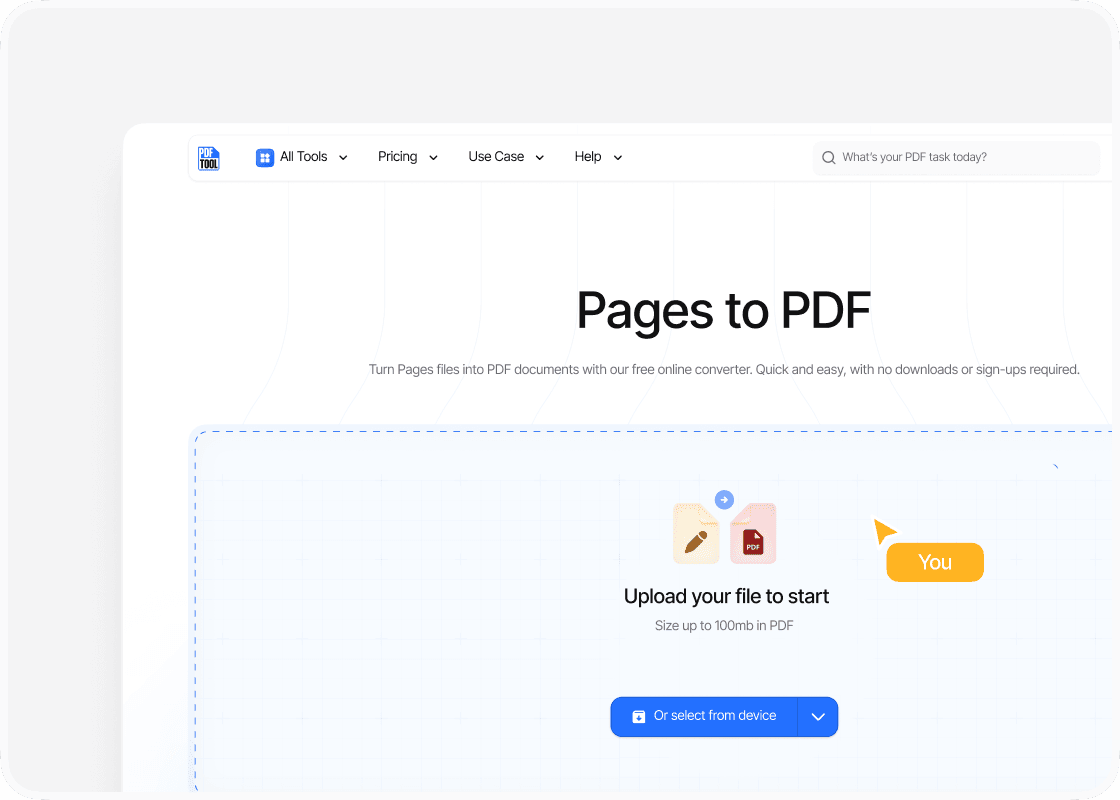
Upload your Pages file
Drag and drop your Pages file into the PDFTool’s upload section. This is the initial step in the conversion from Pages to PDF.
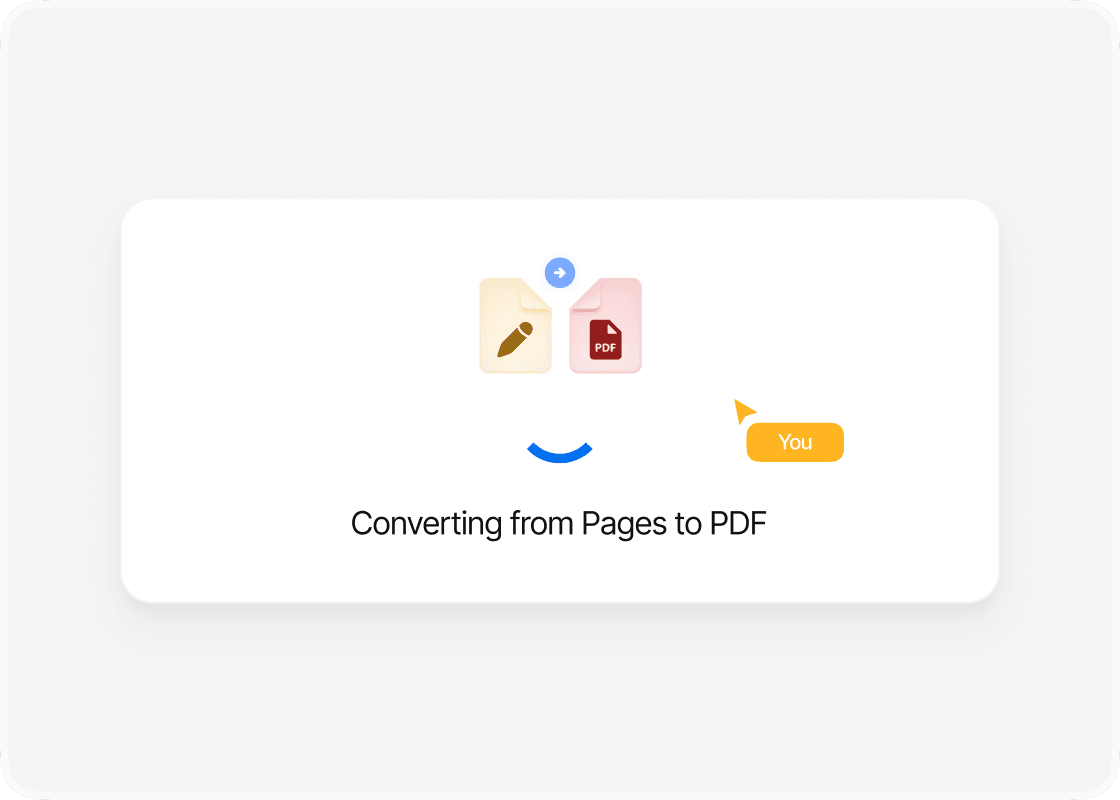
Click Convert
Press the "Convert" button. PDFTool will transform the Pages file into a PDF quickly. This process usually takes only a few seconds.
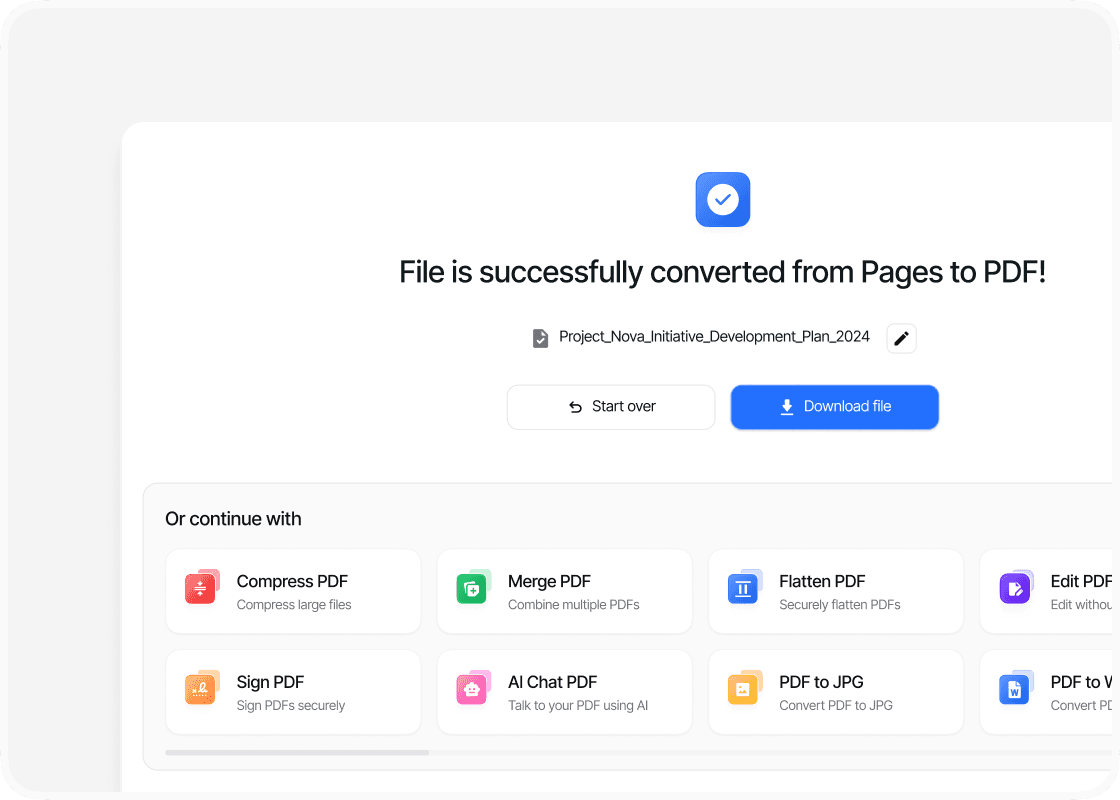
Download your file
After the conversion is complete, click the "Download" button to save your newly converted PDF file to your device. You can rely on PDFTool to easily convert your Pages documents to PDF format. The process is streamlined, providing quick and effective file conversions. PDFTool allows you to perform online conversions without needing advanced technical skills. These simple steps ensure that converting from Pages to PDF is straightforward and accessible for you.
Why use this Pages Converter to PDF?

Ease of use

Speed and efficiency

Maintaining format

Accessibility
FAQs
Explore Avaliable Features
Converting your PAGES files to PDF is a common task if you work with Apple’s word processors.
Since PDFs are widely used for their compatibility and consistent formatting across different devices and operating systems, converting your PAGES files to PDF ensures your content is preserved exactly as intended, no matter where you open it.
You can rely on PDFTool for a convenient and efficient solution to convert your Pages documents to PDF seamlessly.
PDFTool is a web-based service that requires no additional software installation and handles file conversions quickly and securely.
By choosing the right tool, you can ensure your documents maintain high quality, privacy, and stability throughout the conversion process.
Understanding the practical reasons for converting PAGES files and knowing how to do so effectively will help you navigate the available resources and achieve seamless, high-quality document conversions.